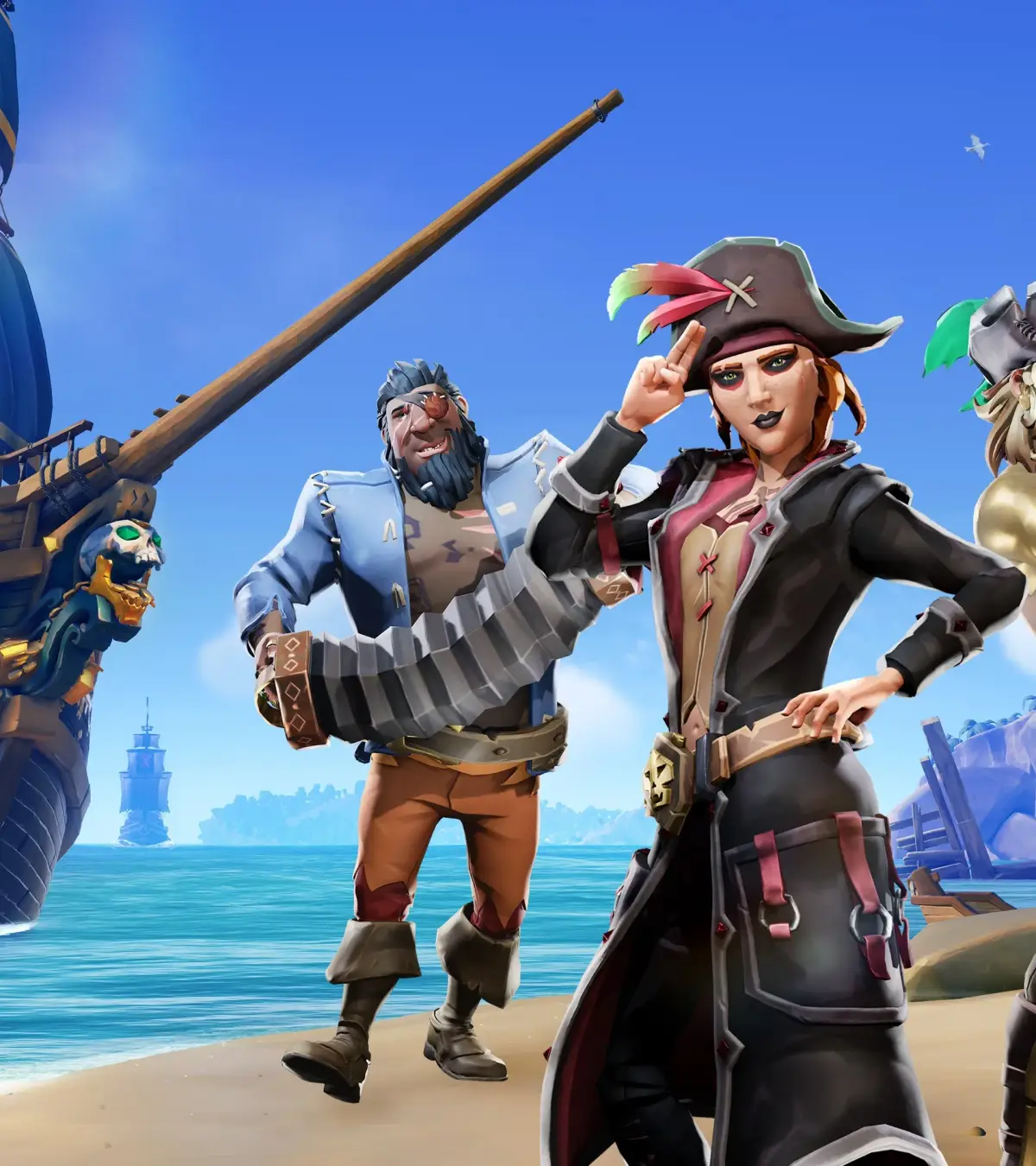
Troubleshoot Sea of Thieves issues. Find solutions for connectivity problems, gameplay bugs, lost treasure, and performance optimization.
Even the most seasoned pirates can encounter technical hiccups or unexpected issues in the Sea of Thieves. Fortunately, many common problems have straightforward solutions that can get you back to your adventures quickly.
This section addresses frequent issues related to connectivity, gameplay, and performance, offering practical advice to help you troubleshoot and resolve them. Understanding these solutions can save you time and frustration, ensuring your focus remains on plundering and sailing.
Connectivity and Server Issues
- Cannot Connect to Servers: Ensure your internet connection is stable. Try restarting your router and modem. Check the official Sea of Thieves server status page for any ongoing outages.
- Lag and High Ping: This is often due to your internet connection or server location. Try closing background applications that consume bandwidth. If playing on Wi-Fi, consider a wired Ethernet connection for better stability.
- Friends Not Appearing Online: Ensure you are on the same platform and have added each other as friends. Sometimes, a game or platform restart can resolve this.
- Session Disconnects: These can be caused by unstable internet or server issues. Ensure your game is updated to the latest version.
Gameplay and Progression Issues
- Quest Items Not Spawning: If a required quest item for a Tall Tale or voyage isn't appearing, try leaving the area and returning, or restarting the Tall Tale/voyage if possible. Some quest items can despawn if not collected promptly.
- Stuck in Environment: If you find yourself stuck in terrain, try jumping repeatedly or using the 'Bail' command if available. If that fails, scuttling your ship or leaving and rejoining the game session will reset your position.
- Lost Treasure: Ensure you are properly storing treasure on your ship. If your ship sinks, try to recover as much as possible. Some items, like Reaper's Chests, can be lost if not secured.
- Commendations Not Unlocking: Some commendations have specific requirements that must be met precisely. Double-check the commendation's description for any missed criteria. Sometimes, a game restart is needed for them to register.
- Tutorial Notifications Not Appearing: If you're missing tutorial prompts, ensure they are enabled in the game's settings. Restarting the game or a specific tutorial section might help.
Performance and Graphics Issues
- Low Frame Rate (FPS): Adjust your graphics settings in the game's menu. Lowering settings like shadows, anti-aliasing, and resolution can improve performance. Ensure your graphics drivers are up to date.
- Visual Glitches: These can range from texture pop-in to graphical artifacts. Updating your graphics drivers and ensuring the game files are verified (on platforms like Steam) can help.
- Game Crashing: Ensure your system meets the minimum requirements for Sea of Thieves. Overheating can also cause crashes; ensure your PC has adequate cooling.
- Audio Issues: Check your audio device settings in Windows and in-game. Ensure your microphone is properly configured for voice chat.
Specific Environmental Fixes
The game developers regularly patch the game to address environmental bugs. If you encounter an issue like falling through the map or an item disappearing through the floor, it's likely a known bug that will be fixed in a future update. Reporting these issues through the official Sea of Thieves channels can help speed up the process.
By staying informed and employing these troubleshooting steps, you can overcome most common issues and continue your piratical pursuits without significant interruption.
100% Human-Written. AI Fact-Checked. Community Verified. Learn how AntMag verifies content