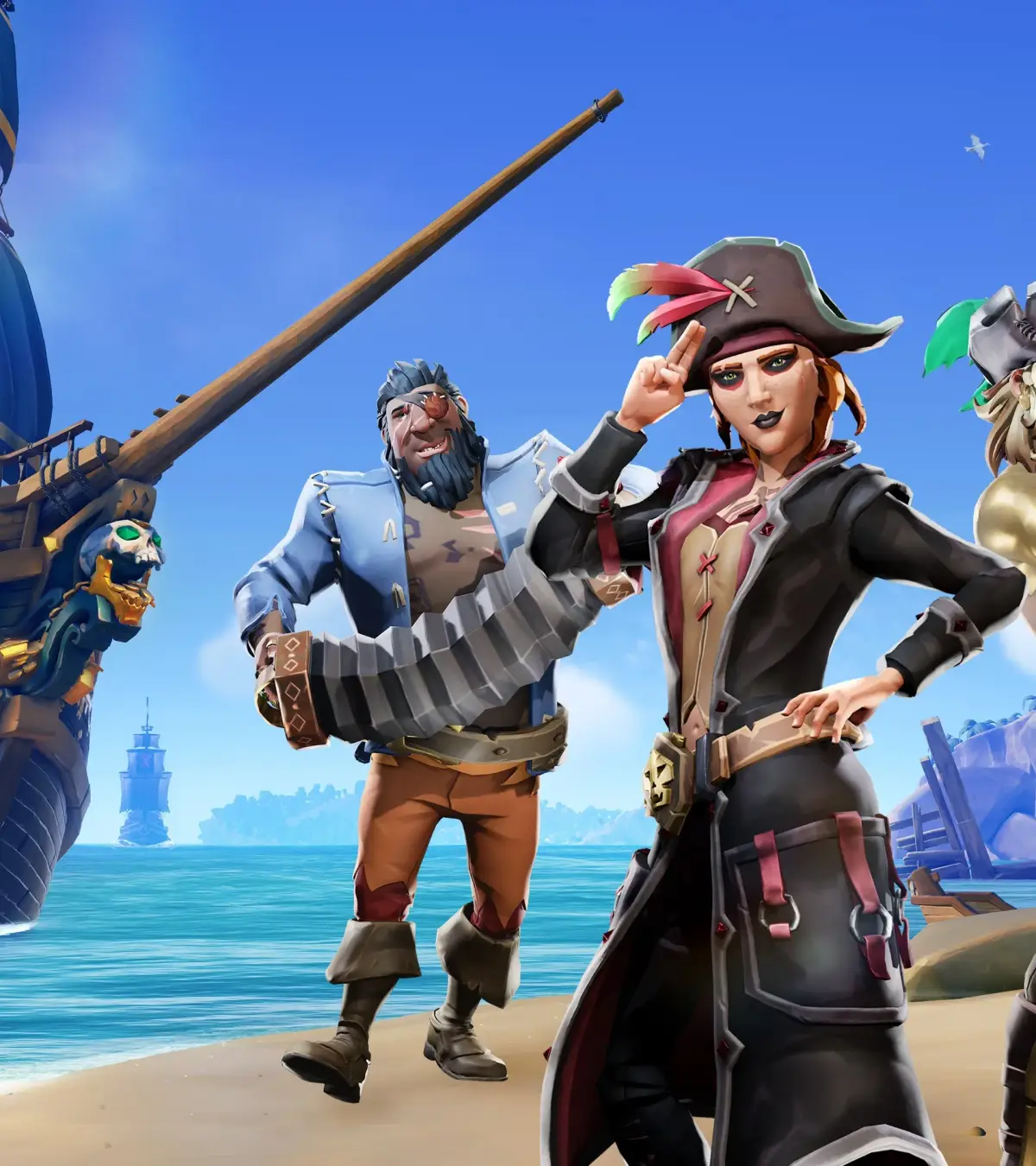
Install Sea of Thieves smoothly. Check minimum & recommended PC/Xbox specs, download, and install guides for a seamless pirate adventure.
Embark on your pirating journey by ensuring your system meets the demands of Sea of Thieves. the essential steps for downloading and installing the game, along with the minimum and recommended hardware specifications to guarantee a smooth and immersive experience on your PC or Xbox. Prepare your vessel for the digital seas!
To begin your adventure in the Sea of Thieves, you'll first need to install the game. Sea of Thieves is available on both PC (via Steam and the Microsoft Store) and Xbox consoles. The installation process is straightforward, but it's crucial to ensure your system meets the game's requirements to avoid performance issues.
System Requirements
Before downloading, check these specifications:
| Component | Minimum Requirements | Recommended Requirements |
|---|---|---|
| OS | Windows 10 (64-bit) | Windows 10 (64-bit) |
| Processor | Intel Core i3-4170 / AMD FX-6300 | Intel Core i5-4690 / AMD FX-8350 |
| Memory | 8 GB RAM | 16 GB RAM |
| Graphics | NVIDIA GeForce GTX 750 Ti / AMD Radeon R7 360 | NVIDIA GeForce GTX 1030 / AMD Radeon R7 460 |
| DirectX | Version 11 | Version 11 |
| Storage | 60 GB available space | 60 GB available space |
Download and Installation
- PC (Steam): Purchase and download Sea of Thieves from the Steam store. Once downloaded, click 'Install' and follow the on-screen prompts.
- PC (Microsoft Store): Search for Sea of Thieves in the Microsoft Store app and select 'Buy' or 'Install'.
- Xbox: Navigate to the Xbox Store on your console, search for Sea of Thieves, and select 'Install'.
Ensure you have a stable internet connection throughout the download and installation process. Once installed, launch the game and prepare for your first voyage!
100% Human-Written. AI Fact-Checked. Community Verified. Learn how AntMag verifies content