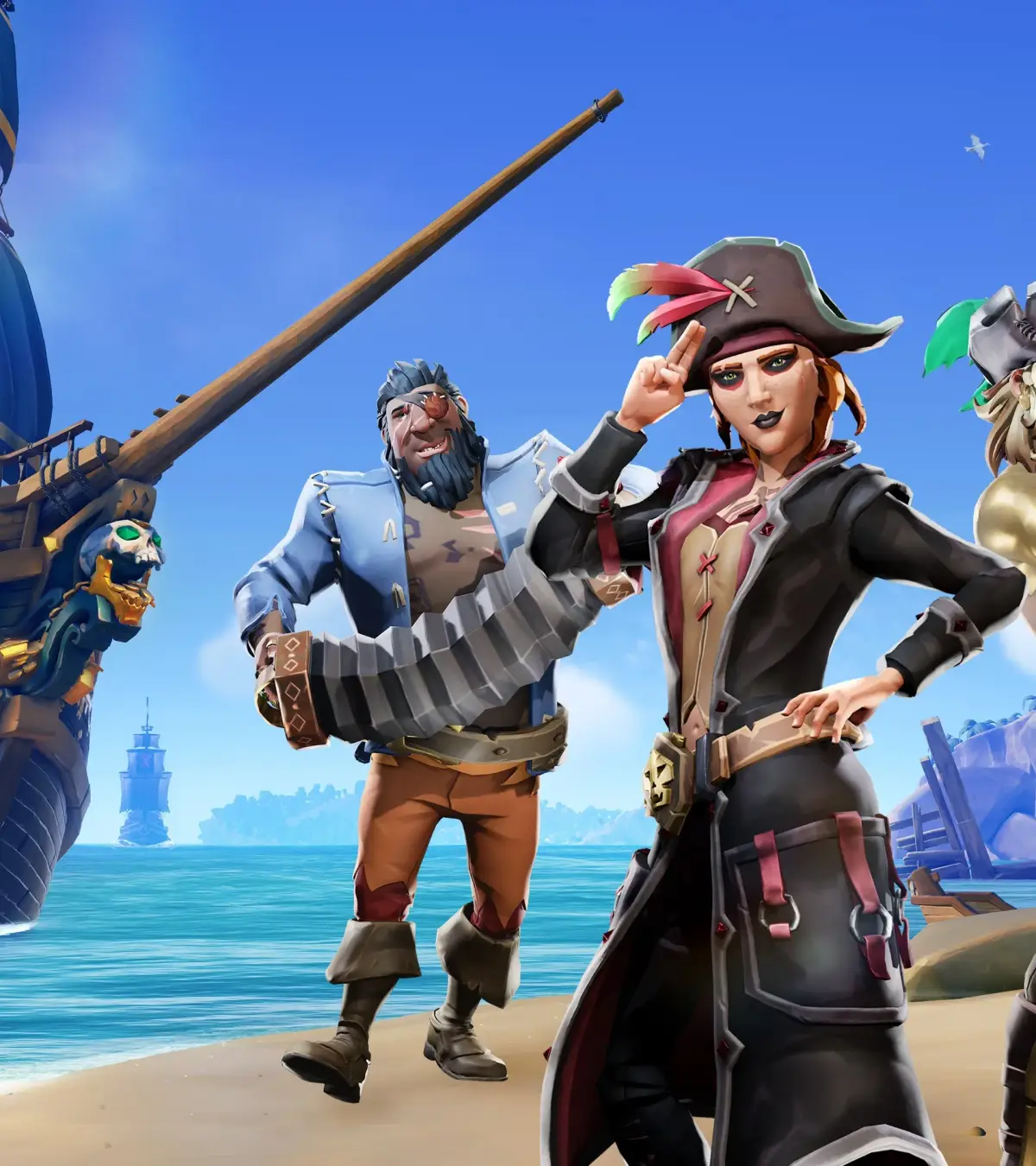
Learn Sea of Thieves basic controls & keybindings for PC & Xbox. Master movement, ship controls, and combat for a smooth pirate adventure.
Mastering the Seas: Basic Controls & Keybindings
Embarking on your pirate adventure in Sea of Thieves requires a firm grasp of the fundamental controls. From steering your ship to wielding your cutlass, understanding your keybindings is the first step to becoming a seasoned buccaneer. This section will guide you through the essential commands to navigate the seas, manage your inventory, and engage in combat.
Whether you're playing on PC or Xbox, the core mechanics remain consistent. Familiarizing yourself with these controls will significantly improve your reaction time and efficiency, allowing you to focus on the thrill of exploration and the spoils of piracy. Let's chart a course through the essential controls that will set you on the path to legendary status.
Movement and Interaction
- Movement: WASD keys (PC) / Left Analog Stick (Xbox) control your pirate's movement.
- Sprint: Left Shift (PC) / Left Stick Click (Xbox) allows for faster traversal.
- Crouch: Left Control (PC) / B Button (Xbox) to stealth or take cover.
- Interact: E Key (PC) / A Button (Xbox) is used for picking up items, opening chests, and interacting with ship controls.
- Use Item: Right Mouse Button (PC) / Left Trigger (Xbox) to aim or use held items like spyglasses.
Ship Controls
| Action | PC Key | Xbox Button |
|---|---|---|
| Steer Wheel | A/D Keys | Left/Right on D-Pad |
| Raise/Lower Sails | S Key | Y Button |
| Fire Cannons | Left Mouse Button | Right Trigger |
| Load Cannonball | R Key | X Button |
| Repair Ship | Right Mouse Button | Left Trigger |
Combat Controls
- Primary Attack: Left Mouse Button (PC) / Right Trigger (Xbox) for weapons.
- Secondary Attack/Block: Right Mouse Button (PC) / Left Trigger (Xbox) for melee weapons.
- Reload: R Key (PC) / X Button (Xbox) for firearms.
- Weapon Swap: Mouse Wheel / D-Pad Left/Right (Xbox) to cycle through your equipped weapons.
- Use Throwable: Middle Mouse Button (PC) / Bumper Left (Xbox) for items like Blunderbombs.
Mastering these controls is your first step to becoming a formidable pirate. Practice them in safe environments before venturing into the unpredictable waters of the Sea of Thieves.
100% Human-Written. AI Fact-Checked. Community Verified. Learn how AntMag verifies content