Navigate the seas with ease! This guide details all Sea of Thieves controls, UI elements, and essential mechanics for a smooth pirate adventure. Master your ship and inventory.
This guide covers the essential controls and user interface elements of Sea of Thieves, crucial for any pirate looking to navigate the seas effectively. Understanding these mechanics will enhance your gameplay experience, from managing your inventory to commanding your ship.
| Action | Button |
|---|---|
| Move Forward | W |
| Move Backward | S |
| Strafe Left | A |
| Strafe Right | D |
| Jump | Spacebar |
| Crouch | Ctrl |
| Sprint | Shift |
| Interact/Pick Up | E |
| Use Item | Left Mouse Button |
| Aim/Block | Right Mouse Button |
| Reload | R |
| Primary Action (Fire Weapon) | Left Mouse Button |
| Secondary Action (Melee/Special) | Right Mouse Button |
| Drop Item | G |
| Equip Item Slot 1 | 1 |
| Equip Item Slot 2 | 2 |
| Equip Item Slot 3 | 3 |
| Equip Item Slot 4 | 4 |
| Open/Close Inventory | Tab |
| Map | M |
| Emote Wheel | V |
| Voice Chat (Push-to-Talk) | B |
| Ship Wheel (Steer) | W/S or Left Stick |
| Sails (Raise/Lower) | A/D or Left/Right on D-pad |
| Anchor (Raise/Lower) | Spacebar or A button |
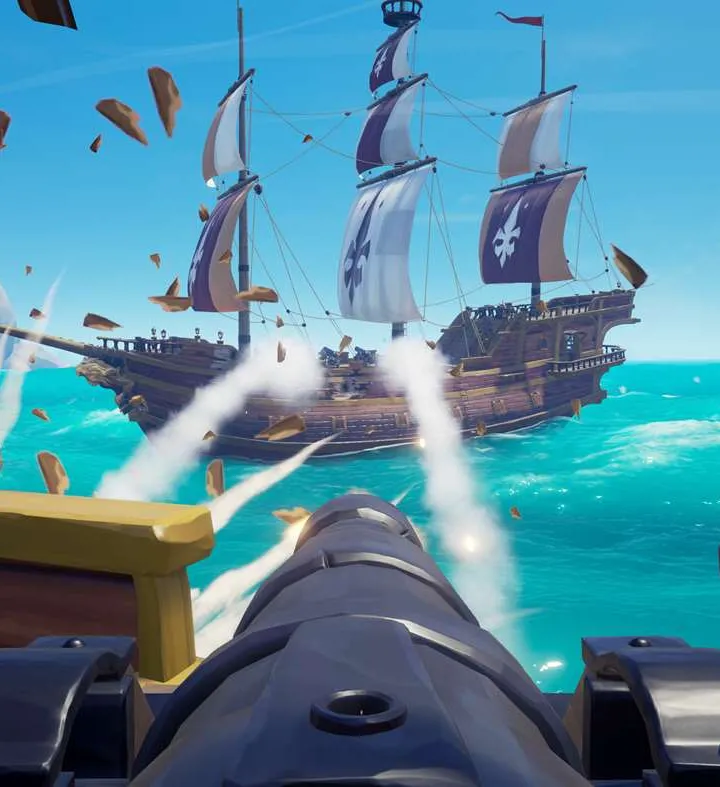
| Cannon (Aim) | Mouse or Right Stick |
| Cannon (Fire) | Left Mouse Button or X button |
| Repair Hull | E (when holding planks) |
| Bail Water | E (when near water) |
| Light Lantern | F |
100% Human-Written. AI Fact-Checked. Community Verified. Learn how AntMag verifies content