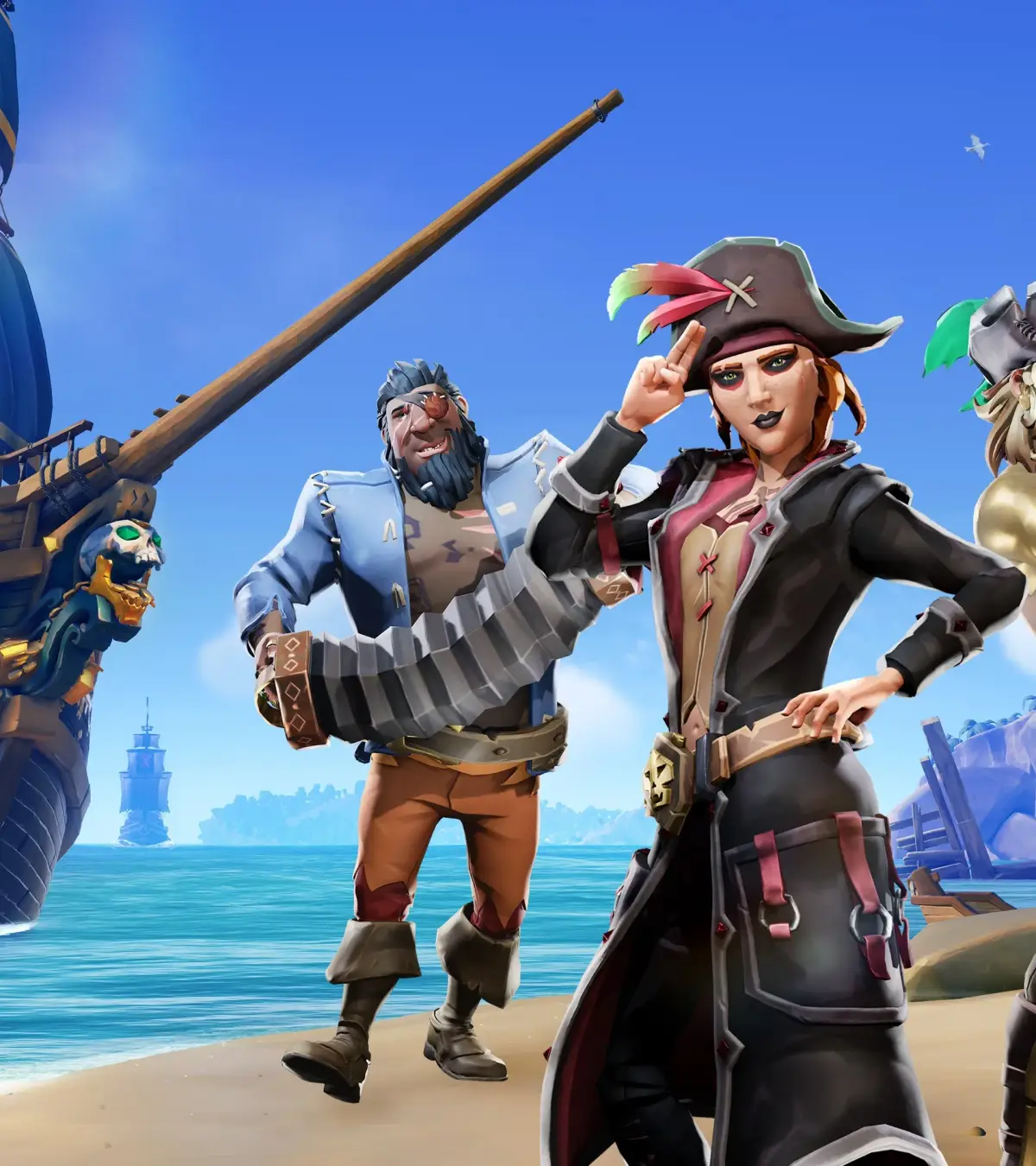
Learn how to create and link your Sea of Thieves account to ensure your progress is saved and to access all game features. A quick guide for all pirates.
This guide covers the process of creating and linking your account for Sea of Thieves. Properly setting up your account is essential for saving your progress and enjoying the full experience of the game.
Walkthrough
- 1Account Creation: Navigate to the official Sea of Thieves website or the game's account management portal. Follow the on-screen prompts to create a new account. You will likely need to provide an email address and choose a password.
- 2Linking Your Account: If you already have a Microsoft or Xbox account, you may be able to link it to Sea of Thieves. During the account creation process or in your game settings, look for options to link existing accounts. This is crucial for cross-platform progression and saves.
- 3In-Game Setup: Once your account is created and linked, launch Sea of Thieves. The game may prompt you to log in or confirm your account details. Ensure you are logged in with the correct account to sync your progress.
Tips
- Always use a strong, unique password for your gaming accounts.
- Consider enabling two-factor authentication for added security.
- If you encounter issues, check the Sea of Thieves support website or contact customer service.
- Linking your account ensures that any in-game purchases or progress is tied to you, preventing loss.
100% Human-Written. AI Fact-Checked. Community Verified. Learn how AntMag verifies content