
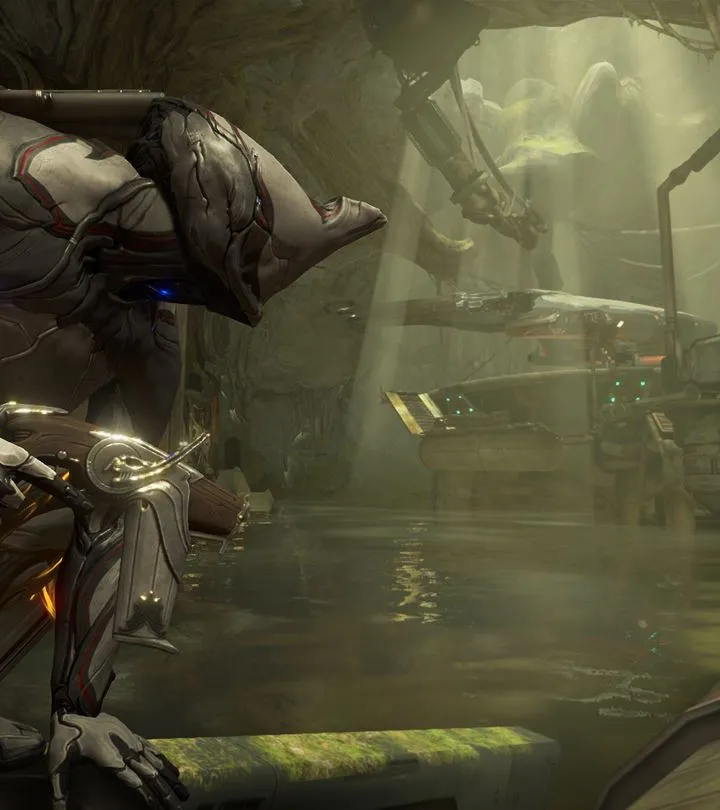
Learn how to install Warframe and create your account with this step-by-step guide. Get started on your Tenno journey today!
This guide will walk you through the process of installing Warframe and creating your account, ensuring you're ready to jump into the game with minimal hassle.
Walkthrough
- 1Download the Game: Visit the official Warframe website or your preferred digital storefront (e.g., Steam, PlayStation Store, Xbox Store) and download the game client.
- 2Installation: Once the download is complete, run the installer and follow the on-screen prompts to install Warframe on your system.
- 3Account Creation: Launch Warframe. You will be prompted to create a new account. This typically involves providing an email address, choosing a username, and setting a password.
- 4Login: After creating your account, log in using your new credentials.
- 5Initial Setup: The game may guide you through some initial setup options, such as graphics settings and control preferences.
Tips
- Ensure you have a stable internet connection for both the download and account creation process.
- Keep your account credentials secure.
- Familiarize yourself with the game's initial tutorial to learn the basic controls and mechanics.
100% Human-Written. AI Fact-Checked. Community Verified. Learn how AntMag verifies content