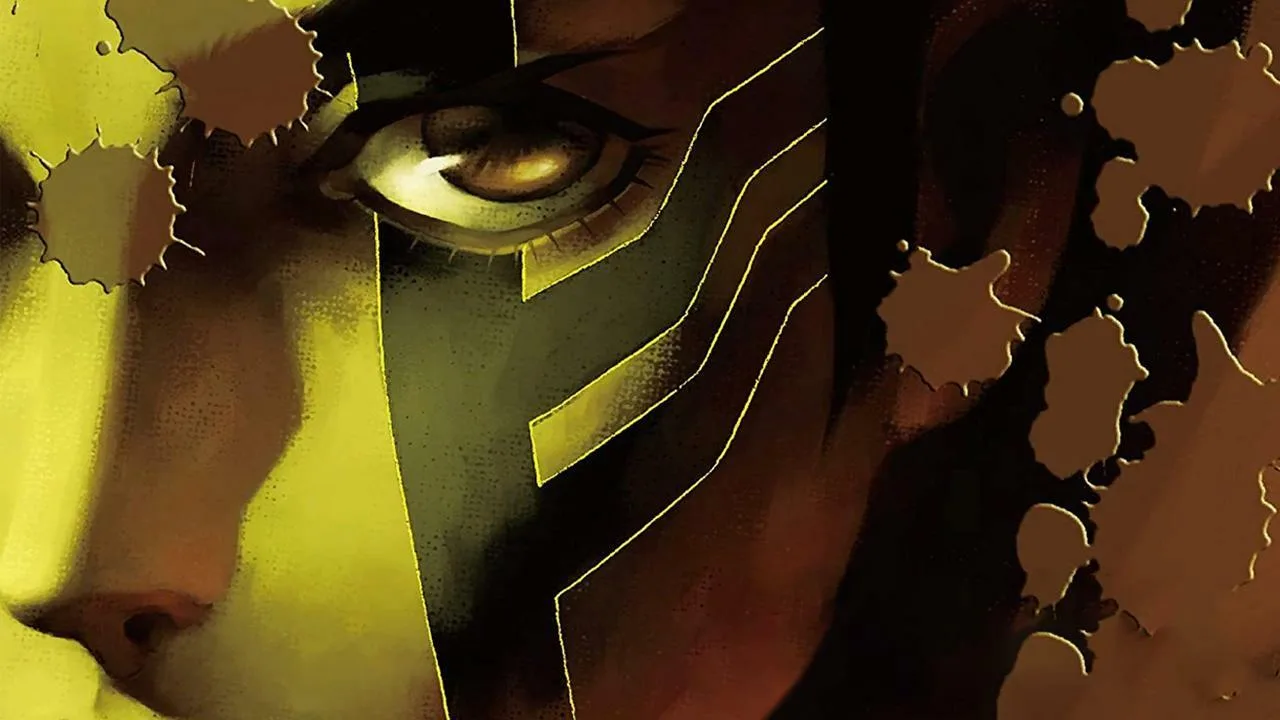
Learn how to view and interact with character and demon sprites in Shin Megami Tensei III: Nocturne HD Remaster. Access the sprite viewer for detailed model inspection.
The Sprite Viewer in Shin Megami Tensei III: Nocturne HD Remaster allows you to examine character and demon models up close. While not a primary gameplay mechanic, it serves as a valuable tool for appreciating the game's art design and details.
How to Access:
- Navigate to the 'Compendium' or 'Demon List' section of the game's menu.
- Select the demon or character whose sprite you wish to view.
- Look for an option labeled 'Sprite Viewer,' 'Model Viewer,' or a similar prompt.
- This will open a dedicated screen where you can rotate, zoom, and inspect the 3D model of the selected entity.
Features:
- 360-Degree Rotation: Freely rotate the model to view it from all angles.
- Zoom Functionality: Zoom in to observe intricate details or zoom out for a broader perspective.
- Model Inspection: Examine textures, design elements, and animations.
Tips
- The Sprite Viewer is an excellent resource for artists and fans who want to study the character designs in detail.
- It can help in identifying specific visual cues or weaknesses of certain demons, though this is not its primary purpose.
- Experiment with different camera angles and zoom levels to discover hidden details.
100% Human-Written. AI Fact-Checked. Community Verified. Learn how AntMag verifies content