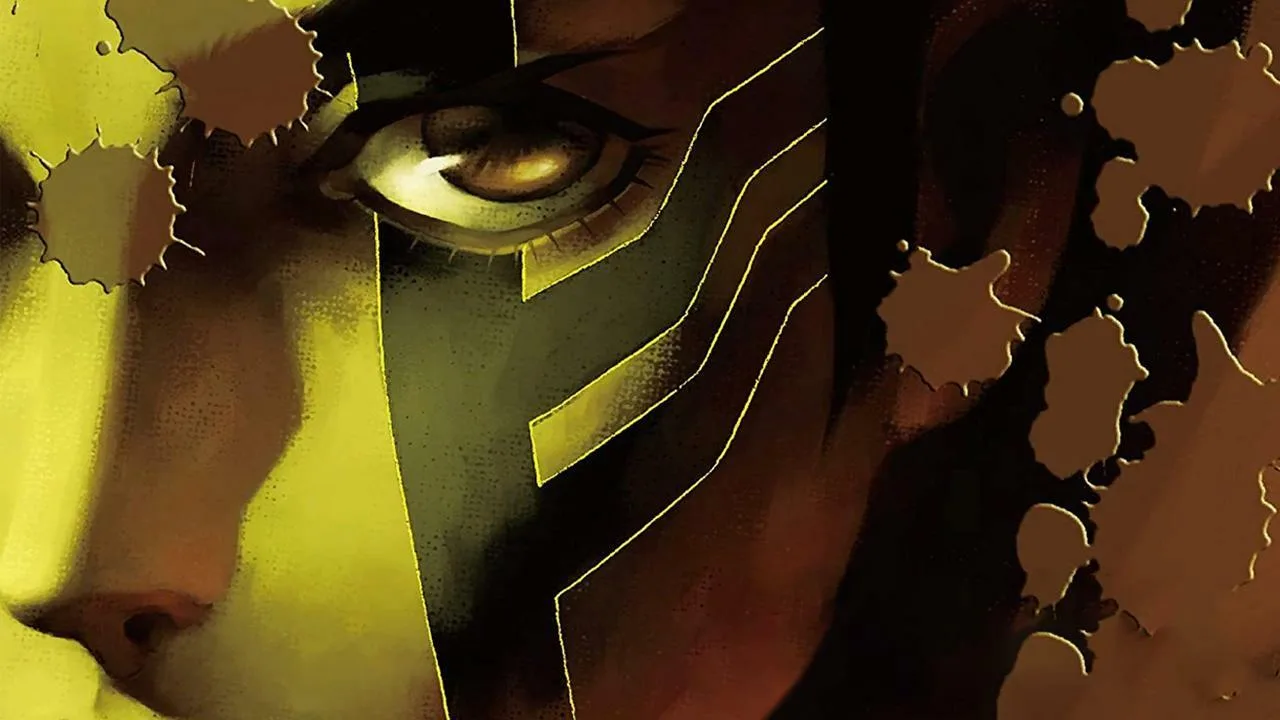
Master the Field Editor in Shin Megami Tensei III: Nocturne HD Remaster. Learn how to navigate menus and customize your demon party effectively.
Alright, let's talk about the Field Editor in Shin Megami Tensei III: Nocturne HD Remaster. This isn't a place you'll spend a ton of time in, but it's crucial for managing your demons and understanding the game's systems. Think of it as your personal hub for all things demon-related outside of actual battles and fusion.
You'll access the Field Editor through the main menu. It's where you'll spend most of your time when you're not exploring the Vortex World or fighting for survival. It's not a complex system, but knowing what's what will save you a lot of headaches down the line.
The Field Editor is essentially your gateway to:
- Checking your current demon party's stats and skills.
- Managing your inventory – items, key items, and equipment.
- Reviewing your Magatamas and their associated skills.
- Accessing the Demonic Compendium to see which demons you've encountered or fused.
- Saving your game, which is, you know, pretty important!
Don't worry if it seems like a lot at first. We'll break down each part as we go. The key is to get comfortable navigating these menus so you can quickly access the information you need when you need it. It's all about efficiency when you're trying to survive the end of the world, right?
100% Human-Written. AI Fact-Checked. Community Verified. Learn how AntMag verifies content