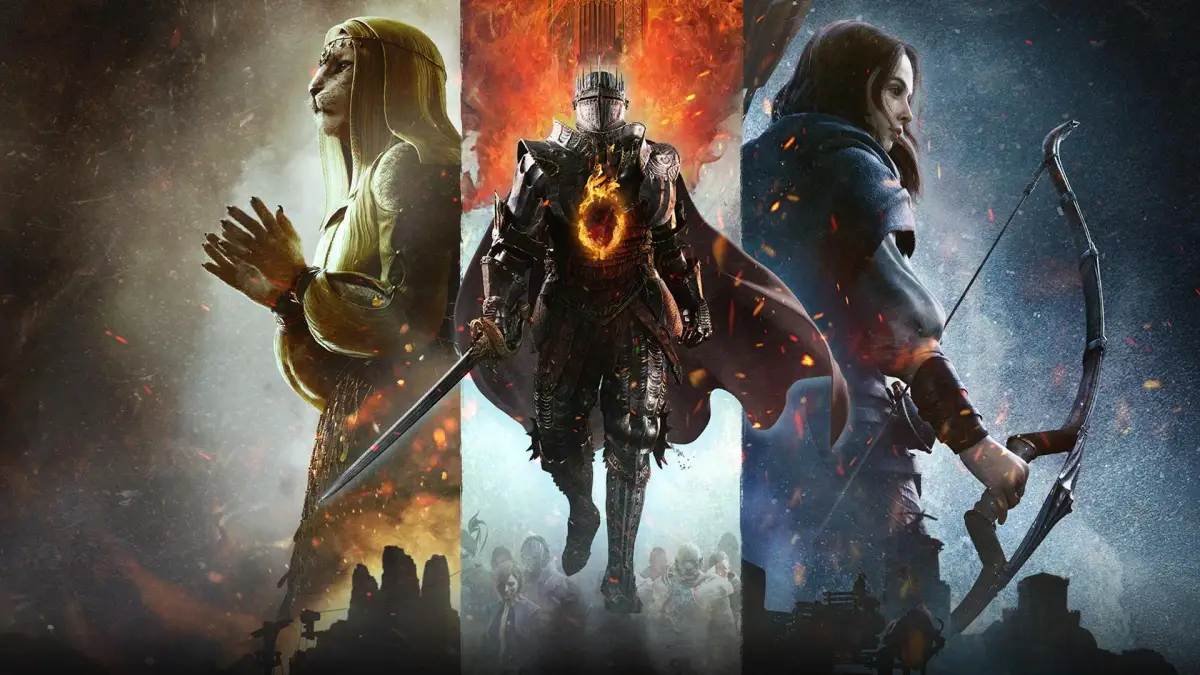
Master the Dragon's Dogma 2 Character Editor with these essential tips for creating unique Arisen and Pawns. Learn about customization, party composition, and importing characters.
The Dragon's Dogma 2 Character Editor allows you to create both your Arisen (player character) and your Pawn (AI companion). When creating your party, consider complementary classes, such as a Fighter for frontline offense and a Mage for backline support, as effective party compositions are crucial for success.
The character creator is the same for both Arisen and Pawns. You can choose from presets or customize your character from scratch, selecting body types (humanoid or cat person), facial features, and head shapes. For custom characters, use reference images of real-life or fictional people to achieve a closer resemblance. Remember to zoom in and adjust details as you go, and be aware that alt-tabbing on PC might cause you to lose progress.
The editor offers extensive customization, including over 60 hairstyles, and the ability to modify facial shape, structure, bone positioning, and sizes. When creating fictional characters, use reference images with good lighting. If a face isn't quite right, try switching to a different head shape within the editor, as your facial alterations will carry over. Pay close attention to details like facial scars and burns early in the process, as they significantly impact the overall look and can help place other features more effectively.
Beyond physical appearance, you can also change voices, Pawn personality types, and classes. You can toggle armor for selected classes and adjust background environments and lighting to better visualize your character in the game world. This helps sculpt your character and gives an idea of their appearance during gameplay.
Characters created in the demo can be imported into the full game. After completing a character, you'll typically be prompted to set them as your active Arisen or Pawn. If you create multiple characters, ensure you load and save the appearance of your intended main character and main Pawn. You can create up to six characters and choose which ones to import into the main game when it unlocks, where you'll find an option to import your demo creations.
100% Human-Written. AI Fact-Checked. Community Verified. Learn how AntMag verifies content