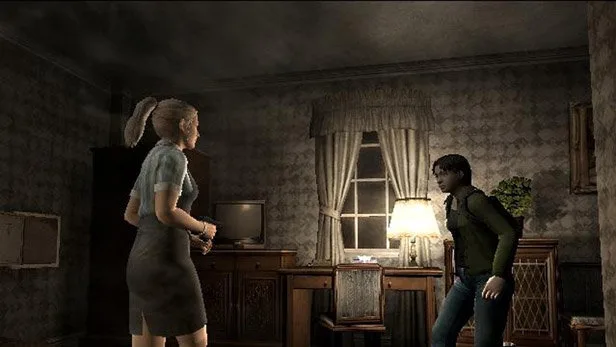
Learn how to execute the Smash action in Resident Evil Outbreak. This guide covers the NEAR button prompt and other details for effective combat.
This section of the guide is dedicated to the Smash action in Resident Evil Outbreak. This is a close-quarters combat maneuver that can be performed when an enemy is staggered or at close range.
Walkthrough
- 1When an enemy is vulnerable or close to you, a prompt will appear.
- 2For the Smash action, the prompt is NEAR.
- 3Press the corresponding button for the NEAR prompt to execute a powerful melee attack.
- 4This action is crucial for conserving ammunition and dealing with certain enemy types efficiently.
Tips
- Timing is key; attempt the Smash when you are certain the enemy is in range and vulnerable.
- Be aware of your surroundings, as performing a Smash leaves you open to attacks from other enemies.
- Different characters may have slightly different animations or effectiveness with the Smash action.
100% Human-Written. AI Fact-Checked. Community Verified. Learn how AntMag verifies content