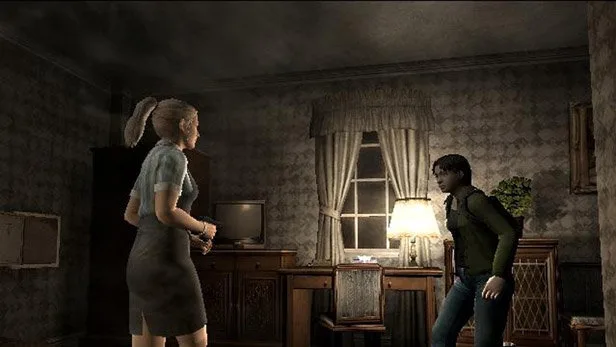
Learn how to trick Resident Evil Outbreak's save data to complete the 26th task for the Hellfire scenario using a specific bug.
Walkthrough
- 1Complete and save the 26th task in either 'Decisions, Decisions' or 'Below Freezing Point'. This save data will indicate that the 26th task is done for that specific scenario.
- 2The bug works by tricking the game into believing this task completion occurred within the 'Hellfire' scenario, not the original one.
- 3Normally, starting a scenario mode with this data forces you to either continue that scenario or erase it to start a new one.
- 4To exploit this, remove your memory card before starting a new game.
- 5Start a new game of 'Hellfire'.
- 6Now, insert the memory card containing the old save data (from 'Decisions, Decisions' or 'Below Freezing Point' with the 26th task completed).
- 7Finish the 'Hellfire' scenario. The game will now register that you have completed the 26th task for 'Hellfire'.
Tips
- This method relies on the specific save data state from completing the 26th task in 'Decisions, Decisions' or 'Below Freezing Point'.
- Ensure you are playing the NTSC/NA version of Resident Evil Outbreak for this bug.
100% Human-Written. AI Fact-Checked. Community Verified. Learn how AntMag verifies content