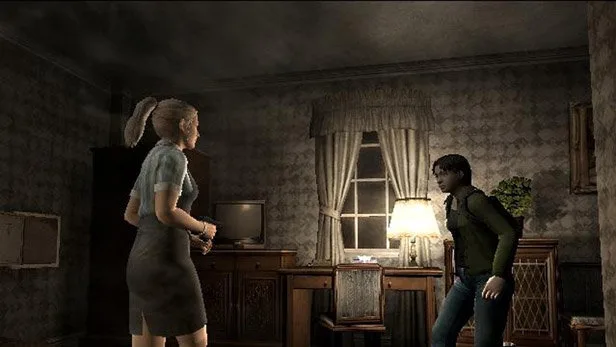
Learn about the NETWORK menu in Resident Evil Outbreak, including saving data and creating a NET file requiring 123 KB.
Walkthrough
- 1From the main menu, select "NETWORK".
- 2You will be prompted to save your unsaved data, as starting a network game may result in a loss of unsaved system data.
- 3Press "X" to proceed.
- 4The game will initially search for a NET file.
- 5If no NET file is found, you will need to create one to save your login name and other players' information.
- 6Choose to create a new NET file if desired.
Tips
- A NET file requires 123 KB of free space on your memory card to be created.
- Without a NET file, you cannot save your login name or other players' information.
100% Human-Written. AI Fact-Checked. Community Verified. Learn how AntMag verifies content