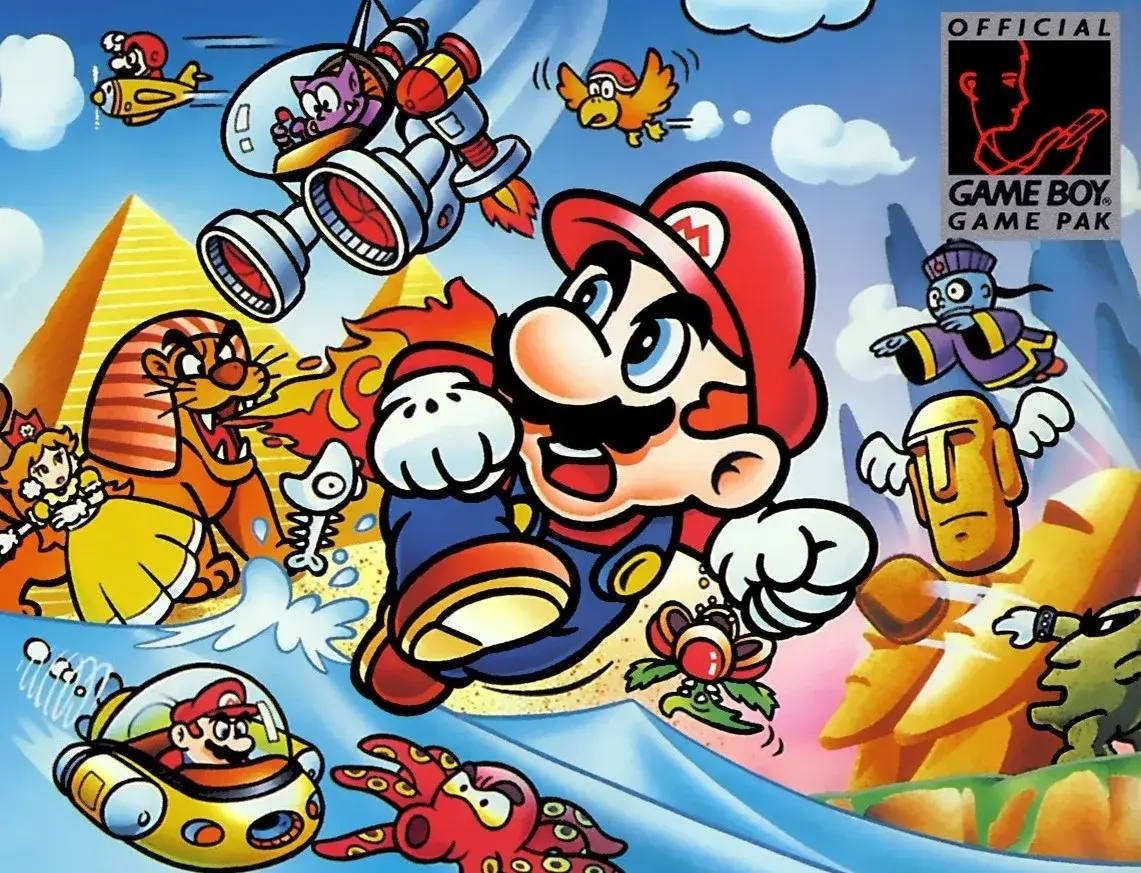
Learn how to defeat the Cosmic Clone with a Super Star in Super Mario Land, understand Time Trial Courses, and decipher the Overworld map.
Cosmic Clone Strategy
The only way to defeat a Cosmic Clone is by running into it after obtaining invincibility from a Super Star. When you do, the Cosmic Clone will be temporarily defeated, giving you time to think. After a while, the Cosmic Clone will eventually come back, but you at least have a temporary reprieve from it.
Time Trial Courses
Time Trial Courses are a special type of course. You begin the course with only 30 Time and must collect Blue Clocks throughout it to stop yourself from running out of time. The Blue Clocks are scattered throughout some courses, but you must defeat Goombas or Boomerang Bros. in other courses to earn a Blue Clock. Complete these courses as quickly as possible, but don't rush through difficult parts or you may need to start all over again. With the exception of a few Time Trial Courses, most you will easily complete with a fair surplus of Time. Near the end of a course you will quite often find a Green Clock. Once collecting this, you won't need to worry about time for the remainder of the course, unless you goof around *way* too much.
The Overworld
The Overworld can be confusing and it can be surprisingly easy to miss an important feature on either of the two screens when you're in the Overworld. For this reason, an explanation of all the features of the Overworld screen is explained below, along with their positions.
Top Screen Features:
- Top Left Corner: Displays what square you're currently on.
- Top Centre: Displays how many of the three Star Coins you've earned for the current course. If you're not on a course, nothing will be displayed.
- Top Right Corner: Displays which character you're currently using, followed by the number of lives that you currently have. Just under it the item that you currently have in your inventory is displayed. If you don't have anything in your inventory, just a blank grey circle will be displayed.
- Bottom Centre: Displays your current Star Coin total.
- Bottom Right Corner: Displays whether you've obtained the Golden Flag and which character(s) you've beaten the course that you're currently on with. If you're on a non-course square, nothing will be displayed.
- Centre: Displays your current character, with the course that he's currently on behind. A fraction of the courses to either side is also displayed.
Bottom Screen Features:
- Top Edge: Along the top edge is shows all of the different worlds, or special worlds if you're currently in a special world. If one is greyed out, you have not yet reached it and cannot select it. If you touch a world that isn't greyed out, you'll immediately move to the beginning of that world. If a world has a star next to it, you've completed all courses, Toad Houses and Mystery Boxes in that world and found all of the Star Coins in the courses. If a red circle with a white '!' is displayed next to a world, it means that there is at least one course (including Toad Houses and Mystery Boxes) that hasn't been completed yet.
- Centre: Along the centre of the screen is the Overworld Map of the world that you're currently in. Touching a square will make your character move immediately to it. Touching a square that you're currently on will cause your character to enter it. A blue circle under a course shows that you've completed that course. A grey circle means that you have not yet unlocked that course. A white circle means that the course cannot be re-entered. A black circle means that you can use Star Coins to unlock that course. A red circle with a white '!' in it means that course has been unlocked but not completed. A blue circle with a star in it means that the course has been completed and all Star Coins in it have been collected.
- Bottom Right Corner: If you've unlocked Luigi, the symbol of the character that you're not currently using is displayed here. Touching it will switch characters.
- Bottom Left Corner: Along the bottom left corner is your best time for a course and your rival's best time, if applicable. If it's a square other than a normal course, nothing will be displayed here.
Lives and 1-Up Farming
The maximum lives a player has isn't 99, or even 999 like one would think, it is actually 1110. These 1110 lives are actually displayed as three crowns in place of normal digits. To explain, the life counter first reaches 999. When the player earns another 1-Up after this, the counter goes to 'C00' (where 'C' is the crown icon). This is now a total of 1000 lives (999 + 1). The counter now goes from 'C00' to 'C99' as normal.
100% Human-Written. AI Fact-Checked. Community Verified. Learn how AntMag verifies content