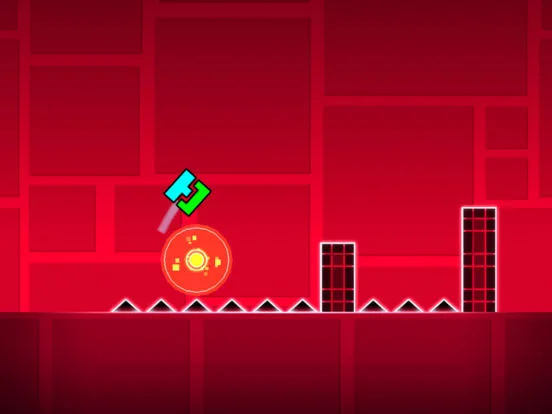
New to Geometry Dash? This guide walks you through getting the game set up on PC and mobile, covering purchase options and where to find the different versions. Let's get jumping!
Hey there! Ready to jump into Geometry Dash? Awesome! First things first, let's get the game installed so you can start bouncing to the beat. It's pretty straightforward, but there are a few ways to grab the game depending on whether you're on PC or mobile.
On PC: You can snag the full version of Geometry Dash on Steam. Just head over to the Steam store page and pick it up. It's a one-time purchase and gives you the complete experience.
On Mobile (iOS & Android): You've got a couple of options here:
- Full Version: For the complete game, you can buy it on the App Store (iOS) or Google Play Store (Android). It's usually around $1.99 USD.
- Geometry Dash Lite: If you want to try it out first or just want a version with fewer features, there's a free 'Lite' version available on both iOS and Android. It's a great way to get a feel for the gameplay before committing.
- Free Expansions: RobTop Games also offers free standalone versions like Geometry Dash Meltdown (Android), Geometry Dash World (Android), and Geometry Dash SubZero (Android). These have exclusive levels and are a fantastic way to experience more content without extra cost. Check the app stores for their iOS availability too!
Once you've downloaded and installed the version you want, you're pretty much good to go! Just launch the game, and you'll be greeted with the main menu. From there, you can jump straight into the official levels or explore other game modes.
Quick Tip: Make sure you have a stable internet connection during download and installation, especially for the PC version. And if you're on mobile, it's always a good idea to be on Wi-Fi to avoid using up your data!
100% Human-Written. AI Fact-Checked. Community Verified. Learn how AntMag verifies content