Unlock the secrets of Geometry Dash's Colors & Death Effects! This comprehensive guide details how to customize your gameplay experience and understand the visual elements.
This guide covers the visual customization options in Geometry Dash, specifically focusing on Colors and Death Effects. Learn how to personalize your game and understand the impact of these effects.
Colors
Colors in Geometry Dash are primarily controlled through the in-game editor. Players can assign specific colors to different game objects, platforms, and decorative elements. These colors can be static or dynamic, changing based on player interaction or level progression.
Color Channels
There are multiple color channels available, allowing for intricate designs and visual themes. Each channel can be assigned a primary color and a secondary color, with options for blending and effects.
Color Triggers
Color triggers allow for dynamic color changes throughout a level. These triggers can be activated by the player's proximity or at specific points in the level's timeline, enabling vibrant and evolving visual experiences.
Death Effects
Death effects are visual cues that appear when a player fails a level. These effects range from simple particle bursts to more elaborate animations, adding a visual flair to the game's challenge.
Standard Death Effects
The game includes several default death effects that are applied automatically upon failure. These can be customized to some extent, but are generally standard across most levels.
Custom Death Effects
Advanced users and creators can implement custom death effects using the editor's trigger system. This allows for unique and personalized failure animations that can enhance the theme or difficulty of a level.
Color and Death Effect Interaction
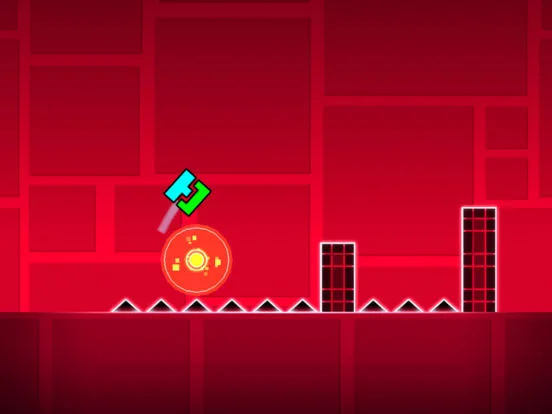
The interplay between colors and death effects can create a cohesive and immersive experience. For example, a level with a fiery theme might use red and orange colors, with a fiery explosion as the death effect.
100% Human-Written. AI Fact-Checked. Community Verified. Learn how AntMag verifies content