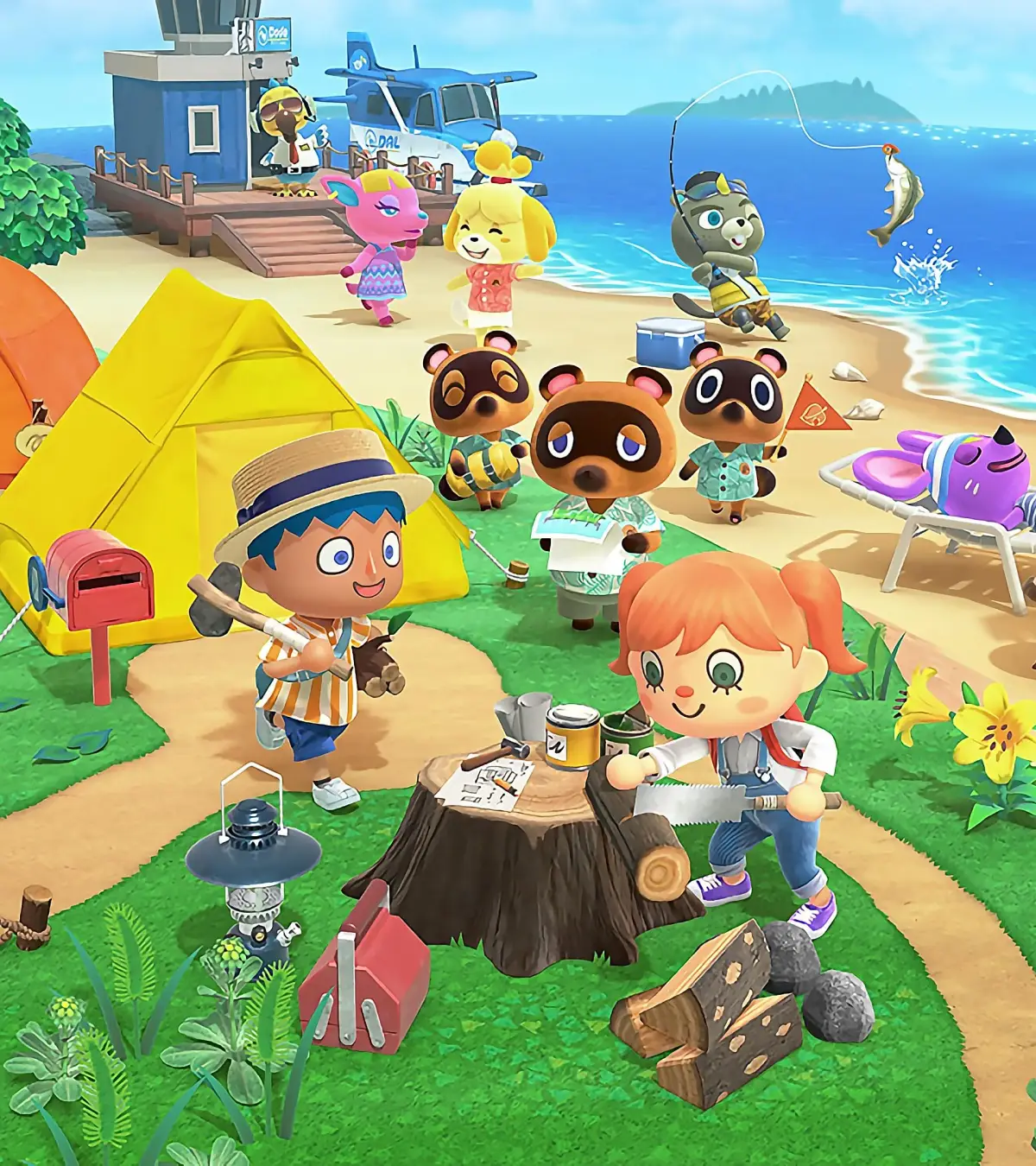
Learn how to revisit clients in Animal Crossing: New Horizons' Happy Home Paradise DLC. Discover how to change designs, add roommates, and return to facilities.
Hey there! So you've been busy designing dream vacation homes in Animal Crossing: New Horizons' Happy Home Paradise DLC, huh? It's super fun to go back and tweak things later, maybe add some new furniture you've unlocked or even expand a room. Plus, you can even invite a roommate to join your client!
The easiest way to pop back and see your previous clients is by chatting with Niko. You'll find him hanging out on the pier, just south of the Paradise Planning HQ. When you talk to him, he'll give you a list of all the vacation homes you've designed, and you can pick any of them to visit. This is also how you can return to any facilities you've worked on!
Don't forget, if you happen to bump into one of your clients while they're wandering around the facilities or just out and about, you can always ask them directly if you can visit their home. They're usually pretty happy to have you back!
100% Human-Written. AI Fact-Checked. Community Verified. Learn how AntMag verifies content