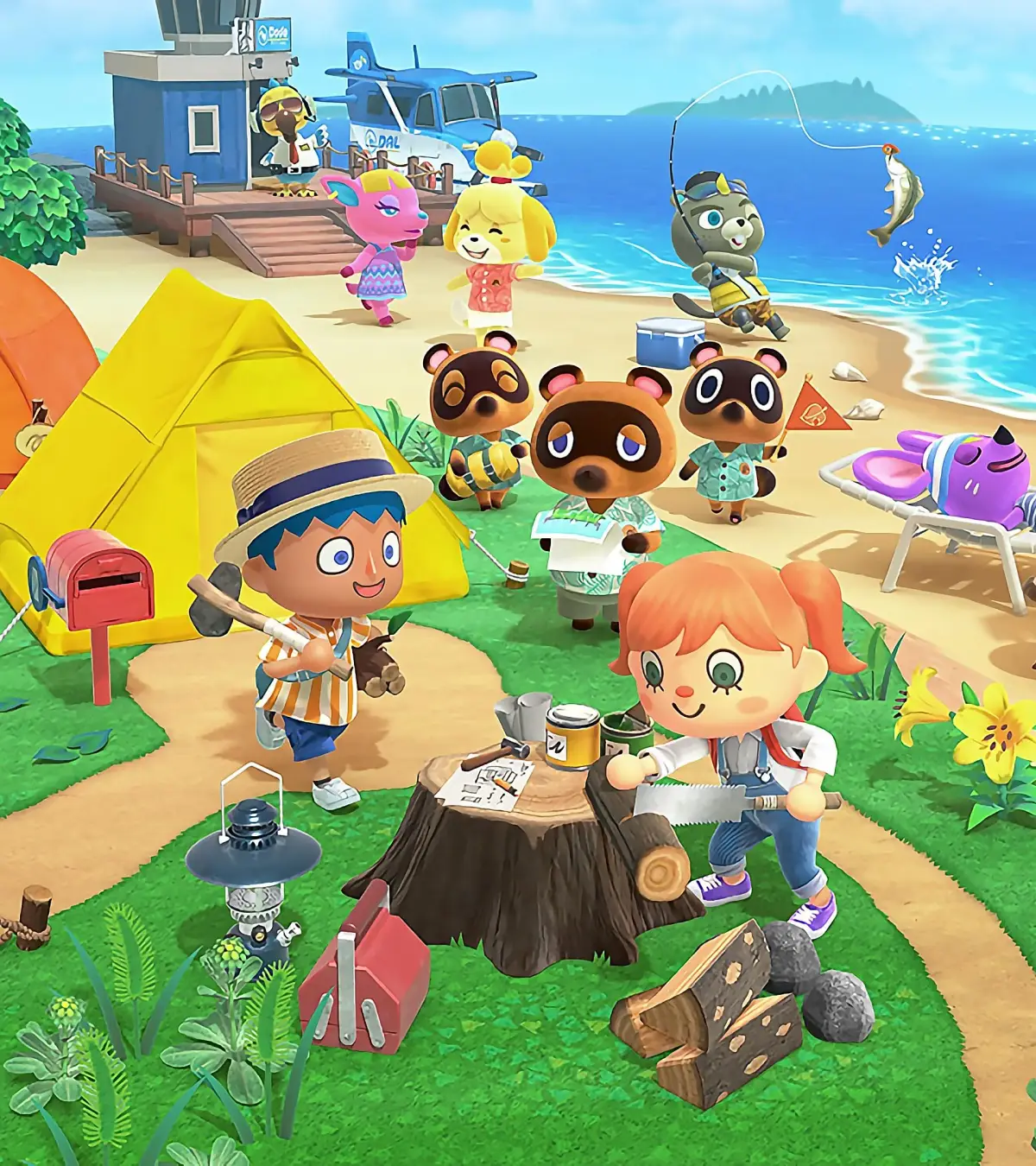
Learn how to use the Custom Designs app and the Pro Editor in Animal Crossing: New Horizons to create your own pathing, paintings, facepaint, and custom clothing like dresses and hats.
The Custom Designs app in Animal Crossing: New Horizons allows you to create various designs. These can be used as pathing on your island, as paintings, on canvases, as facepaint, or as basic tops.
For more advanced clothing designs, you can purchase the Custom Design Pro Editor app from the Nookstop for 800 Nook Miles. This app enables you to design dresses, hats, jumpers, and tank tops. Designing clothes with the Pro Editor is more complex, as each part of the garment (e.g., front, back, and sleeves of a dress) can have its own design. Use the R analog stick to switch between different parts of the clothing and to rotate the dressform for a better view.
Tools in the Custom Design App
Access the design tools by pressing X.
- Pen Tool: Draw freehand on the canvas. Press Y to cycle through three pen thicknesses. Use the R Bumper to switch between available colors.
- Line Tool: Create straight lines. Press A to set the starting point, then use the L analog stick to adjust the length and position before pressing A again to confirm.
- Rectangle and Circle Tools: Draw shapes. Similar to the line tool, set a starting point and use the L analog stick to resize the shape.
- Fill Tool: Fill a selected area with color. This can be used inside shapes or on the entire design.
- Fill All Tool: Fills the entire design with a single color, effectively starting over.
- Stamp Tools: Use pre-set circle, star, and heart stamps. Press Y to change the size of the stamps.
- Drag Design Tool: Move your entire design around the canvas if it's slightly off-center.
- Swap/Copy Tool: Copy your design to other parts of a clothing item or swap designs between parts. Press Y to choose between swapping or copying.
- Mirror Mode: Create symmetrical designs by enabling this mode.
Once a design is saved, you can wear it by selecting it within the Pro Design app.
100% Human-Written. AI Fact-Checked. Community Verified. Learn how AntMag verifies content