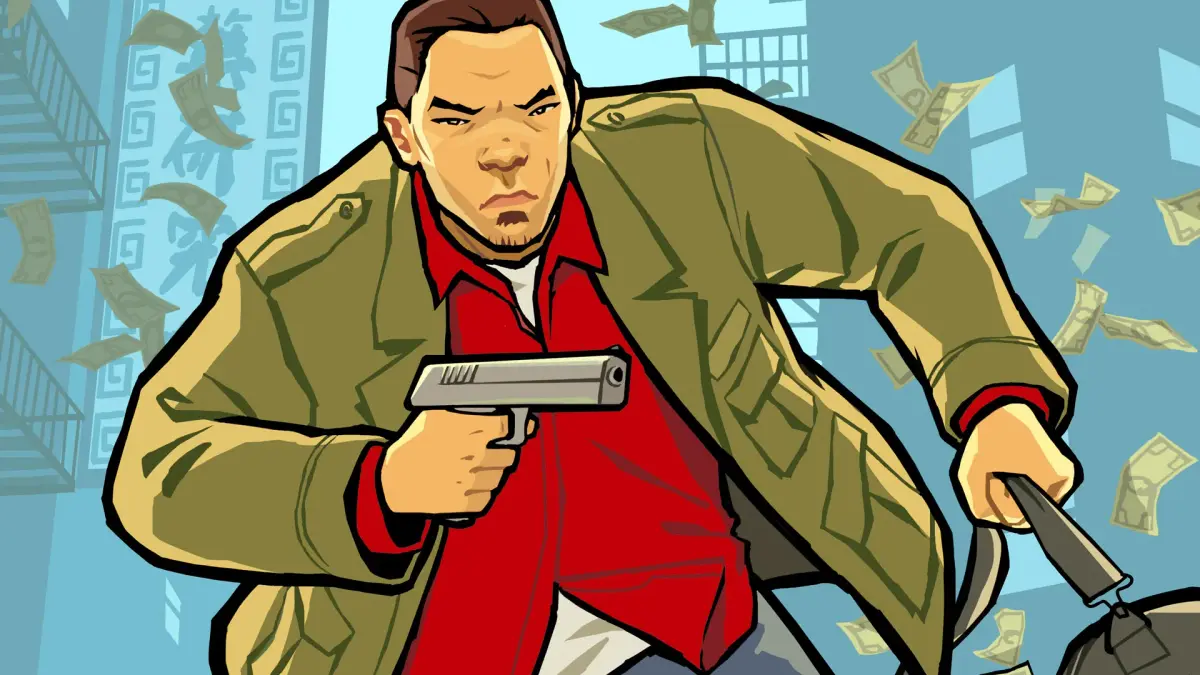
Customize your Grand Theft Auto: Chinatown Wars experience! Learn about all the settings, from camera options to audio and display adjustments, to optimize your gameplay.
Hey there! This section is all about tweaking the game's settings to make your Grand Theft Auto: Chinatown Wars experience just right. You can find these options under the 'System' menu. Let's break down what each one does.
Nintendo DS Version Settings:
| Music Volume | This allows you to adjust the sounds within the game. |
| SFX Volume | |
| Brightness | This allows you to adjust the contrast if you happen to be in a brightly lit area. |
| Auto Save | The game will automatically save your progress after missions. I highly recommend keeping this set to OFF. |
| Steering Assist | The vehicles you drive will automatically align with the road. You can turn this OFF if you wish but I highly recommend keeping this set to ON. |
| Auto Drive-By | Even though I have left mine set to ON I can't tell any difference when it is set to OFF. |
| Vehicle Camera | I believe that this controls the speed that the Camera Look Ahead rotates when inside a vehicle. |
| Auto Reverse | When set to ON then the Camera will automatically reverse Vehicle Camera when you are driving in reverse so you can see forward. |
| Top Screen Radar | This will place the compass and mission strands on the edge of the Top Screen. I personally find it to be distracting and keep mine set to OFF. |
| Top Screen Health | I highly recommend setting this to ON as this will place your Health and Body Armor status in the upper right corner of the Top Screen. |
| Top Screen GPS | I highly recommend setting this to ON as this will place your GPS routes on the Top Screen so you won't have to look down on the Touch Screen. |
| Rotating Radar | Setting this to ON will let the Radar rotate with you. Since this is just like in GTA IV I recommend leaving it set to ON. |
| Auto Switch Weapons | Any time you pick up a different weapon you will automatically switch to it. I highly recommend setting this to OFF. |
| Animate Cutscene Text | When set to ON this makes the cutscene text come up on the screen left to right. When set to OFF this makes the entire text come up all at once. |
| Microphone Sensitivity | This adjusts the sensitivity of the DS's built-in microphone. I left mine at the default setting of 2 because there are only two instances that you may want to use the microphone: Blowing into it to hail a Taxi, or blowing into it to blow off the shavings when playing the Scratch Cards. |
PlayStation Portable Version Settings:
| PDA Theme | This allows you to change the background within the PDA. |
| Music Volume | This allows you to adjust the sounds within the game. |
| SFX Volume | |
| Auto Save |
Tips
- For Auto Save, I'd really keep it OFF. Trust me, you don't want the game saving right after a mission that might have gone sideways, potentially messing up your progress or losing out on a bonus.
- Steering Assist is a lifesaver, especially when you're just starting out or trying to navigate those tight Liberty City streets. Keep it ON unless you're feeling particularly confident.
- Top Screen Health and GPS are also highly recommended. Having your vitals and directions right there on the top screen means less looking down at the Touch Screen and more focus on the road (or the chaos!).
- Auto Switch Weapons can be a real pain. Imagine you're in a firefight and accidentally switch to a pistol when you meant to grab your shotgun. Keep this OFF to maintain control over your arsenal.
- The microphone features are pretty neat for specific moments, but don't feel like you *have* to use them. Hailing a taxi or dealing with scratch cards are the main uses.
100% Human-Written. AI Fact-Checked. Community Verified. Learn how AntMag verifies content