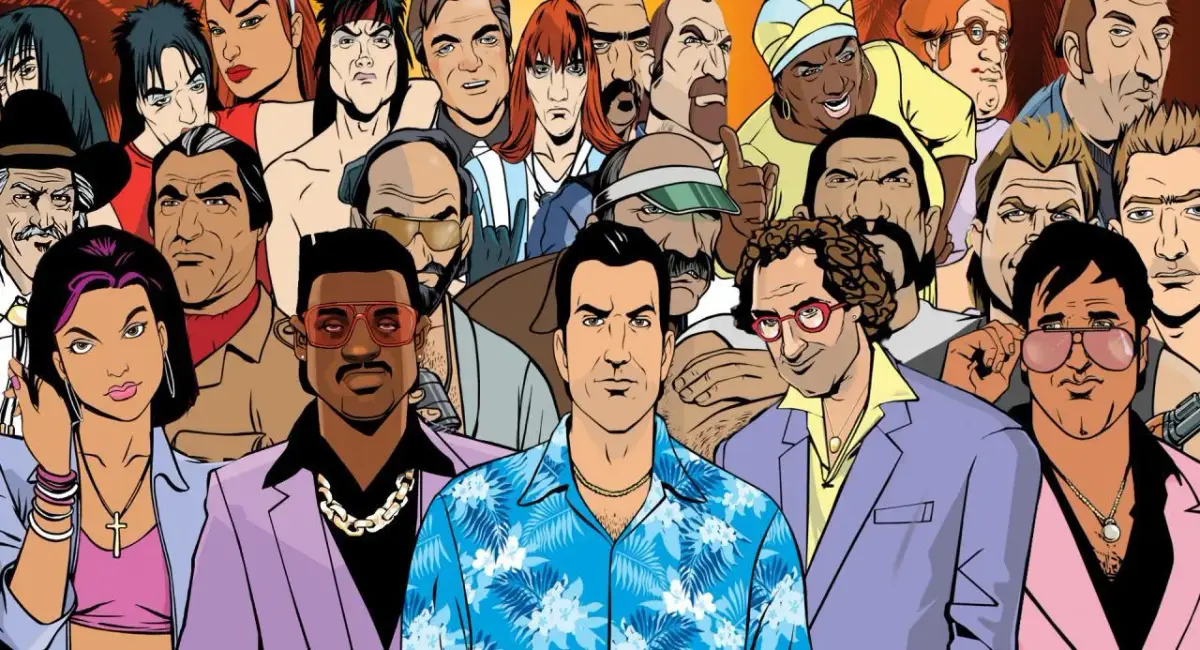
Welcome to Vice City, a sprawling open-world playground set in the vibrant, chaotic streets of 1980s Miami. As Tommy Vercetti, you’ll navigate a world of crime, ambition, and excess, building your own empire from the ground up. Expect a mix of thrilling story missions, engaging side activities, and the constant hum of an unforgettable soundtrack as you carve out your place in this sun-drenched metropolis.
This guide is your essential companion to mastering Vice City. We’ll walk you through every step of the main story, from your initial arrival and dealings with Sonny Forelli to facing off against formidable figures like Ricardo Diaz. Beyond the core narrative, we cover all the side missions, asset acquisition, and the challenges that come with them, ensuring you can fully experience everything this iconic game has to offer.
Getting Started
Begin your journey in Grand Theft Auto: Vice City with our comprehensive guide to the initial story missions, including 'In The Beginning...', 'An Old Friend', and 'The Party'.
Getting Started
Begin your journey in Grand Theft Auto: Vice City with our comprehensive guide to the initial story missions, including 'In The Beginning...', 'An Old Friend', and 'The Party'.
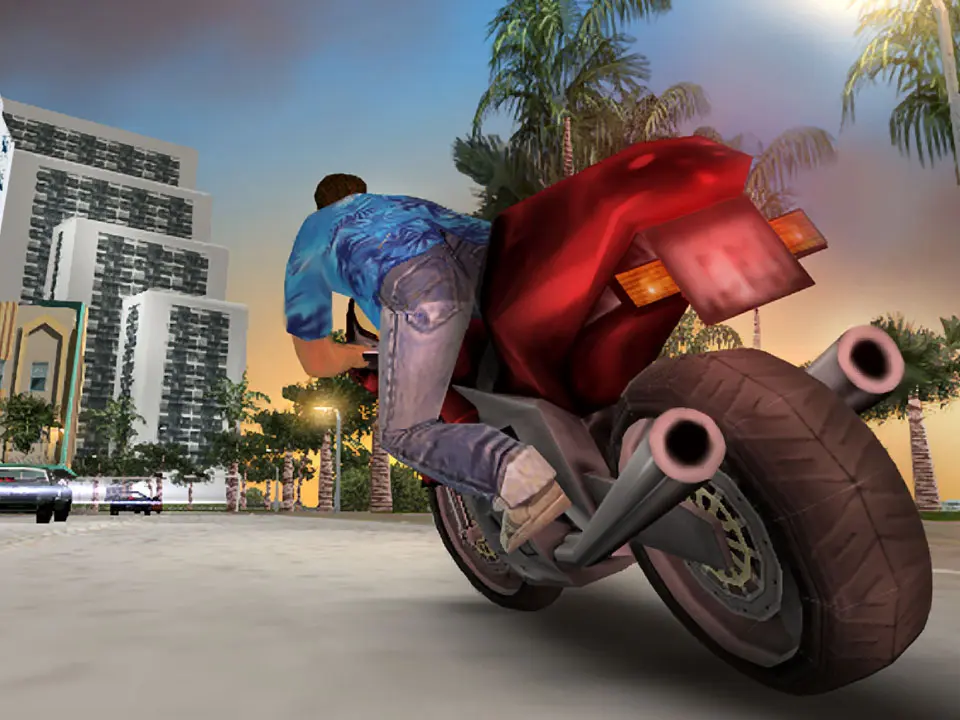
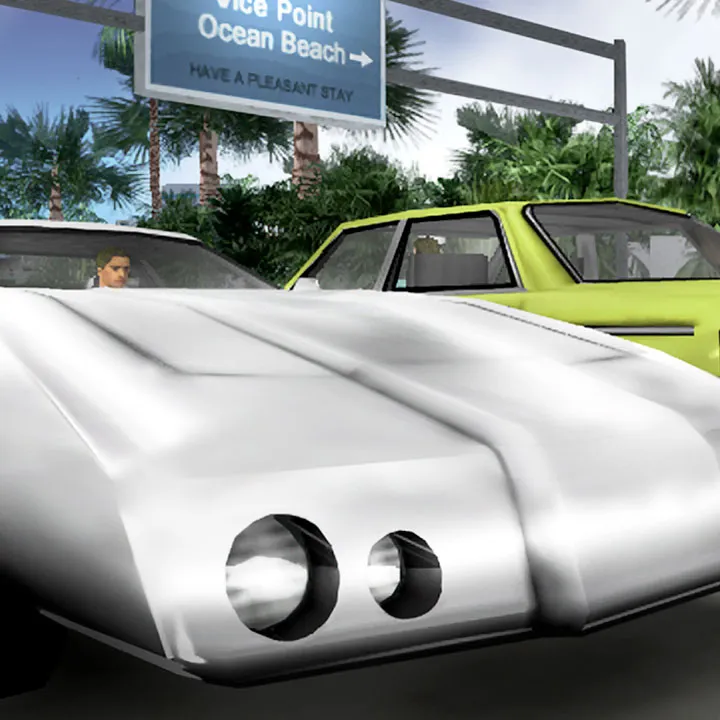
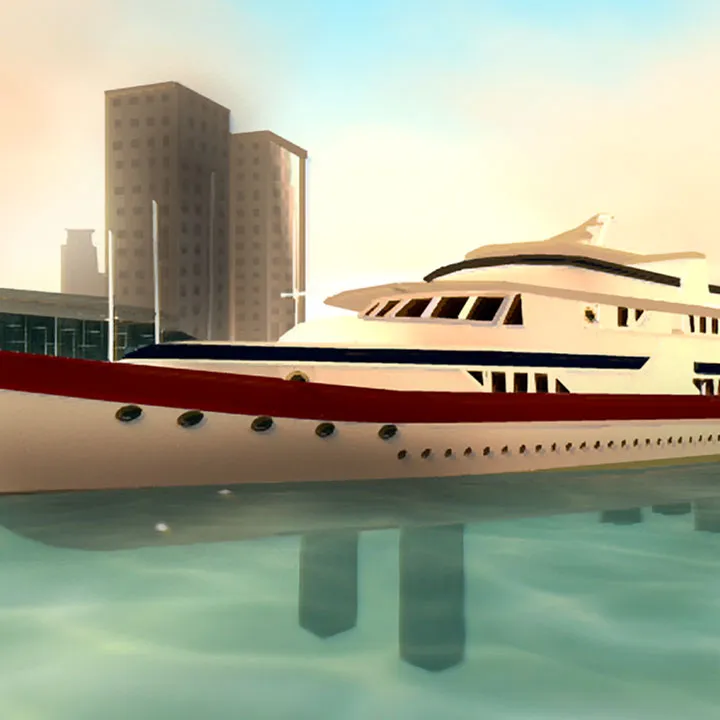
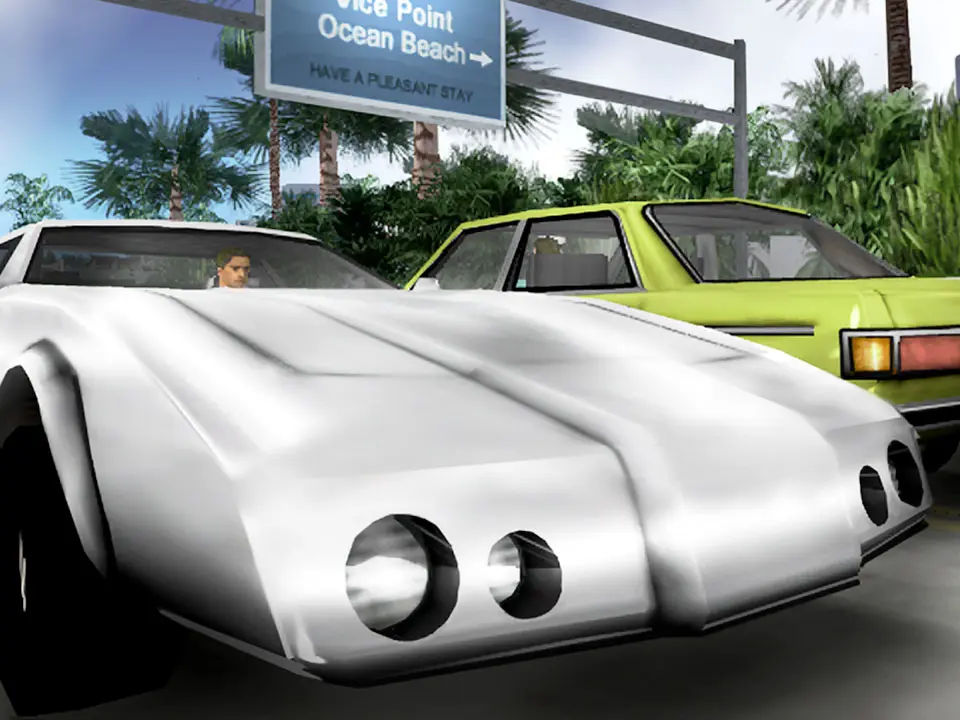
Controls & Movement — Grand Theft Auto: Vice City Guide
Master Grand Theft Auto: Vice City with our comprehensive guide to controls and movement. Learn every button prompt for driving, combat, and navigation to dominate Vice City.
This guide details the controls and movement mechanics for Grand Theft Auto: Vice City. Understanding these is crucial for navigating the city, engaging in combat, and successfully completing missions.
| Action | Button |
|---|---|
| Move | Left Analog Stick |
| Camera Control | Right Analog Stick |
| Jump | A Button (Xbox) / X Button (PlayStation) |
| Crouch | B Button (Xbox) / Circle Button (PlayStation) |
| Sprint | Hold Left Trigger (Xbox) / L2 Button (PlayStation) |
| Melee Attack | Right Trigger (Xbox) / R2 Button (PlayStation) |
| Fire Weapon | Right Trigger (Xbox) / R2 Button (PlayStation) |
| Aim | Left Trigger (Xbox) / L2 Button (PlayStation) |
| Change Weapon | D-Pad Left/Right |
| Enter/Exit Vehicle | A Button (Xbox) / X Button (PlayStation) |
| Accelerate Vehicle | Right Trigger (Xbox) / R2 Button (PlayStation) |
| Brake/Reverse Vehicle | Left Trigger (Xbox) / L2 Button (PlayStation) |
| Steer Vehicle | Left Analog Stick |
| Handbrake | B Button (Xbox) / Circle Button (PlayStation) |
| Horn | X Button (Xbox) / Square Button (PlayStation) |
| Radio Station Change | D-Pad Up/Down |
| Look Behind | Right Analog Stick Click |
| Map | Back Button (Xbox) / Select Button (PlayStation) |
| Pause/Menu | Start Button (Xbox/PlayStation) |
Controls & UI — Grand Theft Auto: Vice City Guide
Navigate Vice City with ease. This guide details all controls, button prompts, and UI elements for Grand Theft Auto: Vice City, ensuring you master every aspect of gameplay.
This guide covers the controls and user interface for Grand Theft Auto: Vice City. Understanding these elements is crucial for navigating the game world and executing missions effectively.
| Action | Button |
|---|---|
| Move | Left Analog Stick |
| Look Around | Right Analog Stick |
| Jump | A Button (Xbox) / X Button (PlayStation) |
| Crouch | B Button (Xbox) / Circle Button (PlayStation) |
| Sprint | Hold Left Trigger (Xbox) / Hold L2 (PlayStation) |
| Fire Weapon | Right Trigger (Xbox) / R2 (PlayStation) |
| Aim Weapon | Left Trigger (Xbox) / L2 (PlayStation) |
| Melee Attack | X Button (Xbox) / Square Button (PlayStation) |
| Change Weapon | D-Pad Up/Down |
| Change Radio Station | D-Pad Left/Right |
| Enter/Exit Vehicle | A Button (Xbox) / X Button (PlayStation) |
| Accelerate Vehicle | Right Trigger (Xbox) / R2 (PlayStation) |
| Brake/Reverse Vehicle | Left Trigger (Xbox) / L2 (PlayStation) |
| Steer Vehicle | Left Analog Stick |
| Handbrake | B Button (Xbox) / Circle Button (PlayStation) |
| Horn | X Button (Xbox) / Square Button (PlayStation) |
| Switch Camera | Y Button (Xbox) / Triangle Button (PlayStation) |
| Pause Menu | Start Button (Xbox) / Start Button (PlayStation) |
| Map | Select Button (Xbox) / Select Button (PlayStation) |
| Action/Interact | X Button (Xbox) / Square Button (PlayStation) |
| Phone | Press Up on D-Pad |
| Whistle | Press Down on D-Pad |
Beginner's Guide: Basics and Features
GTA Vice City beginner's guide: controls, basics, features, and tips for new players. Start your 80s crime adventure now.
Welcome to Vice City! This guide covers the essential basics and features of Grand Theft Auto: Vice City, designed for new players. Learn how to navigate the vibrant 1980s setting, control your character, and understand the core gameplay mechanics that make this iconic title so addictive.
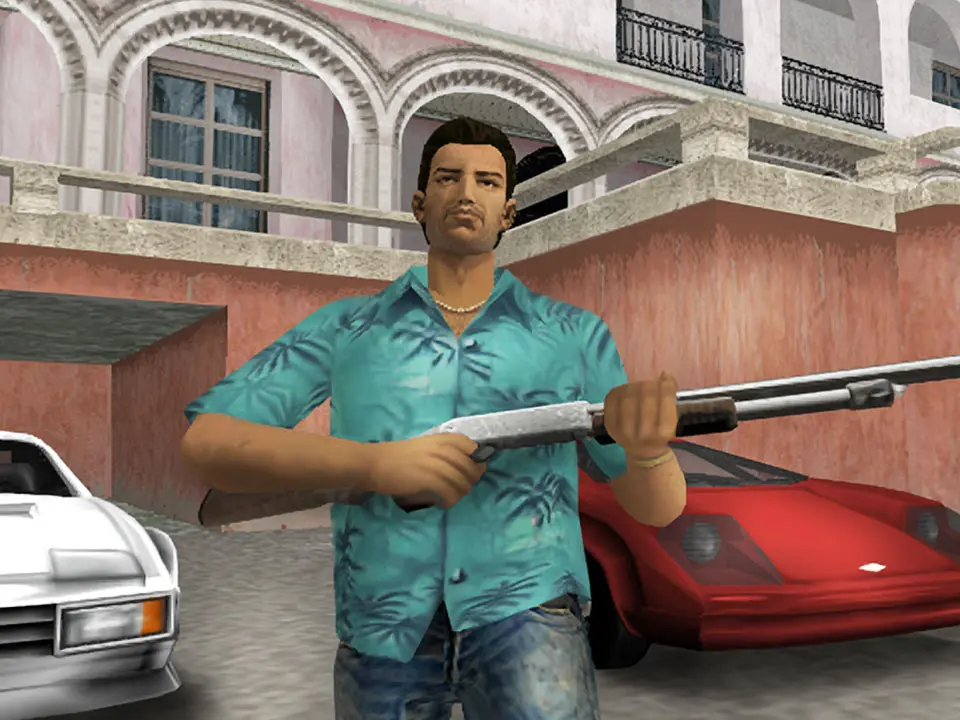
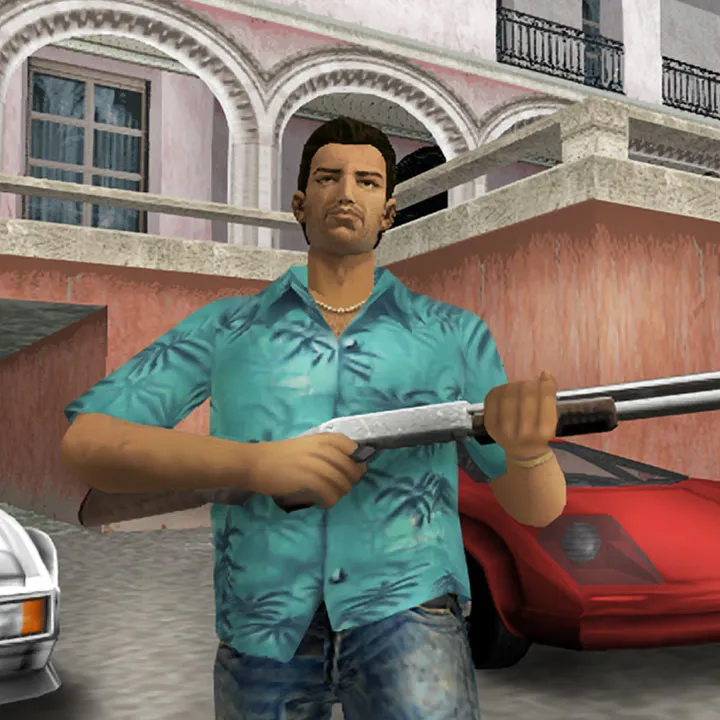
Grand Theft Auto: Vice City throws you into a sun-drenched, crime-ridden paradise in the year 1986. As Tommy Vercetti, you'll embark on a journey of ambition, betrayal, and power. This beginner's guide will introduce you to the fundamental mechanics, controls, and unique features that define the Vice City experience. Whether you're new to the GTA series or just starting with this installment, understanding these basics is key to your survival and success.
Controls and Navigation
Mastering the controls is your first step to becoming a criminal mastermind.
- Movement: Use the left analog stick (or WASD keys on PC) to move Tommy.
- Camera: The right analog stick (or mouse on PC) controls the camera. Experiment with different camera angles to find what works best for you.
- Driving: Accelerate with the right trigger (or W key), brake/reverse with the left trigger (or S key). The left analog stick steers. Handbrake is often mapped to a dedicated button (e.g., Spacebar on PC).
- Combat: Aiming is usually done with the left trigger (LT/L2) and firing with the right trigger (RT/R2). Melee attacks are typically mapped to a face button.
- Weapon Switching: Use the shoulder buttons (or number keys/mouse wheel on PC) to cycle through your arsenal.
Core Gameplay Mechanics
Vice City is an open-world sandbox where you're free to explore and engage in various activities.
- Missions: The primary way to progress the story is by accepting missions from various characters. Look for the blinking red or green markers on your radar.
- Wanted Level: Committing crimes will attract police attention, indicated by stars on your radar. The more stars, the more aggressive the police response. You can evade the police by breaking line of sight and heading to a Pay 'n' Spray.
- Health and Armor: Your health is represented by a green bar, and armor by a yellow bar. Pick up health packs (red hearts) and body armor (yellow vests) to replenish them. If your health reaches zero, you'll respawn at the hospital with reduced cash.
- Money: Earn money through missions, businesses, and illegal activities. Money is used to purchase weapons, vehicles, properties, and more.
- Businesses: As you progress, you'll be able to purchase businesses, which generate income and unlock unique missions.
Key Features of Vice City
Vice City is renowned for its unique atmosphere and features:
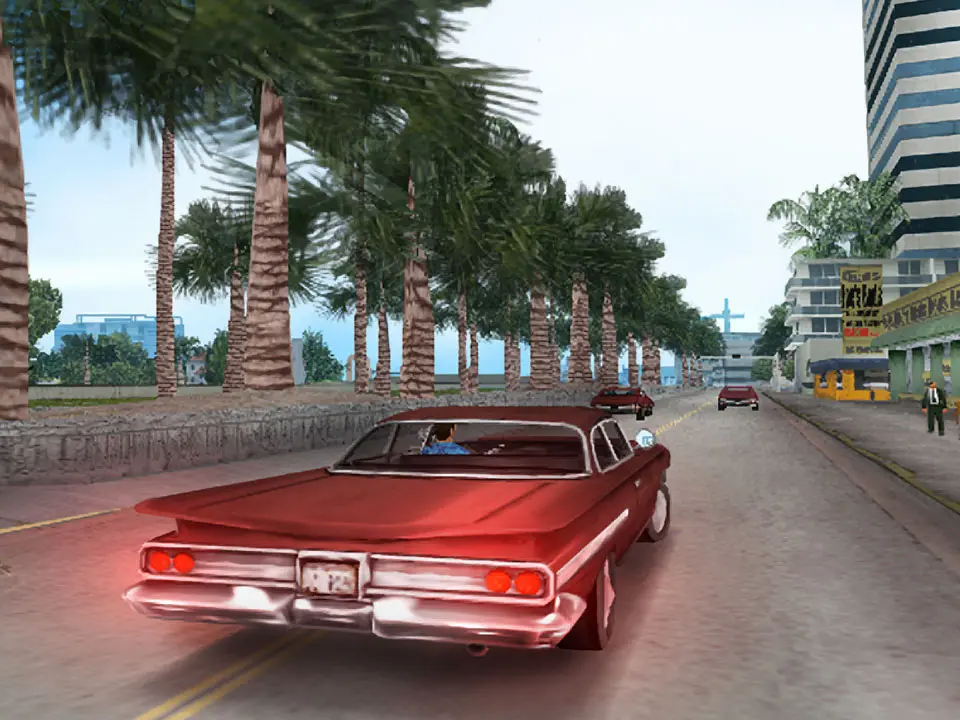
- The 1980s Setting: Immerse yourself in the vibrant culture, fashion, and music of the 1980s. The soundtrack is a major highlight, featuring iconic radio stations.
- Radio Stations: Tune into various radio stations while driving to enjoy a diverse playlist of 80s hits, talk shows, and commercials. Each station has its own distinct personality.
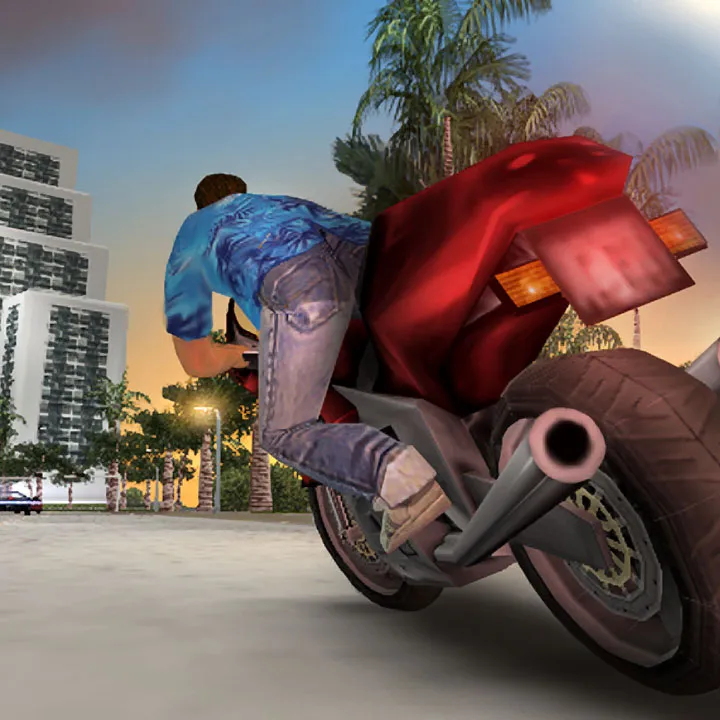
- Vehicles: Vice City offers a wide array of vehicles, from cars and motorcycles to boats and helicopters. Experiment with different modes of transport.
- Customization: Some vehicles can be customized at Pay 'n' Spray locations, allowing for paint changes and minor repairs.
- Collectibles: Hidden packages, unique jumps, and rampages are scattered throughout the city, offering rewards and contributing to your overall progress.
Tips for New Players
- Save Often: Use safe houses to save your progress.
- Experiment: Don't be afraid to explore the city and try out different activities.
- Listen to the Radio: It's not just background noise; it's part of the immersive experience!
- Practice Driving and Shooting: These are fundamental skills that will serve you well throughout the game.
With these basics in hand, you're ready to dive into the exciting world of Grand Theft Auto: Vice City. Enjoy the ride!
Similar guides you might like



100% Human-Written. AI Fact-Checked. Community Verified. Learn how AntMag verifies content