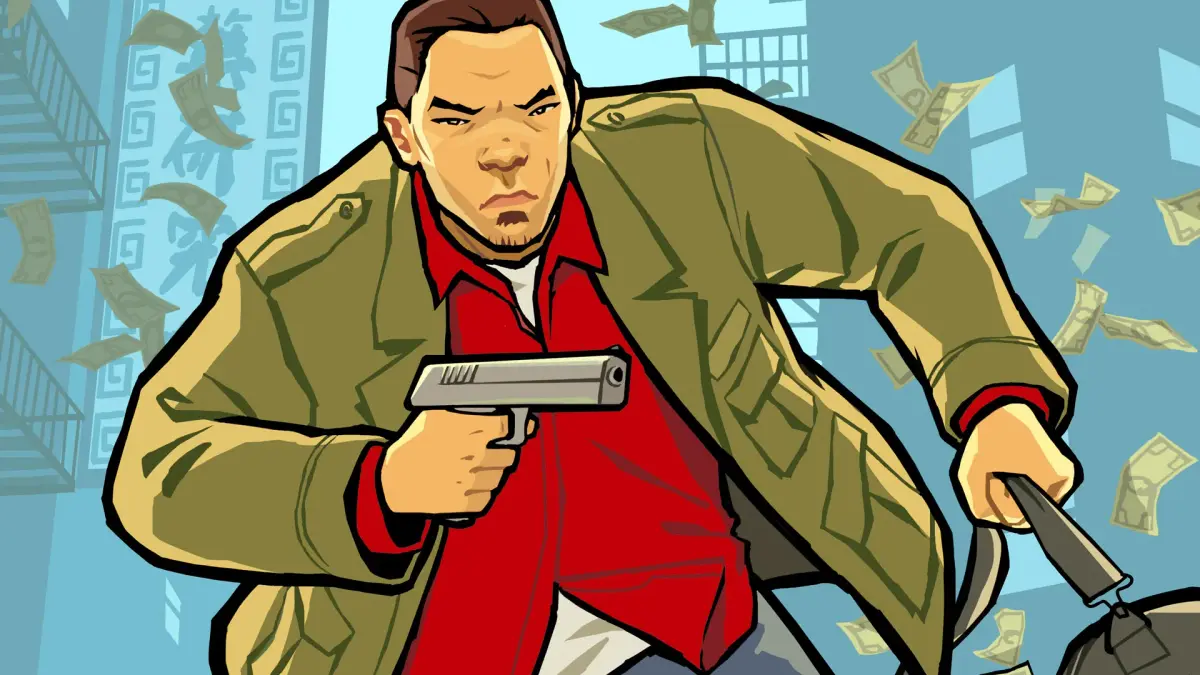
Learn how to hotwire cars using a screwdriver, wheel column, or PDA. Discover motorcycle controls, taxi services, toll booth mechanics, and weapon usage for both NDS and PSP versions of Grand Theft Auto: Chinatown Wars.
Hotwiring Cars:
There are three methods for hotwiring cars in Grand Theft Auto: Chinatown Wars:
- Screwdriver: Used only on junky cars. Insert the screwdriver into the key slot and turn it in three different directions to start the engine.
- Wheel Column: Open the panel and twist the wires together to start the car. This is the most common hotwiring method.
- PDA: Connect the PDA to disable the alarm. You must match the numbers correctly to avoid restarting. High-end cars typically use this method.
If you prefer not to hotwire, you can exit the vehicle, wait for the alarm to stop, and then re-enter and drive away. Driving off while the alarm is active may attract police attention.
Platform-Specific Controls for Hotwiring:
- Nintendo DS: Use the Touch Screen for hotwiring.
- PSP: Use the Analog Stick and X Button for hotwiring.
Motorcycles:
You can use motorcycles in addition to cars. The four types are Chopper, Angel, NRG-900, and Sanchez. Like in previous GTA games, you can shoot forward while riding, which is useful for drive-bys.
Motorcycles are generally hard to control (especially the NRG-900) and fragile. The Sanchez is the easiest to control and recommended if you need to use a motorcycle.
Taxis and Toll Booths:
You can hail Taxis to drive you around the city. Look for a Cabbie with a light on its roof to indicate availability.
- Hailing a Taxi: Hold down the X Button (NDS) or Triangle Button (PSP). On NDS, you can also blow into the microphone.
- Using Taxis: Use the GPS to plot your course and confirm the fare. You can then watch the journey or skip it.
Toll Booths:
Toll Booths are located at the Dukes Bay and East Borough Bridges, costing $5. Skipping a toll will result in a 1-Star Wanted Rating.
- Nintendo DS: Throw money into the basket using the Touch Screen. Touch the slot above the basket to aim. Missing the basket means losing the money and needing to try again.
- PSP: Drive slowly through the Toll Booth area.
Police and rescue vehicles are exempt from tolls and will be waved through.
Weapon Usage:
Nintendo DS Version:
- Use Weapon/Punch: Press the A Button.
- Lock On: Hold down the R Button.
- Switch Weapons: Tap the Weapon Icon on the Touch Screen to bring up the list, then tap the desired weapon.
- Thrown Weapons (Molotovs/Grenades): Touch the Projectile Icon. Concentric circles will appear, allowing you to aim in any direction with varying force. The arch color indicates safety: Red means risk of injury (too close), Green means safe to throw.
PlayStation Portable Version:
- Use Weapon/Punch: Press the Circle Button.
- Lock On: Hold down the R Button.
- Switch Weapons: Press the Select Button and use the D-Pad or Analog Stick.
- Thrown Weapons (Molotovs/Grenades): Hold down the L Button and use the Analog Stick to aim. A throw arch will appear. Hold down the Circle Button and release to throw; the longer you hold, the farther you throw. The arch color indicates safety: Red means risk of injury (too close), Green means safe to throw.
100% Human-Written. AI Fact-Checked. Community Verified. Learn how AntMag verifies content