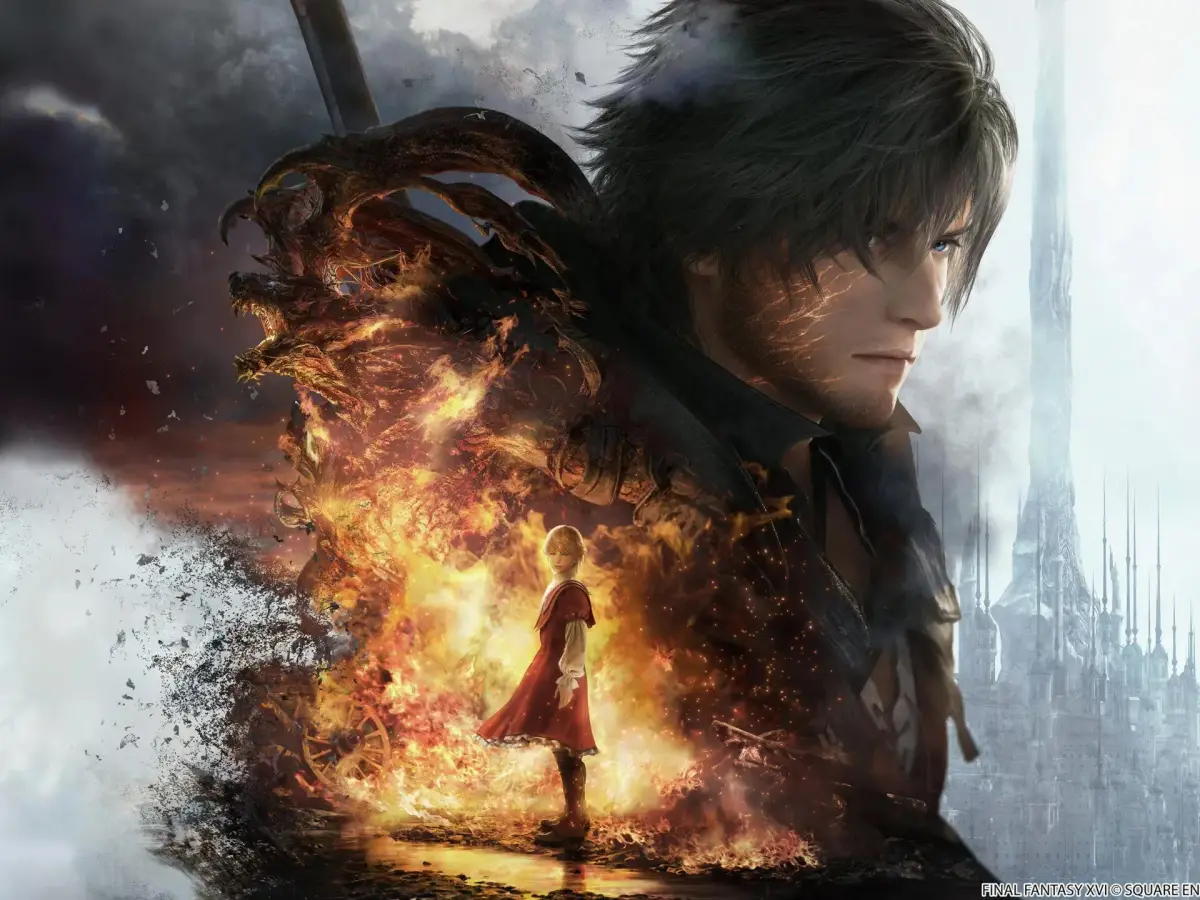
Discover how to unlock and utilize the photo mode in Final Fantasy XVI. Learn its features and get tips for capturing stunning in-game screenshots.
Hey there! So, you're looking to capture some epic moments in Final Fantasy XVI, huh? Great idea! The game does have a photo mode, but it's not as obvious as you might expect. Don't worry, I'll walk you through exactly how to find it and make the most of it.
How to Access Photo Mode:
First things first, you'll need to open up your main menu by pressing the Start button. Once that's up, hit the R2 button. This will take you to the Attributes screen. From there, just press the Touchpad, and voilà! You'll be in photo mode, ready to frame your shot.
Using Photo Mode in FFXVI:
Now, I'll be honest, the photo mode in FFXVI is pretty straightforward, especially when you compare it to something like Final Fantasy XIV. You've only got two tabs to play with:
- One lets you adjust the camera's tilt and field of view.
- The other lets you tweak the depth of field.
It's not a ton of options, but you can still get some cool results. Once you've got your settings just right, press Triangle to hide the UI, and then hit the Screenshot Button to save your masterpiece.
Tips for Great Shots:
Since you can't use photo mode during cutscenes, you'll need to get creative with the gameplay itself. Here's a pro-tip: try activating one of Clive's flashy abilities, like the Flame of Rebirth. As soon as you do, quickly open up photo mode. This lets you snag some action-packed screenshots right in the middle of combat! It's all about timing and your own artistic flair. Hopefully, they'll add more features in future updates, but for now, this is what we've got!
100% Human-Written. AI Fact-Checked. Community Verified. Learn how AntMag verifies content