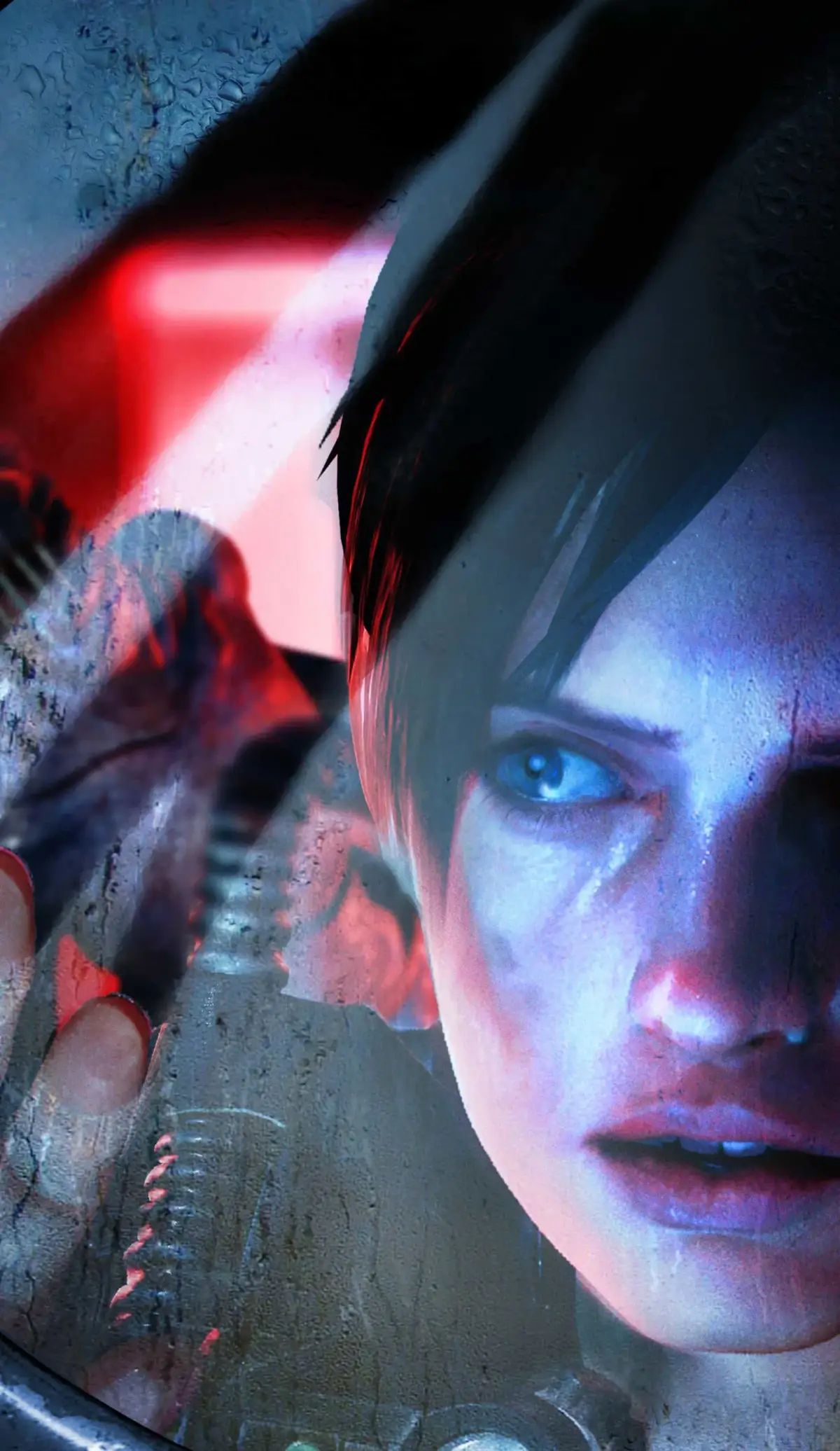
Master all missions in Resident Evil: Revelations! Discover how to unlock weapons, custom parts, and outfits in both Campaign and Raid Mode with our comprehensive walkthrough.
Missions are a gameplay element in Resident Evil: Revelations that players can complete to unlock extra items. These missions can be viewed from the main menu. Upon completion, a quick announcement is displayed, but the unlockable item is only received after the player manually 'unlocks' it from the mission menu.
Completed missions will have an exclamation mark over them. Once unlocked, they move to the end of the list and are darkened. Progress on missions requiring a certain number of tasks carries over between Campaign Episodes and Raid Mode Stages. The current progress is displayed when highlighting the mission. Unlocked campaign weapons or custom parts automatically appear in the workbench menu.
Campaign mode and Raid mode have separate mission sets, but both contribute to the total number of completed missions displayed. Cleared missions and certain Raid Mode missions can be deleted from the mission screen. This is necessary for the Raid Mode page as new missions cannot be received when all 25 mission slots are full.
Campaign missions
| Name | Description | Unlocks | Specifics |
| CASUAL Cleared | Clear CASUAL difficulty or higher | Custom Parts [Charge Shot 3](https://residentevil.fandom.com/wiki/Charge_Shot_3
100% Human-Written. AI Fact-Checked. Community Verified. Learn how AntMag verifies content |