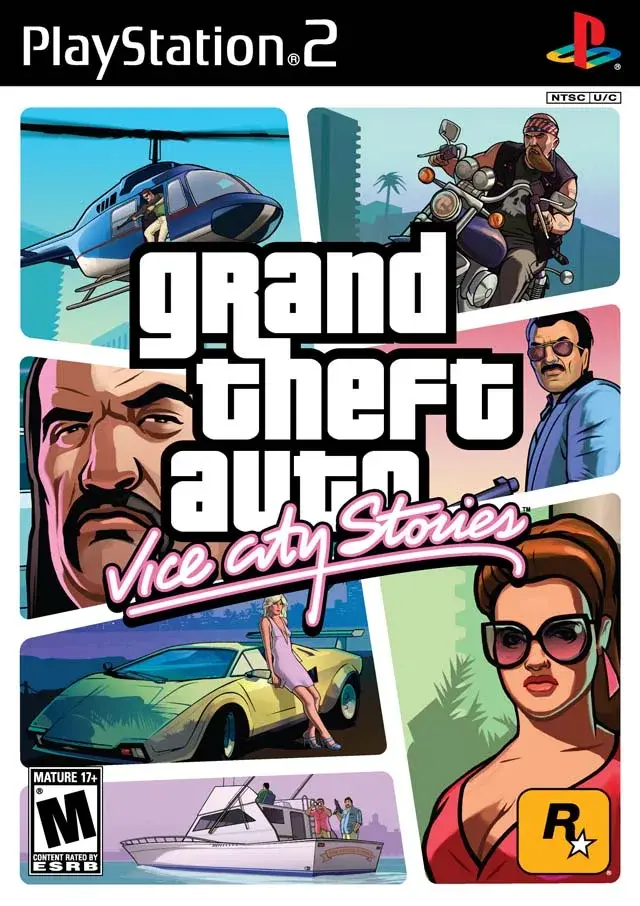
Learn about bicycles and swimming mechanics in Grand Theft Auto: Vice City Stories, including controls and how to get infinite swimming stamina.
Walkthrough
- 1Bicycles are included in Grand Theft Auto: Vice City Stories, unlike in Grand Theft Auto: Vice City.
- 2There is one checkpoint (an auto-save point you restart from on death) race, "Mashin' Up the Mall", that uses a bicycle.
- 3A bicycle is parked in the backyard just west of The Mendez Brothers Mansion on Prawn Island.
- 4Bicycles are generally not very useful but can be amusing for rampages against the police.
- 5The Infinite Run feature from the Ambulance Mission prevents slowing down on a bike.
- 6For PSP, setting In Car configuration to Setup 2 is recommended for a traditional feel.
- 7Swimming is possible on the surface in Grand Theft Auto: Vice City Stories, unlike in Grand Theft Auto: Vice City.
- 8You cannot go underwater as in Grand Theft Auto: San Andreas.
- 9Swimming is limited by a Swimming Stamina Bar, which depletes faster the faster you swim. Running out of stamina causes drowning.
- 10Infinite Swimming Stamina can be gained by completing the Beach Patrol vehicle side-mission after unlocking the East Side.
- 11A Wave Generator activates when you travel too far east, creating large waves that stop you and push you back west when you stop swimming.
- 12An easy way to reach the other side early will be explained later in the guide.
Tips
- When using a weapon or object with first-person aiming (Sniper Rifle, Rocket Launcher, Camera), use the R Button in conjunction with the button for precise aiming.
- Free aim your weapon in any direction using the L3 Button then the R1 Button on PS2, or the R Button then D-Pad Down on PSP. This is helpful for Red Balloons.
- When holding a melee weapon or using your fist, the Attack Button swings at your target.
- When using Grenades or Molotovs, the Attack Button throws your weapon; holding it longer throws farther.
- When holding a gun or heavy weapon, the Attack Button shoots.
- When targeting, use the Previous and Next Weapon Buttons to switch targets when they are grouped together.
Controls:
Bicycle Controls (PSP Setup 2 / PlayStation 2):
- Look Left: L Button / L2 Button
- Look Right: R Button / R2 Button
- Look Behind: L + R Buttons / L2 + R2 Buttons
- Pedal: (Hold) X Button / (Hold) X Button
- Pedal Faster: (Tap) X Button / (Tap) X Button
- Brake: Square Button / R1 Button
- Reverse: Square Button / Square Button
- Bunnyhop: D-Pad Down / L1 Button
- Bunnyhop Higher: (Hold) D-Pad Down / (Hold) L1 Button
- Attack (Drive-By Mode): Circle Button / Circle Button
- Exit Bike: Triangle Button / Triangle Button
Swimming Controls (PSP / PlayStation 2):
- Swim Direction: Analog Stick / Left Analog Stick
- Look Around: L + Analog Stick / Right Analog Stick
- Sprint: (Hold) X Button / (Hold) X Button
Note: Attack (Drive-By Mode) on a bicycle can be used to shoot left or right with the Look Left/Right buttons, or forward by holding the Circle Button without using those buttons.
100% Human-Written. AI Fact-Checked. Community Verified. Learn how AntMag verifies content