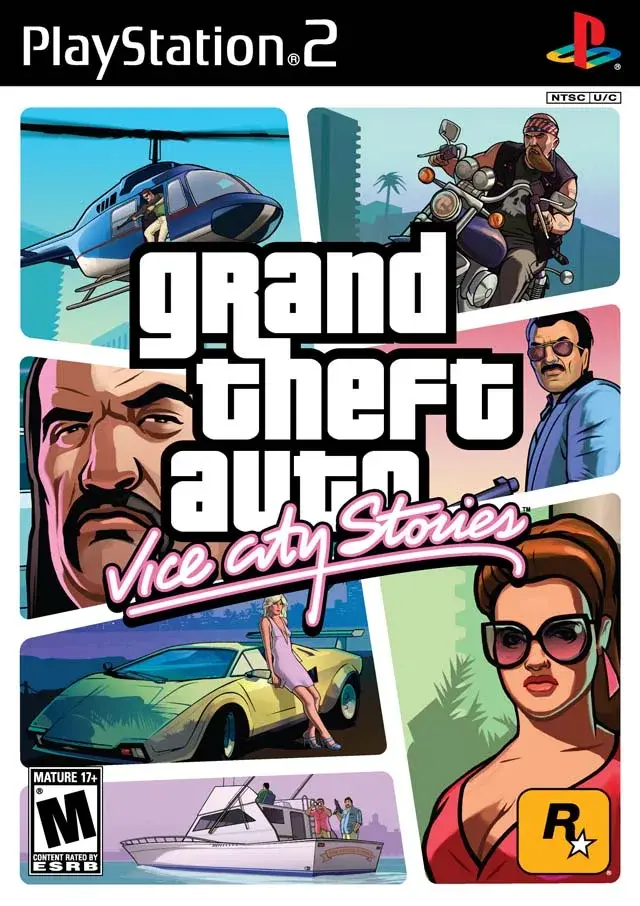
Master the controls for helicopters, planes, and the Rhino tank in Grand Theft Auto: Vice City Stories. Learn button mappings for PSP and PS2.
This section details the controls for various vehicles in Grand Theft Auto: Vice City Stories, including helicopters, planes, and the Rhino tank, for both PSP and PlayStation 2 versions.
Helicopter Controls:
| Command | PSP | PlayStation 2 |
|---|---|---|
| Ascend | L Button | L2 Button |
| Descend | X Button | X Button |
| Hover | NA | L3 Button |
| Exit Helicopter | Triangle Button | Triangle Button |
| Fire Guns | Circle Button | Circle Button |
| Change Radio Stations | D-Pad Left/Right | L1 Button |
| Activate Mission | D-Pad Up | R3 Button |
| Change Camera Mode | Select Button | Select Button |
| Pause | Start Button | Start Button |
Note: The VCPD Maverick is the only helicopter without a music radio. The 'Activate Mission' button can also be used to deactivate certain side-missions.
Plane Controls:
The Skimmer and Biplane are primarily used in checkpoint races but can be flown freely. The controls are as follows:
| Command | PSP | PlayStation 2 |
|---|---|---|
| Dive | Analog Stick Up | Left Stick Up |
| Rise | Analog Stick Down | Left Stick Down |
| Angle Left | Analog Stick Left | Left Stick Left |
| Angle Right | Analog Stick Right | Left Stick Right |
| Turn Left (Biplane) | L Button | L2 Button |
| Turn Right (Biplane) | R Button | R2 Button |
| Accelerate | X Button | X Button |
| Decelerate | Square Button | Square Button |
| Exit Vehicle | Triangle Button | Triangle Button |
| Change Radio Stations | D-Pad Left/Right | L1 Button |
| Deactivate Race | D-Pad Up | R3 Button |
| Change Camera Mode | Select Button | Select Button |
| Pause | Start Button | Start Button |
Note: 'Deactivate Race' allows exiting a checkpoint race to use the plane for other purposes.
Rhino Tank Controls:
The Rhino is a durable vehicle, useful for Vigilante Missions. It can be acquired during a 6-Star Wanted Rating or after the mission "Last Stand." While tough, it can be flipped easily and is vulnerable to fire and driver damage. The following controls assume the PSP In Car configuration is set to Setup 2.
| Command | PSP | PlayStation 2 |
|---|---|---|
| Turn Vehicle | Analog Stick | Left Analog Stick |
| Look Left | L Button | L2 Button |
| Look Right | R Button | R2 Button |
| Look Behind | L + R Buttons | L2 + R2 Buttons |
| Accelerate | X Button | X Button |
| Reverse | Square Button | Square Button |
| Brake | Square Button | R1 Button |
| Exit Rhino | Triangle Button | Triangle Button |
| Turret Control | D-Pad Left/Right | Right Analog Stick |
| Main Gun | Circle Button | Circle Button |
| Use Horn | D-Pad Down | L3 Button |
| Vigilante Mission | D-Pad Up | R3 Button |
| Change Camera Mode | Select Button | Select Button |
| Pause | Start Button | Start Button |
Note: On the PlayStation 2 Version, the D-Pad can also be used for vehicle movement.
Hunter Helicopter:
The Hunter helicopter appears at the southeastern part of Escobar International Airport.
100% Human-Written. AI Fact-Checked. Community Verified. Learn how AntMag verifies content