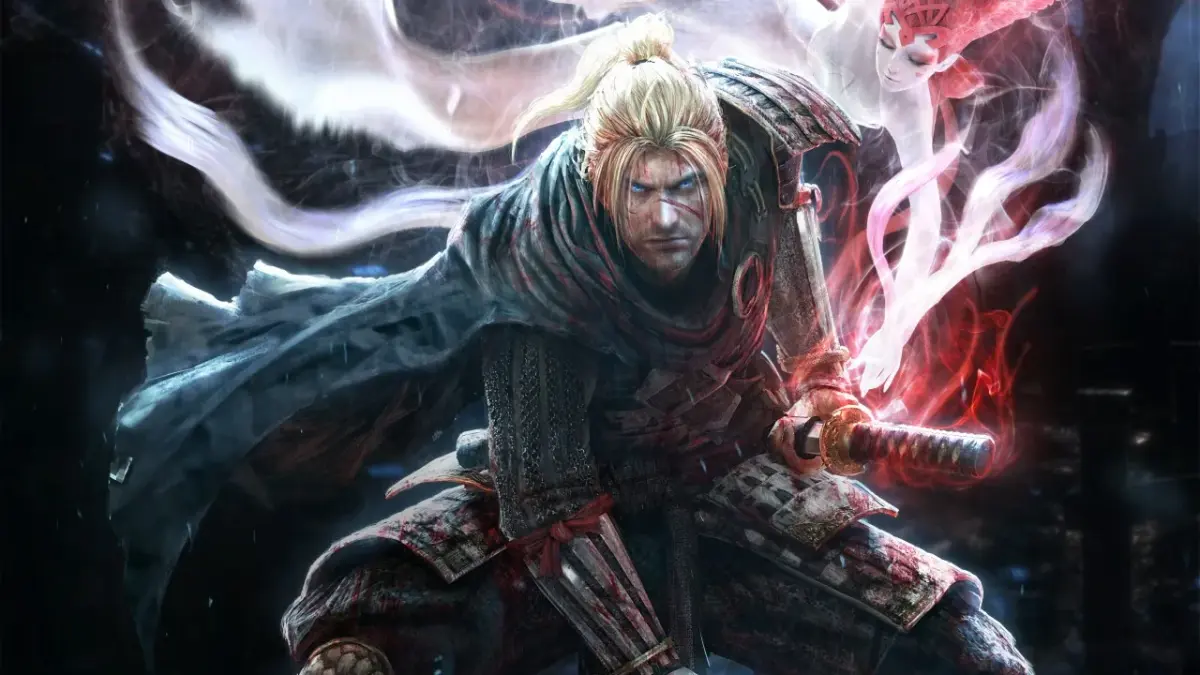
Learn the essential controls for Nioh, including movement, combat actions, stances, and item shortcuts. Master the game's combat system with this comprehensive guide.
This guide covers the default control scheme (Type A) for Nioh, which is crucial for mastering the game's combat. Nioh's combat system heavily relies on the synergy between your chosen weapon and your current stance. Experimenting with different weapons and stances is highly recommended to find what suits your playstyle.
There are a total of six different control types (A-F) available in the game. This section details Control Type A. It is advised to explore all control types to find the one that feels most comfortable for you.
| Action | Button |
|---|---|
| Moves Player | L analog |
| Moves Camera | R analog |
| Guard | L1 button |
| Aim Ranged Weapon / Third Person View | L2 button |
| N/A | L3 button |
| Stance (Change Stance) | R1 button |
| Switch Item Shortcut | R2 button |
| Lock-On | R3 button |
| Item Shortcut (Up, Down, Left, Right) | D-pad |
| Gesture Menu | Options |
| Status Menu | Touchpad |
| Dodge/Dash | X button |
| Quick Attack | [] button |
| Strong Attack | /\' button |
| Interact | O button |
Special Note: The game's combat system is deeply intertwined with the type of weapon you are wielding and the stance you are currently in. It is highly recommended to try out every weapon type as you discover them. Key weapon types include Sword and Dual Swords.
100% Human-Written. AI Fact-Checked. Community Verified. Learn how AntMag verifies content