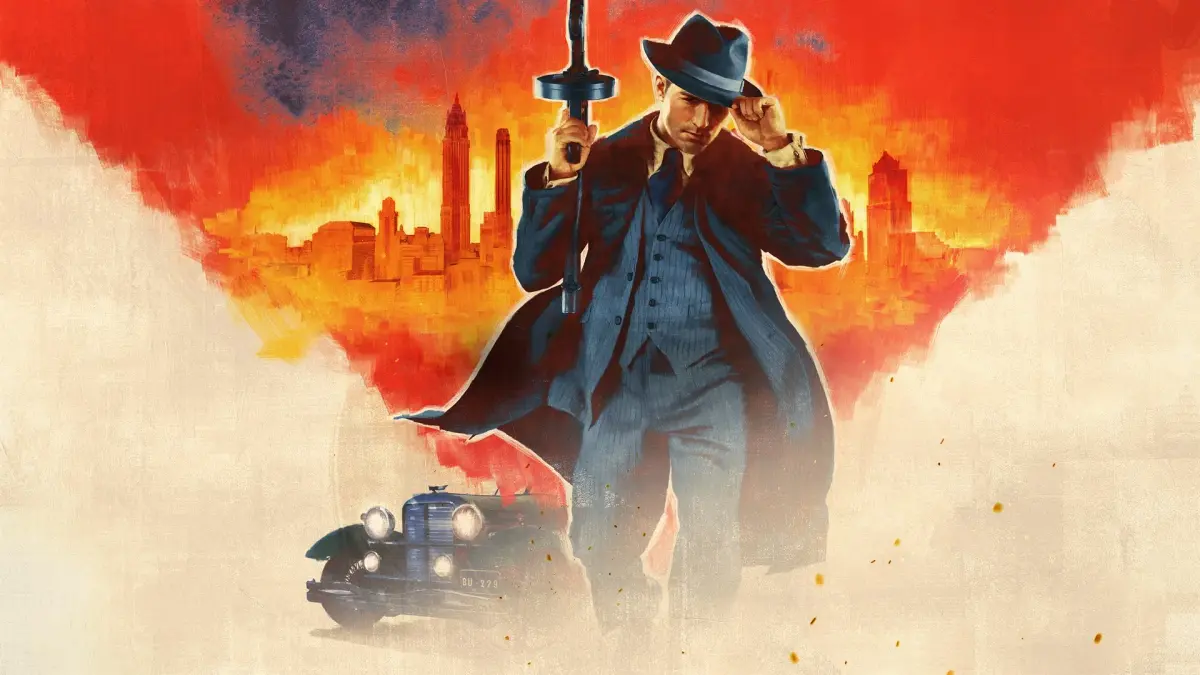
Learn Mafia: Definitive Edition driveby controls, aiming settings, and how to manage save games. Includes gamepad and mouse configurations.
Controls:
You can use mouse aim for drivebys from a car in the three camera views that position the camera above and behind the vehicle. For the other three camera views, the camera is fixed.
To have Tommy use mouse aim without shooting from a vehicle, use one of the three camera views that position the camera above and behind the vehicle and click the Left Mouse Button (LMB). Revert to the default view by clicking the Right Mouse Button (RMB).
To have Tommy shoot from the driver's seat of a vehicle, use one of the three camera views that position the camera above and behind the vehicle, scroll to the handgun you want to use, and press the LMB. Crosshairs will appear in the middle of the screen. You can move the crosshairs with mouse aim. Tommy can shoot if you aim the crosshairs somewhere to the left of the vehicle.
The same method works for those three camera positions if you press the key to have Tommy look left. You can have Tommy shoot while looking left and using the other three camera positions, too, but the crosshairs cannot be moved from the center of the screen.
Press the RMB, the key to have Tommy look right, or both of the keys to look backward, and he reverts to Empty Hands. If the vehicle has a window, he closes the window.
Tommy can use a handgun, machine gun, or shotgun from the passenger side, such as when using the gimmick to have Tommy driven in Sam's car in "Just for Relaxation - The Trap" or be driven in the Trautenberg Model J in "Moonlighting - Lucas Bertone 2."
Other Controls:
- Aiming: Aiming sensitivity X (adjustable bar), Aiming sensitivity Y (adjustable bar), Max aiming speed X (adjustable bar).
- Steering: Nonlinear/linear (adjustable bar).
- Others: Cursor (crosshair/center point/crosshair + center point), Side roll (yes/no), Mouse control (normal/inverted), Speedometer (miles per hour/kilometers per hour), Subtitles (enabled/disabled).
- Force feedback: Global stick volume (adjustable bar), Suspension (adjustable bar), Collisions (adjustable bar), Revs (adjustable bar), Tire grip (adjustable bar), Player movement (adjustable bar).
Gamepad Controls (Example Configuration):
This is one possible way to configure controls for a Logitech Rumblepad 2, and you will likely want to customize them.
- Foot Controls: Jump (Joy1), Sprint (Joy2), Fire (Joy3), Enter+Exit (Joy4), Action (Joy5), Reload (Joy6), Prev Weapon (Joy7), Next Weapon (Joy8), Map (Joy9), Crouch (Joy10), Hide weapon (Joy11), Drop weapon (Joy12).
- Vehicle Controls: Accelerate (Joy1), Reverse (Joy2), Fire (Joy3), Enter+Exit (Joy4), Objectives (Joy5), Handbrake (Joy6), Look Left (Joy7), Look Right (Joy8), Look Behind (Joy7+8), Map (Joy9), Camera (Joy10), Horn (Joy11), Speed limiter (Joy12).
Save Games:
You get two save games for "Freeride Extreme," one for "Freeride," and one for each saved section of a main story mission. The maximum number of save games you can have is 116.
When you hover the cursor over a save game, you can see Tommy's Health for it (from 0-100%), the date and military time of the save, and the play time, which is the amount of time you played an uninterrupted session until you saved that mission.
Screenshots and Videos:
The Prt Scr (Print Screen) key does not work for making screenshots in Mafia: Definitive Edition. You can use Fraps to make screenshots and videos.
The free version of Fraps allows any number of screenshots but only saves them as .bmp files, not .jpg files. You can use the free Easy Graphic Converter to copy them as .jpg files and then delete the .bmp files.
The free version of Fraps restricts videos to 30-second clips. Videos take up a lot of MBs and can be compressed using VirtualDub (a free tool) to take up less hard disk space. To compress, use Video > Compression > XviD MPEG-4 codec and save them as .avi files.
Other free software mentioned includes AoA Audio Extractor (to extract audio or convert MP3s to .wav files), Super (to convert file types), and Wavepad (an audio editor). ZAMZAR is a web page that can be used to save YouTube videos.
For editing on Vista, Windows Movie Maker (which comes with Windows XP and Vista Home Premium) can be used to publish videos and compress them to the desired size. For Windows 7 and higher, Windows Movie Maker 12 can be downloaded for free.
Recommended paid video editors include Sony Vegas and Adobe Premier Pro. Avidemux is a free alternative.
100% Human-Written. AI Fact-Checked. Community Verified. Learn how AntMag verifies content