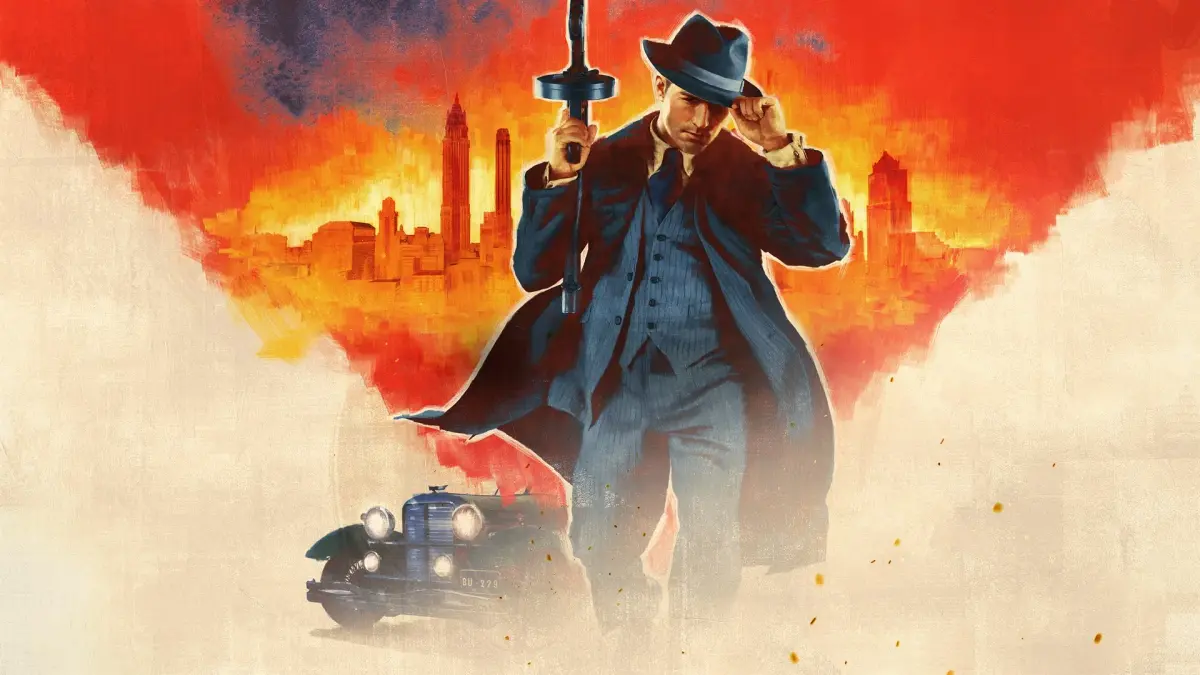
Learn how to shoot cans, reload, hide weapons, and perform melee takedowns in Mafia: Definitive Edition Part 35.
Walkthrough
- 1When holding a gun, pressing the Left Mouse Button (LMB) raises the gun for aiming. Each subsequent LMB press fires the weapon or initiates a reload if bullets remain.
- 2The reticle (aiming sight) expands momentarily when firing. If you run out of bullets, the gun remains raised briefly. Check the ammo bar in the lower left corner of the HUD (Heads-Up Display) or observe the reticle's expansion to confirm if the weapon is empty.
- 3Shoot the seven cans off the plank on the canisters in the middle of the room using mouse aim and the LMB. You can move Tommy closer to the cans for easier shots.
- 4Aim for each can sequentially, moving Tommy's aim slightly to the right as needed.
- 5Press the Reload key (default 'L', or 'F' if reassigned) to reload Tommy's weapon. Reloading replaces the current cylinder/magazine/cartridge with a full one, discarding any remaining bullets in the old one. The ammo bar in the lower left shows current and reserve ammunition.
- 6Reloading takes time and is unsafe under fire. You can speed up the reload by having Tommy perform a side roll; the gun will be reloaded upon completion of the roll.
- 7Decide before combat whether to start with a full magazine or risk reloading during a fight.
- 8Quickly switch weapons using the Scroll Wheel. The name of the currently equipped weapon appears briefly in the lower left corner of the HUD.
- 9Press the "Hide weapon" key (default 'H', or 'E' if reassigned) to conceal Tommy's weapon. If Tommy is carrying a weapon and a policeman sees him, he will be arrested.
- 10If you hide a weapon or drop one using the "Drop weapon" key (default Backspace, or 'R' if reassigned), "empty hands" appears briefly on the lower left of the HUD.
- 11A policeman may consider Tommy to be committing an offense if they see him carrying a weapon. A gangster not in Tommy's gang may also attack if they see Tommy carrying a weapon.
- 12Tommy can conceal five small weapons and one large weapon. He can carry a second large weapon but cannot conceal it. If carrying an unconcealable large weapon and a policeman is spotted, Tommy must drop it.
- 13Take the Baseball bat (a large weapon) from the table by pressing the Right Mouse Button (RMB).
- 14Press the "Drop weapon" key to have Tommy drop the bat. The Baseball bat is the only weapon Tommy can carry openly without the police considering it an offense.
- 15Press the RMB to pick up the Baseball bat again.
- 16Walk up behind the man who walks from the hall and knock him out.
- 17When swinging a melee weapon (like the Baseball bat or a Knife) or Tommy's fist, press and hold the LMB to fill a progress bar. Hitting a target from behind with a fully powered swing results in a one-hit knock-out (bat) or kill (Knife).
- 18Walk over to the car. The compass will appear and point toward it.
Tips
- The reticle expands momentarily when Tommy fires a shot. If Tommy runs out of bullets during a shootout, you might not be able to tell from listening, and he'll keep the gun raised for a bit after your last press of the LMB. Besides looking at the lower left corner of the screen to see if he's out of ammo for that weapon, see if the reticle expands when you press the LMB.
- You can have Tommy shoot from anywhere in the room, so you can have Tommy move as close to the cans as you want.
- The reloading process takes too long to be done safely when Tommy's in the line of fire, but you can speed it up by having Tommy do a side roll while he reloads. At the end of a side roll, his gun will be reloaded.
- It's important to decide before a shootout if you want Tommy to face an opponent with a full round or, if you don't want to spare the bullets, have him take the chance that he'll be able to reload during the fight.
- The police won't give you any trouble if you are carrying a bat even if you might use it to, ehm, say, knock someone out.
- The instructor means the police won't act on the potential of the bat to be used as a weapon, but they'll consider it an offense if they see Tommy hit someone with it.
- The tutorial refers to the effect of a blow with a fully powered bat on the back of a victim as stunning the victim, and elsewhere in the game the effect of a blow with a fully powered Knife on the back of a victim is a kill, but you won't be able to tell the difference. Either way, the victim falls down and doesn't get back up.
Controls Reference:
- Default Controls: Reload (L), Switch weapon (Scroll wheel), Hide weapon (H), Drop weapon (Backspace)
- Your Controls (Example): Reload (F), Switch weapon (Scroll wheel), Hide weapon (E), Drop weapon (R)
100% Human-Written. AI Fact-Checked. Community Verified. Learn how AntMag verifies content