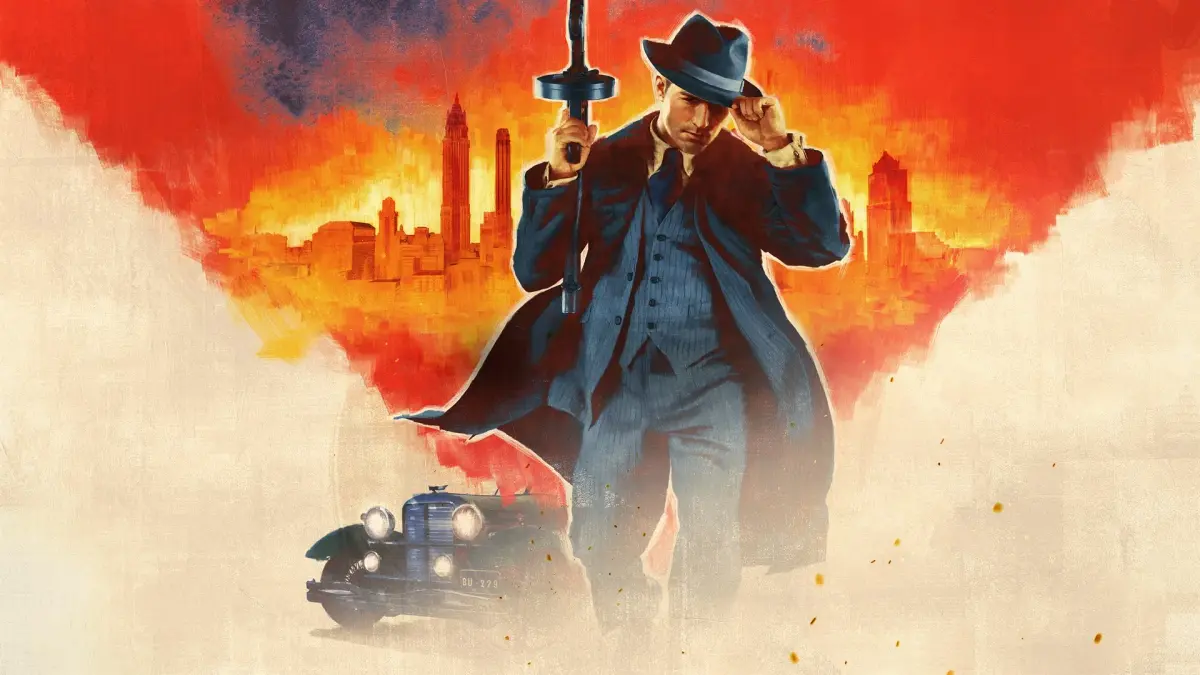
Get a grip on Mafia: Definitive Edition! This guide breaks down every control for driving, combat, and general gameplay, ensuring you master Tommy's every move.
Alright, let's get you up to speed on how to actually *play* Mafia: Definitive Edition. This isn't just about the story, it's about knowing what buttons to press when things get hairy. Think of this as your cheat sheet for everything Tommy can do, whether he's on foot or behind the wheel.
First off, let's talk about Tommy himself. Moving him around is pretty standard stuff:
- Forward/Left/Right Movement: Use the directional keys (W, A, D) to move Tommy. Holding these forward changes his walk to a run, and his run to a walk. He'll even give a little whistle to call someone over when you first press it!
- Toggle Run/Walk: Press Num Enter to set Tommy's default speed. I personally switch this from Caps Lock because I hate accidentally typing in all caps after gaming.
- Aim: This is all about your mouse (Axis X and Y).
- Jump/Climb: Hit the Space bar.
- Action Button: That's your Right Mouse Button (RMB).
- Fire: The Left Mouse Button (LMB) is your main trigger. A quick tap makes Tommy raise his gun and bring up the crosshairs for a couple of seconds – handy for aiming before you waste ammo. Keep holding it down, and he'll keep firing, reloading if he can, until you let go or run dry. Want to do some rapid-fire shots, like with a shotgun? Hold the Backwards key, then hold Fire, and at the same time tap the Jump key. You can fire as fast as you can tap! The LMB is also used for punches and throws.
- Crouch: Press C.
- Cycle Weapons: Scroll your mouse wheel (Axis Z) or use Backspace to go up, and (backslash) to go down.
- Hide Weapon: Press E.
- Drop Weapon: Hit R.
- Reload: That's your F key. Heads up: Tommy loses the bullets from a rejected cylinder, magazine, or cartridge. For a quick reload, try a side roll right after he starts the animation. If you fire the last bullet of a clip and have another one ready, he'll reload automatically.
- Sniper Mode: Press X. Weirdly, this sometimes disappears from the controls menu, so you might need to re-enter it.
- Inventory: Press I.
- Objectives: Hit F1.
- City Map: Press Tab.
Now, let's get you rolling. Driving controls are a bit different:
- Accelerate: Use W.
- Brake/Reverse: Use S. Fun fact: you can also use W or S to start the ignition.
- Steer Left/Right: That's A and D.
- Handbrake: Hit Space.
- Horn: Press Shift. Honking is useful! Peds and other cars will get out of your way, especially if you're speeding. Speaking of which, the speed limit is 40 mph until you finish the main story, then it bumps up to 60 mph.
- Look Left/Right: Use Q and E respectively.
- Look Behind: Hold both Q and E.
- Speed Limiter: Press F5. This is a lifesaver if you're trying to avoid the cops for speeding. It caps Tommy's car at 40 mph (or 60 mph after the main story). If you're feeling brave and want to drive like a maniac, you can check out some speed run links mentioned later.
- Manual/Auto Gearing: Press M. You'll see a little 'M' or 'A' in the bottom right corner to show your current setting. Manual lets you accelerate faster, but it takes some getting used to.
- Use Clutch: If you're in manual mode, press X while changing gears.
- Change Gears Up/Down: Use the Up and Down arrow keys.
- Replace Race Car: If your car flips during the 'Fairplay' race, press Num 0 to upright it. Saves time!
- Change Camera: Press C. You've got six camera angles to choose from, all aimed forward. You can get one from above and behind, a bit further back, even further back, from the front fender, just in front of the windshield, or beside the back of the left front fender. You can also combine these with Q and E for even more views.
- City Map: You can also bring up the city map with C.
Knowing these controls inside and out will make a huge difference. Don't be afraid to experiment in a safe spot to get a feel for them. Now you're ready to really dive into the action!
100% Human-Written. AI Fact-Checked. Community Verified. Learn how AntMag verifies content