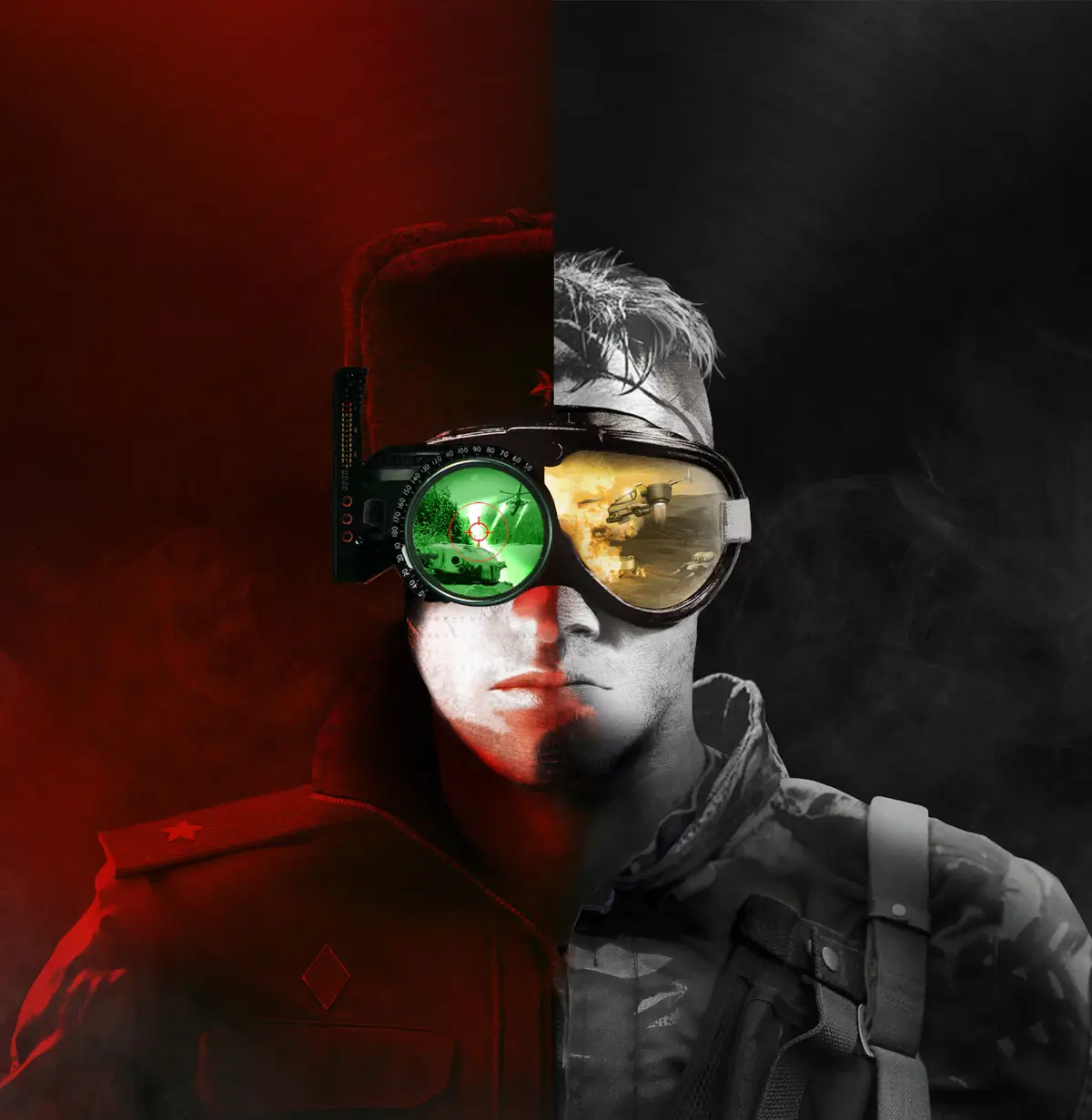
Troubleshoot and fix missing sound effects in Command & Conquer Remastered Collection, restoring unit responses and background music.
Experiencing missing sound effects in Command & Conquer Remastered Collection? This guide helps troubleshoot common audio issues, from missing unit responses to absent music. Learn how to restore the iconic sounds that bring the battlefield to life.
The Command & Conquer Remastered Collection is lauded for its faithful recreation of classic gameplay, but sometimes technical glitches can affect the audio experience. A common issue reported by players is the absence of certain sound effects, ranging from critical unit acknowledgments to the iconic background music. These missing sounds can detract from the immersion and even impact gameplay, as audio cues are often vital for situational awareness. Fortunately, most of these problems are resolvable with a few troubleshooting steps.
One of the most frequent causes of missing sound effects is an incorrect audio configuration within the game's settings or on the operating system level. Ensure that your audio output device is correctly selected in both Windows sound settings and within the Command & Conquer Remastered Collection's options menu. Sometimes, simply switching to a different playback device and then back to your preferred one can resolve the issue. Additionally, check that the volume sliders for music, sound effects, and voice are not set to zero or muted.
Another potential culprit is corrupted game files. The Remastered Collection, like any digital game, can sometimes suffer from incomplete or damaged installations. The most effective way to address this is to use the game launcher's built-in repair or verify integrity of game files feature. For Steam users, this is done by right-clicking the game in your library, selecting 'Properties,' then 'Local Files,' and finally 'Verify integrity of game files.' For Origin users, the process is similar through the game's properties within the Origin client. This process will scan your game files and redownload any that are missing or corrupted.
Troubleshooting Steps for Missing Sound Effects:
- Check In-Game Audio Settings: Navigate to the game's options menu and verify that all volume sliders (Music, SFX, Voice) are appropriately set and not muted. Ensure the correct audio output device is selected.
- Verify Operating System Audio Settings: Confirm that your default audio playback device in Windows is set correctly and that other applications are producing sound.
- Update Audio Drivers: Outdated or corrupted audio drivers can cause a multitude of sound issues. Visit your motherboard or sound card manufacturer's website to download and install the latest drivers.
- Verify Game File Integrity: Use the repair or verify integrity of game files function within your game launcher (Steam or Origin) to check for and fix corrupted or missing game files.
- Run as Administrator: Sometimes, running the game with administrator privileges can resolve permission-related issues that might affect sound playback.
- Disable Audio Enhancements: In Windows sound settings, try disabling any audio enhancements or spatial sound features, as these can sometimes conflict with game audio.
- Reinstall the Game: As a last resort, if none of the above steps work, a complete reinstallation of the Command & Conquer Remastered Collection might be necessary.
If you continue to experience issues after trying these steps, it's worth checking the official Command & Conquer forums or community support channels. Often, other players may have encountered similar problems and found specific workarounds, or community managers might offer further assistance.
100% Human-Written. AI Fact-Checked. Community Verified. Learn how AntMag verifies content