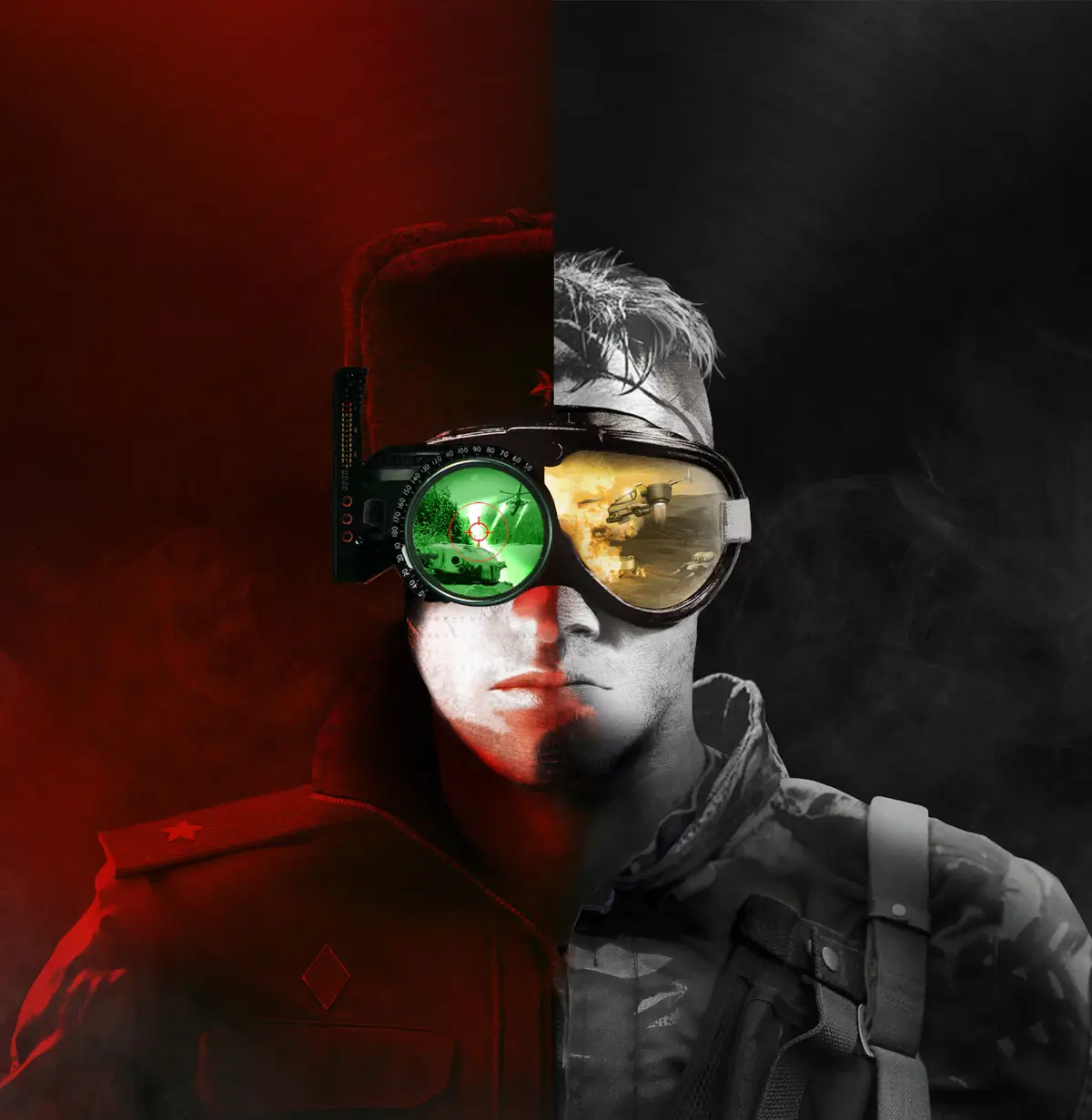
Learn how to use Spectator Mode in Command & Conquer Remastered Collection. This guide covers enabling and utilizing the feature for enhanced gameplay viewing.
Spectator Mode allows players to watch live multiplayer matches without participating. This feature is primarily for viewing and analysis, offering a way to observe strategies and gameplay unfold.
Walkthrough
- 1Launch Command & Conquer Remastered Collection.
- 2Navigate to the multiplayer lobby or matchmaking screen.
- 3Look for an option to spectate available live games. This may be a dedicated button or a list of ongoing matches that can be joined as a spectator.
- 4Select a match to spectate.
- 5Once in Spectator Mode, you will have a camera view of the ongoing match. Controls will typically allow you to pan, zoom, and potentially switch between player perspectives or follow specific units.
Tips
- Familiarize yourself with the spectator controls before or during a match to make the most of the viewing experience.
- Spectator Mode is a great tool for learning new strategies or understanding how professional players approach different scenarios.
- Ensure your game is updated to the latest version to access the Spectator Mode feature if it was added in a patch.
100% Human-Written. AI Fact-Checked. Community Verified. Learn how AntMag verifies content