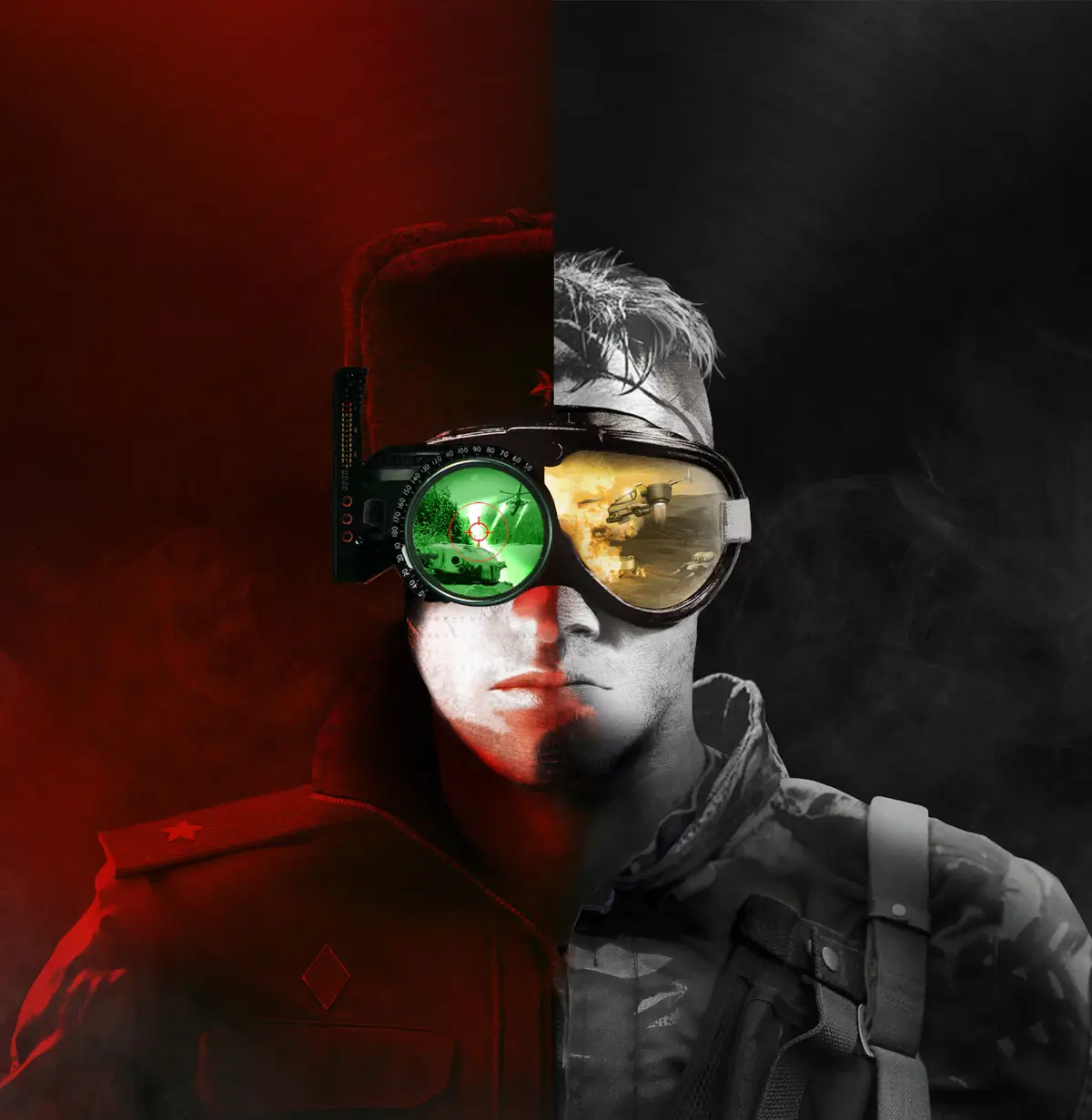
Master Command & Conquer RTS with control groups. Learn to assign units to number keys for faster command, better micro, and winning strategies.
In the fast-paced world of real-time strategy, efficient unit management is paramount. Control groups are an indispensable tool in the Command & Conquer Remastered Collection, allowing players to quickly select and command multiple units simultaneously. Mastering control groups can dramatically improve your reaction time, micro-management capabilities, and overall strategic effectiveness on the battlefield.
Control groups are a fundamental aspect of advanced RTS gameplay, enabling players to streamline their command and conquer experience. By assigning units to specific number keys (1-9), you can instantly bring them to the forefront of your attention and issue orders with unparalleled speed. This is crucial for coordinating attacks, defending multiple fronts, and executing complex maneuvers without fumbling through unit selection menus.
How to Create and Use Control Groups
Creating and utilizing control groups is a straightforward yet powerful mechanic:
- Select Units: Click and drag a box around the units you wish to group, or hold Shift and click on individual units.
- Ass to a Number Key: With the desired units selected, press Ctrl + a number key (e.g., Ctrl + 1). This asss the selected units to that number key.
- Recall Units: To select the units assigned to a control group, simply press the corresponding number key (e.g., press 1).
- Add to Existing Group: To add more units to an existing control group, select the new units, then press Shift + the number key of the group you wish to add them to.
- Remove from Group: To remove units from a control group, select the units you wish to remove, then press Ctrl + Shift + the number key of the group.
Strategic Applications of Control Groups
Effective use of control groups can transform your gameplay:
- Attack Forces: Ass your primary assault force (e.g., tanks and infantry) to one control group, and your support units (e.g., artillery or aircraft) to another. This allows for rapid deployment and coordinated attacks. For example, group your Mammoth Tanks on '1' and your Grizzly Tanks on '2' for quick deployment.
- Defensive Formations: Group your static defenses (e.g., Turrets, Pillboxes) on a dedicated control group. This allows you to quickly select them and issue repair orders or target new threats as they emerge. Assigning all your Guard Towers to '3' can be a lifesaver.
- Harassment Units: Keep fast-moving units like the Light Tank or Attack Bike on a separate control group for quick harassment of enemy harvesters or exposed structures. Assigning your fastest units to '4' allows for swift raids.
- Specialized Units: Group your engineers, medics, or other specialized units together. This ensures they are readily available for critical tasks like capturing buildings or healing damaged units. Your Engineers could be on '5' for quick building captures.
- Scouting: Ass a fast scout unit or a small group of units to a high number key (e.g., '9') for quick reconnaissance of the map without disrupting your main army.
Tips for Mastering Control Groups
- Consistency is Key: Develop a consistent numbering scheme for your control groups. For example, always ass your main army to '1' and '2', your base defenses to '3', and harassment units to '4'.
- Practice in Skirmish: Spend time in skirmish matches against the AI to practice creating and using control groups without the pressure of a competitive match.
- Don't Over-Group: While useful, avoid assigning too many disparate unit types to a single control group, as this can lead to inefficient movement and targeting.
- Use the Minimap: When recalling units via a control group, pay attention to the minimap to ensure they are moving to the intended location.
By integrating control groups into your gameplay loop, you'll find yourself making faster decisions, executing more complex strategies, and ultimately, achieving greater success in the Command & Conquer Remastered Collection.
100% Human-Written. AI Fact-Checked. Community Verified. Learn how AntMag verifies content