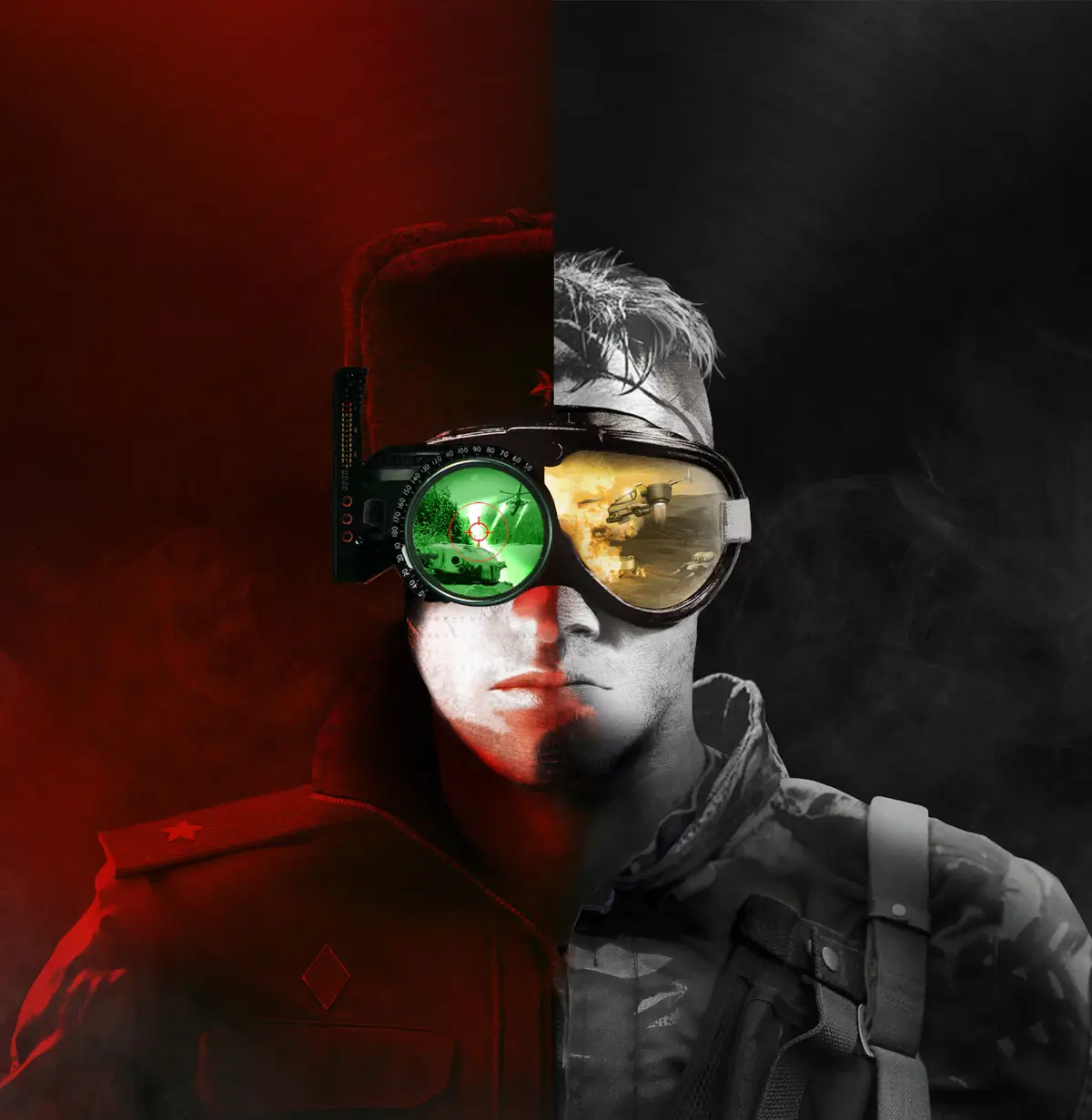
Create and join custom games in Command & Conquer Remastered Collection. Learn lobby settings, game modes, and multiplayer strategies.
Custom Games and Lobbies in Command & Conquer Remastered Collection
Command & Conquer Remastered Collection brings back the beloved multiplayer experience with robust custom game and lobby features. Whether you want to set up a friendly match with friends or dive into competitive play, understanding how to create and join custom games is key. This guide will walk you through the process, from setting up your lobby to customizing game rules.
Accessing the Multiplayer Menu
To start, launch Command & Conquer Remastered Collection and navigate to the main menu. From there, select the "Multiplayer" option. This will take you to the multiplayer hub where you can find options to create a new game, join an existing one, or browse available lobbies.
Creating a Custom Game Lobby
Clicking on "Create Game" or a similar option will open the lobby creation screen. Here, you can configure the settings for your match:
Lobby Settings Configuration
- Game Name: Give your lobby a descriptive name so other You can easily identify it.
- Password Protection: You can set a password to make your lobby private, allowing only invited friends to join.
- Game Type: Choose between "Skirmish" (AI opponents) or "Player vs. Player."
- Map Selection: Select the map you wish to play on. The Remastered Collection includes a vast array of classic maps, with more added through updates and community creations.
- Game Mode: Common modes include "Standard" (first to destroy opponent wins), "All Units" (all units available from the start), and "Superweapons Only."
- Starting Resources: Adjust the amount of starting Tiberium/Ore for each player.
- Starting Units: Determine if players start with a Construction Yard, MCV, or a full base.
- Team Settings: Configure teams (e.g., 1v1, 2v2, Free-for-All).
- AI Opponents: If playing with AI, you can set their difficulty level and choose their faction.
Inviting Players and Starting the Game
Once your lobby settings are configured, you can invite friends to join. If you're using Steam, you can invite friends directly through the Steam overlay. For EA app users, you might need to use in-game friend lists or external communication methods. When all players have joined and are ready, the lobby host can start the game.
Joining an Existing Game
If you prefer to join a game already in progress or created by others, select "Join Game" or "Browse Lobbies." You'll see a list of available public lobbies. You can often filter these lobbies by map, game mode, or player count. Click on a lobby that interests you, and if it's not password-protected, you'll be able to join. If it is password-protected, you'll be prompted to enter the password.
Customization Options and Advanced Settings
The Remastered Collection offers a wealth of customization. You can experiment with different starting conditions, resource levels, and unit availability to create unique gameplay scenarios. For instance, setting "All Units" can lead to incredibly fast-paced and chaotic matches, while limiting starting resources can encourage more strategic base-building.
Community and Custom Maps
The Command & Conquer community is vibrant, and players often create custom maps and mods. These can be downloaded and integrated into the game, offering new battlegrounds and gameplay experiences. Ensure you follow any instructions provided with custom content for proper installation.
Tips for Custom Games
- Communicate: If playing with friends, use voice chat to coordinate strategies.
- Experiment: Don't be afraid to try different maps, game modes, and settings.
- Respect Rules: If playing in a community lobby, adhere to any specific rules set by the host.
- Have Fun: The primary goal of custom games is to enjoy the classic RTS experience with others.
By mastering the custom game and lobby system, you can unlock endless replayability and enjoy Command & Conquer Remastered Collection with friends and the wider community.
100% Human-Written. AI Fact-Checked. Community Verified. Learn how AntMag verifies content