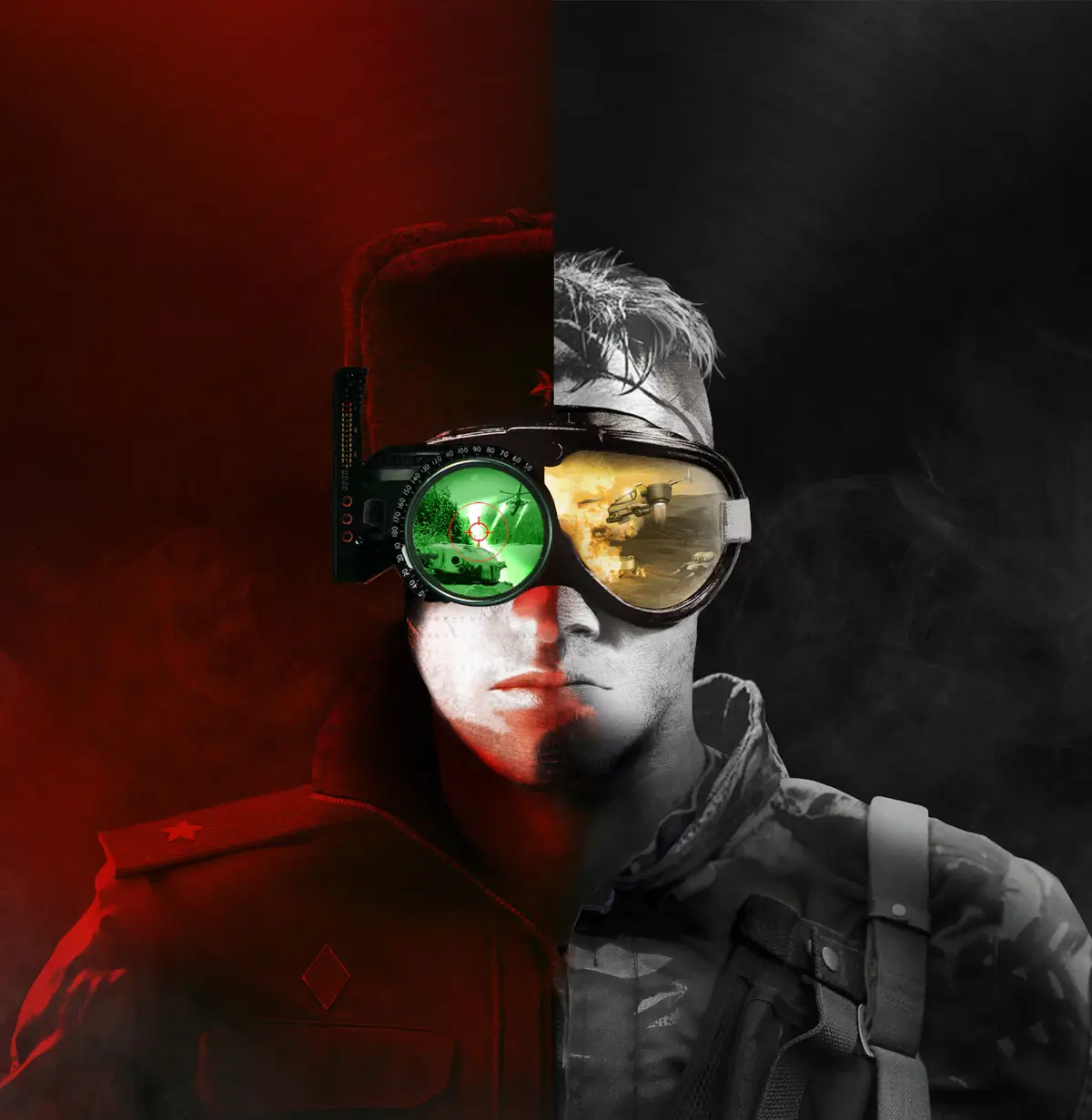
Master Command & Conquer Remastered Collection with our guide to keyboard and mouse controls. Learn essential commands for unit selection, movement, building, and more.
This page provides a comprehensive overview of the keyboard and mouse controls for Command & Conquer Remastered Collection. Understanding these controls is crucial for efficient gameplay, allowing you to manage your units, construct your base, and execute strategies effectively.
| Action | Keybind |
|---|---|
| Select Unit | Left-click |
| Deselect Unit | Right-click (anywhere on screen) |
| Select Multiple Units (Drag Box) | Left-click and drag |
| Select All Units of Same Type on Screen | Double-click on a unit |
| Move Unit | Right-click on terrain |
| Attack Move | Hold Shift + Right-click on terrain |
| Build Structure | Click on the building icon in the sidebar |
| Select Building | Click on the building |
| Center Camera on Base | Press B |
| Center Camera on Selected Unit | Press C |
| Scroll Map | Arrow keys or drag mouse to screen edge |
| Zoom In/Out | Mouse wheel |
| Rotate Camera | Hold middle mouse button and drag |
| Speed up Game | + key |
| Slow down Game | - key |
| Save Game | F5 |
| Load Game | F8 |
| Pause Game | P or Spacebar |
| Open Menu | Esc |
100% Human-Written. AI Fact-Checked. Community Verified. Learn how AntMag verifies content