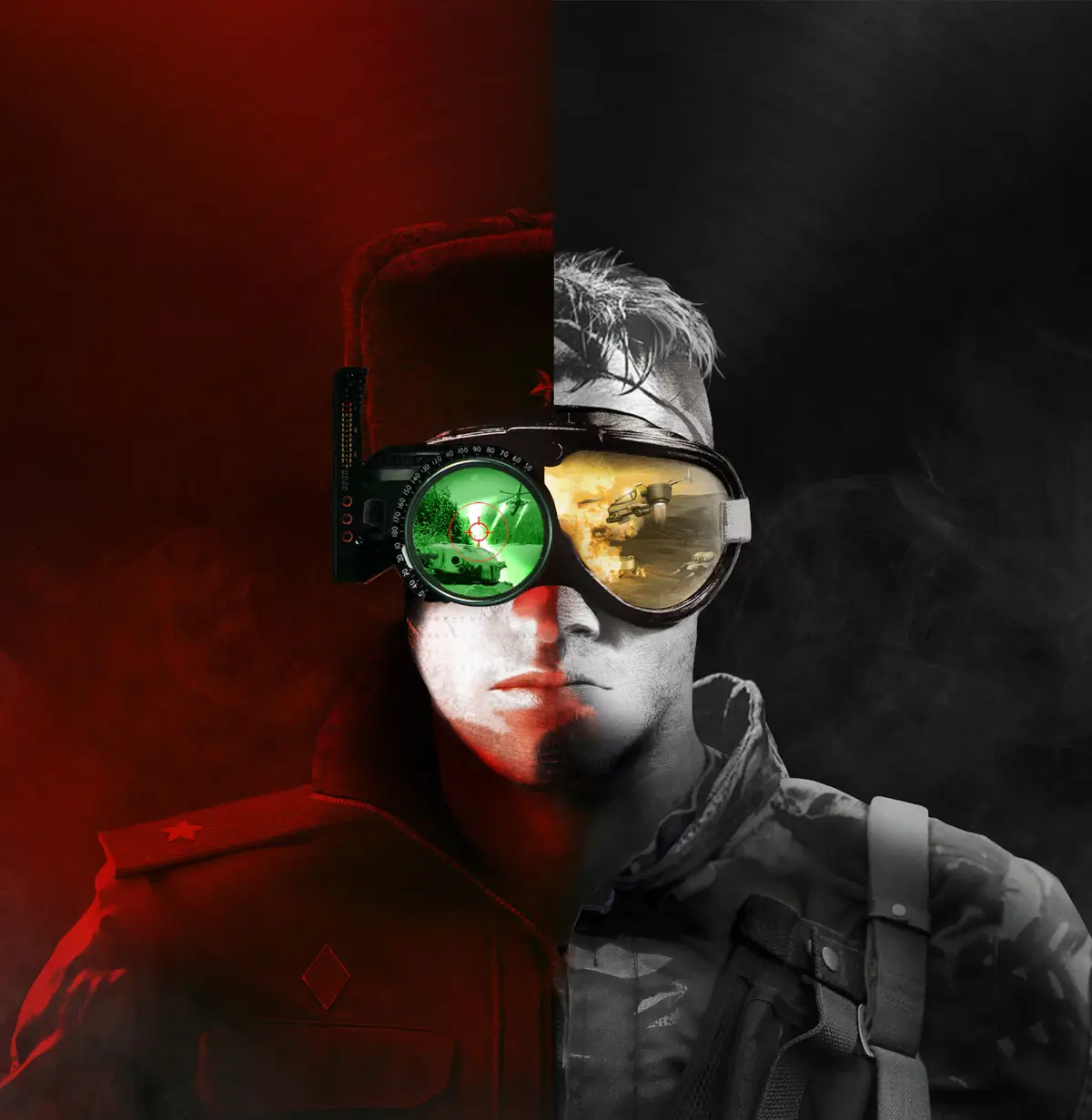
Command & Conquer Remastered Collection offers a modernized UI. Enhance your experience with clearer information, improved controls, and streamlined access.
The Command & Conquer Remastered Collection breathes new life into classic gameplay with a significantly modernized user interface. This overhaul enhances player experience, offering clearer information, improved control, and streamlined access to essential functions. From the expanded unit command bar to the high-resolution graphics, every change is designed to elevate your strategic command.
The Command & Conquer Remastered Collection is a testament to how modern des principles can revitalize beloved classics. One of the most impactful improvements is the completely overhauled User Interface (UI). This isn't just a cosmetic facelift; it's a fundamental enhancement designed to improve player efficiency, clarity, and overall enjoyment of the game. The developers have meticulously considered the needs of both long-time fans and new players, creating an interface that is both familiar and remarkably intuitive.
One of the most significant upgrades is the expanded unit command bar. In the original games, the command bar could feel cramped, especially when dealing with multiple unit types or advanced structures. The remastered version features a larger, more organized command bar that can accommodate more buttons and information. This means less scrolling, fewer missed commands, and a more fluid control experience. Icons are clearer, and tooltips provide more detailed information about unit abilities and structure functions. This is particularly beneficial when managing complex armies or utilizing specialized unit abilities.
The high-resolution graphics extend to the UI elements themselves. Buttons, icons, and text are rendered in crisp detail, making them easy to read and distinguish, even on larger monitors. This clarity is crucial for quickly identifying unit types, assessing damage, and making split-second decisions during intense battles. The visual fidelity of the UI contributes significantly to the immersive experience, making the game feel more polished and professional.
Improved Information Display is another key aspect of the modernized UI. The resource panel is more prominent and easier to read, clearly displaying your current Tiberium and Funds. The mini-map has also seen improvements, offering better visibility and more intuitive controls for navigating the battlefield. Furthermore, the game now provides clearer feedback on unit status, such as damage taken, movement orders, and special ability cooldowns. This enhanced feedback loop allows players to stay better informed about the state of their forces and the battlefield at large.
The toggleable side panel is a particularly innovative addition. This panel can be expanded or collapsed, allowing players to choose how much screen real estate is dedicated to unit information and commands. When expanded, it provides comprehensive details about selected units or structures. When collapsed, it maximizes the view of the game world, which can be advantageous in certain situations. This flexibility caters to different playstyles and preferences.
Furthermore, the Command & Conquer Remastered Collection features a modernized options menu and settings configuration. Players have greater control over graphics, audio, and gameplay options, allowing them to tailor the experience to their specific hardware and preferences. This includes options for controlling the zoom level, the speed of the game, and various visual effects.
Finally, the integration of the original game's UI elements alongside the modernized ones is a thoughtful touch. You can often choose to toggle between the classic and remastered UI styles, offering a nostalgic experience for veterans while showcasing the benefits of the new des for newcomers. This commitment to player choice ensures that the modernization serves to enhance, rather than alienate, the original game's appeal.
| UI Feature | Improvement | Benefit |
|---|---|---|
| Command Bar | Expanded and organized | Less scrolling, easier command input |
| Graphics | High-resolution, crisp icons | Improved readability, enhanced immersion |
| Information Display | Clearer resource panel, unit status feedback | Better situational awareness, informed decisions |
| Side Panel | Toggleable for flexibility | Customizable screen real estate, detailed info on demand |
| Settings | Modernized options menu | Greater control over gameplay and visuals |
100% Human-Written. AI Fact-Checked. Community Verified. Learn how AntMag verifies content