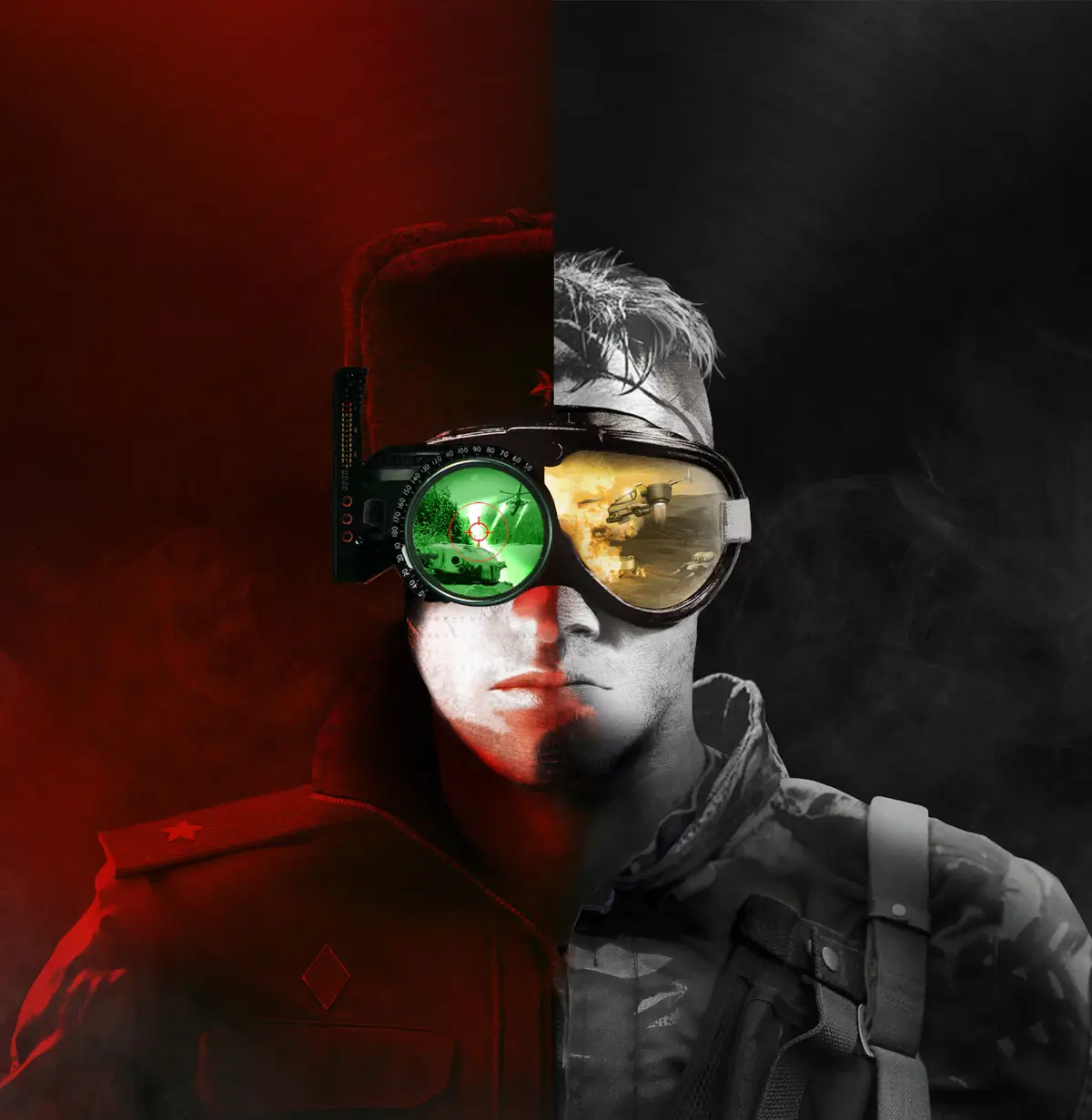
Learn how to install and set up the Mental Omega mod for Command & Conquer Remastered Collection, featuring over 100 campaign missions and an epic retelling of Red Alert 2.
Mental Omega is a fantastic epic retelling of Red Alert 2 and Yuri's Revenge. Boasting over 100 campaign missions, this is the mod to play if you only choose one. Mental Omega will give even seasoned commanders a run for their money.
Setup is similar to DTA. Download and install the mod, and I recommend the excellent soundtrack addon files. Copy and paste the following files from your Steam version of RA2/Yuri's Revenge into your Mental Omega folder:
- BINKW32.dll
- BLOWFISH.dll
- gamemd.exe*
- ra2.mix
- ra2md.mix
- language.mix
- langmd.mix
As of writing, the Steam version of gamemd.exe is not compatible with Ares.dll, a large part of this mod's backend. You can source a gamemd.exe file from the EA App or any of the original CDs as long as it's patched to v1.001.
As with DTA, you can track Steam playtime by creating a steam_appid.txt file in the Mental Omega folder and add 2229850 as its contents. Steam will accrue playtime for RA2/YR when you play Mental Omega via MentalOmegaClient.exe.
For artwork, I again recommend using SteamGridDB as they have the best selection of existing artwork appropriately sized for Steam UI's artwork requirements.
The same principles can be applied to the rest of the CNCNet mods: Reloaded, Red Resurrection, and Rise of the East
100% Human-Written. AI Fact-Checked. Community Verified. Learn how AntMag verifies content