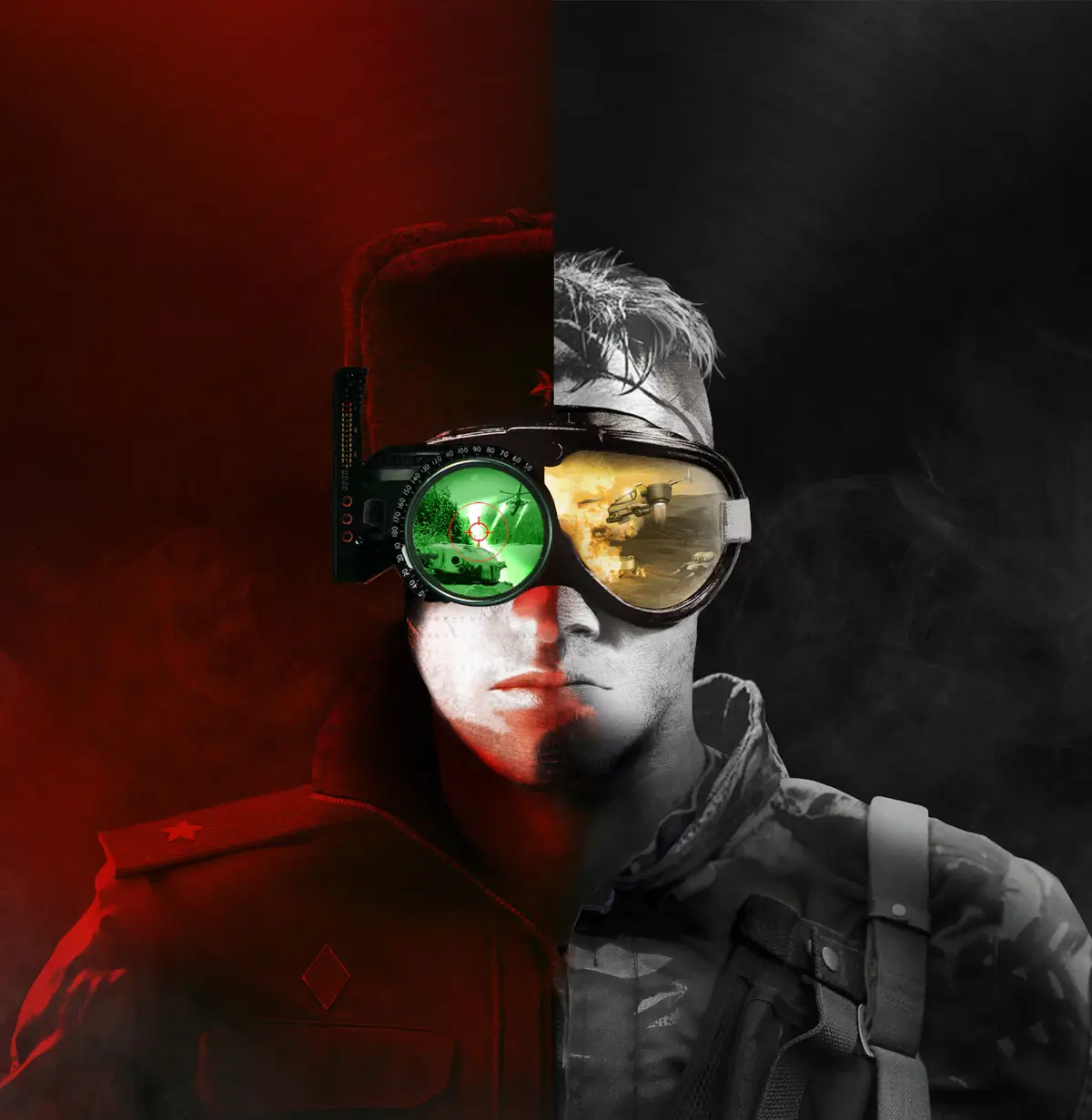
A step-by-step guide on how to install the Command & Conquer Remastered Collection using the EA App, ensuring you can jump into the classic real-time strategy action.
This guide will walk you through the process of installing the Command & Conquer Remastered Collection using the EA App. Follow these steps to get the game up and running on your PC.
Walkthrough
- 1Open the EA App on your computer.
- 2Navigate to your Library.
- 3Locate the Command & Conquer Remastered Collection in your game list.
- 4Click on the game to open its page.
- 5Click the 'Download' button to begin the installation process.
- 6Choose your desired installation location and follow any on-screen prompts.
- 7Once the download and installation are complete, you can launch the game from your Library.
Tips
- Ensure you have a stable internet connection for a smooth download.
- If you encounter any issues, try restarting the EA App or your computer.
- Check the game's system requirements to ensure your PC is compatible.
100% Human-Written. AI Fact-Checked. Community Verified. Learn how AntMag verifies content