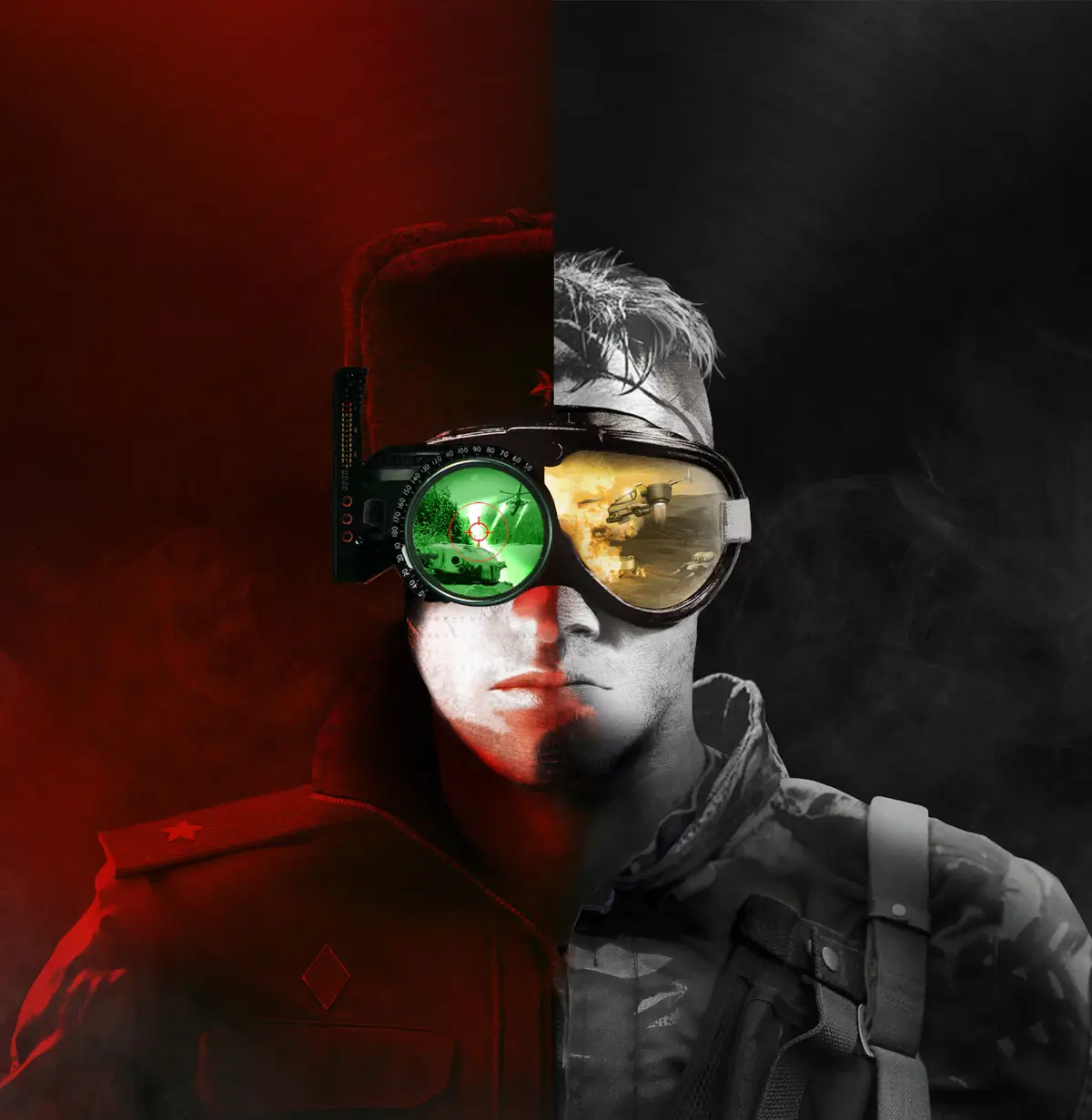
Master Command & Conquer Remastered graphics. Learn to adjust resolution, textures, and effects for stunning 4K visuals. Optimize your RTS experience.
The Command & Conquer Remastered Collection breathes new life into classic RTS visuals. This section guides you through the enhanced graphics options, allowing you to tailor the visual fidelity to your liking. From crisp 4K resolutions to improved lighting and particle effects, experience Tiberian Dawn and Red Alert like never before. We'll cover how to access these settings and what each option impacts, ensuring you can enjoy the iconic battles with stunning clarity.
The Remastered Collection offers a significant visual upgrade over the original games. You can now enjoy the classic RTS experience in resolutions up to 4K, with significantly improved textures, lighting, and particle effects. The game also features a dynamic zoom function, allowing you to get closer to the action than ever before. To access these graphical enhancements, navigate to the game's main menu and select 'Options,' then 'Graphics.' Here, you'll find a range of settings to customize your visual experience.
Resolution and Display Settings
- Resolution: Choose from a wide array of resolutions, including 1920x1080, 2560x1440, and 3840x2160 (4K). Selecting a higher resolution will provide a sharper and more detailed image, especially on modern displays.
- Aspect Ratio: Options typically include 16:9, 16:10, and 4:3. 16:9 is recommended for most modern widescreen monitors to avoid stretching or black bars.
- Fullscreen/Windowed Mode: Toggle between fullscreen for an immersive experience or windowed mode for easier alt-tabbing.
Visual Enhancements
- Texture Quality: This setting affects the detail of unit and building textures. Higher settings will make units appear more defined.
- Shadow Quality: Controls the detail and softness of shadows cast by units and structures.
- Particle Effects: Enhances visual effects like explosions, muzzle flashes, and smoke. Turning this up can make battles look more dynamic.
- Lighting: Adjusts the overall lighting of the environment, impacting the mood and visibility.
The Remastered Toggle
A key feature of the Remastered Collection is the ability to seamlessly switch between the original and remastered graphics on the fly. Simply press the 'Tab' key during gameplay to toggle between the two visual styles. This is invaluable for appreciating the extent of the remastering or for players who prefer the nostalgic look of the originals. Experiment with these settings to find the perfect balance between performance and visual fidelity for your system.
| Setting | Impact | Recommendation |
|---|---|---|
| Resolution | Image sharpness and detail | Native monitor resolution (e.g., 4K) |
| Texture Quality | Unit and building detail | High |
| Particle Effects | Explosion and combat visuals | High |
100% Human-Written. AI Fact-Checked. Community Verified. Learn how AntMag verifies content