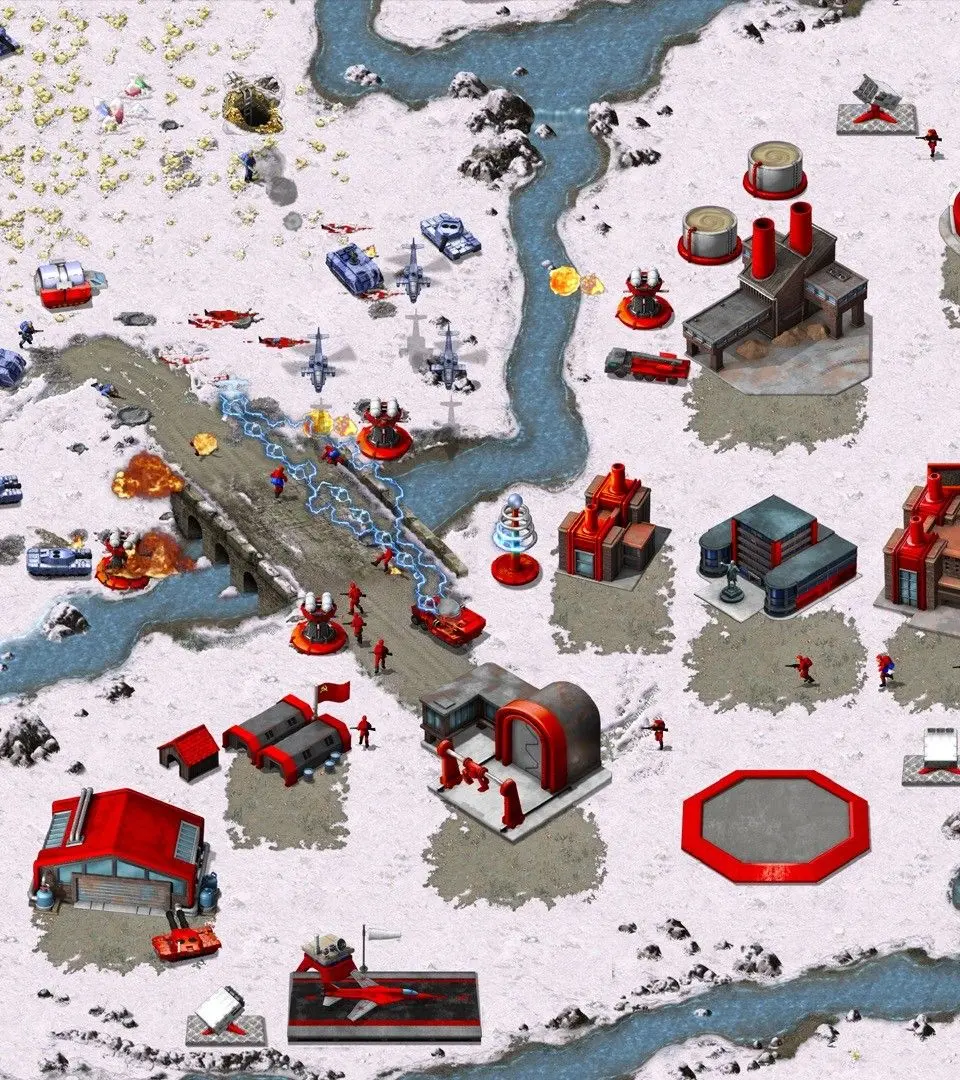
Master Command & Conquer Remastered Collection with our guide to hotkeys and control groups. Learn essential shortcuts to manage your units and base efficiently for victory.
This guide focuses on the hotkeys and control groups for Command & Conquer Remastered Collection, crucial for efficient gameplay and base management.
| Action | Hotkey |
|---|---|
| Select all units of current type | Ctrl + Shift + Number |
| Select all units on screen | Ctrl + Alt + Number |
| Assign selected units to control group | Shift + Number |
| Select control group | Number |
| Add units to existing control group | Shift + Number |
| Remove units from existing control group | Alt + Number |
| Center screen on selected unit/group | Double-tap Number |
| Build selected unit/structure | Spacebar |
| Stop current action | S |
| Repair selected vehicle | R |
| Move command | M |
| Attack command | A |
| Guard command | G |
| Patrol command | P |
| Load unit into transport | L |
| Unload all units from transport | U |
| Select all available power plants | Ctrl + P |
| Select all available Barracks | Ctrl + B |
| Select all available War Factories | Ctrl + W |
| Select all available Refineries | Ctrl + R |
| Select all available Superweapons | Ctrl + S |
100% Human-Written. AI Fact-Checked. Community Verified. Learn how AntMag verifies content