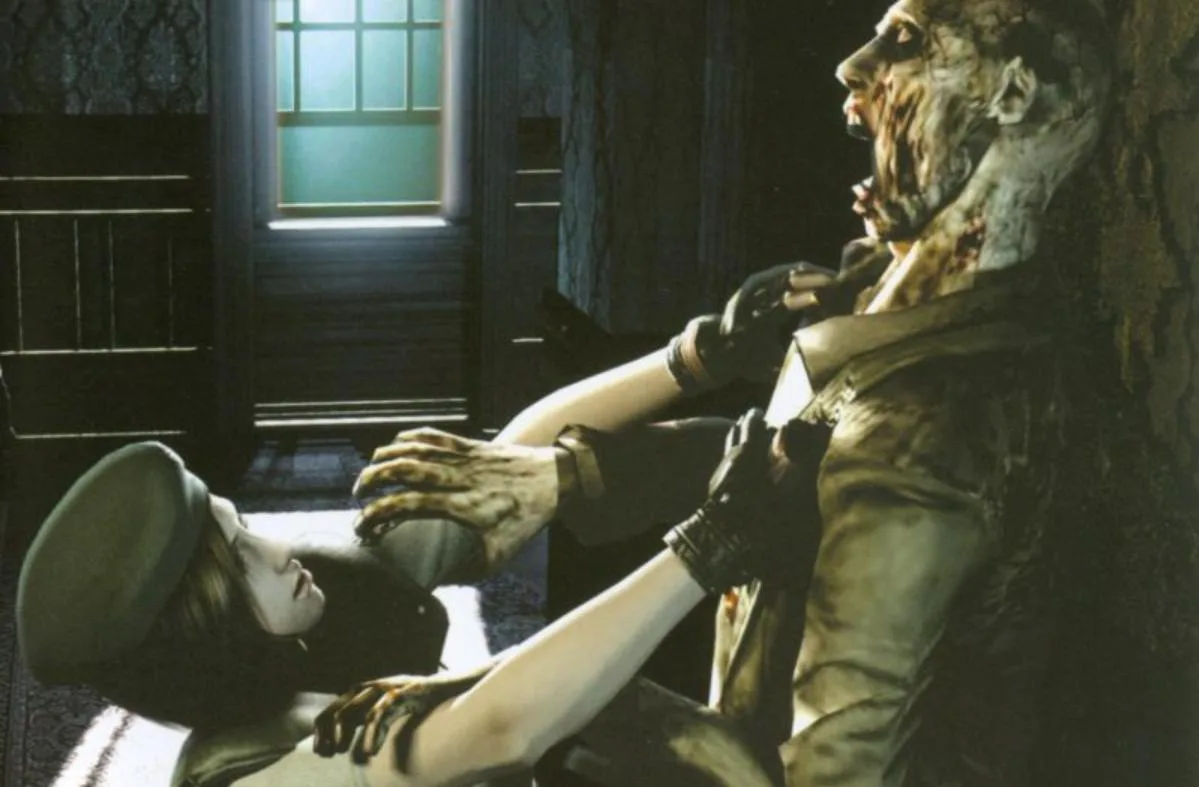
Learn how to use the item screen in Resident Evil, including accessing File, Map, and Defense Items, and equipping gear.
The item screen in Resident Evil is a crucial interface for managing your inventory. It allows you to access various sections like EXIT, FILE, MAP, and DEFENSE ITEMS. To use the item screen, you simply highlight the option you wish to select and then confirm your choice by pressing the A Button.
Tips
- Familiarize yourself with the layout to quickly access important items and information.
- The DEFENSE ITEMS section is specifically for managing defensive gear.
- Use the EQUIP option to prepare your character with the necessary items for survival.
100% Human-Written. AI Fact-Checked. Community Verified. Learn how AntMag verifies content