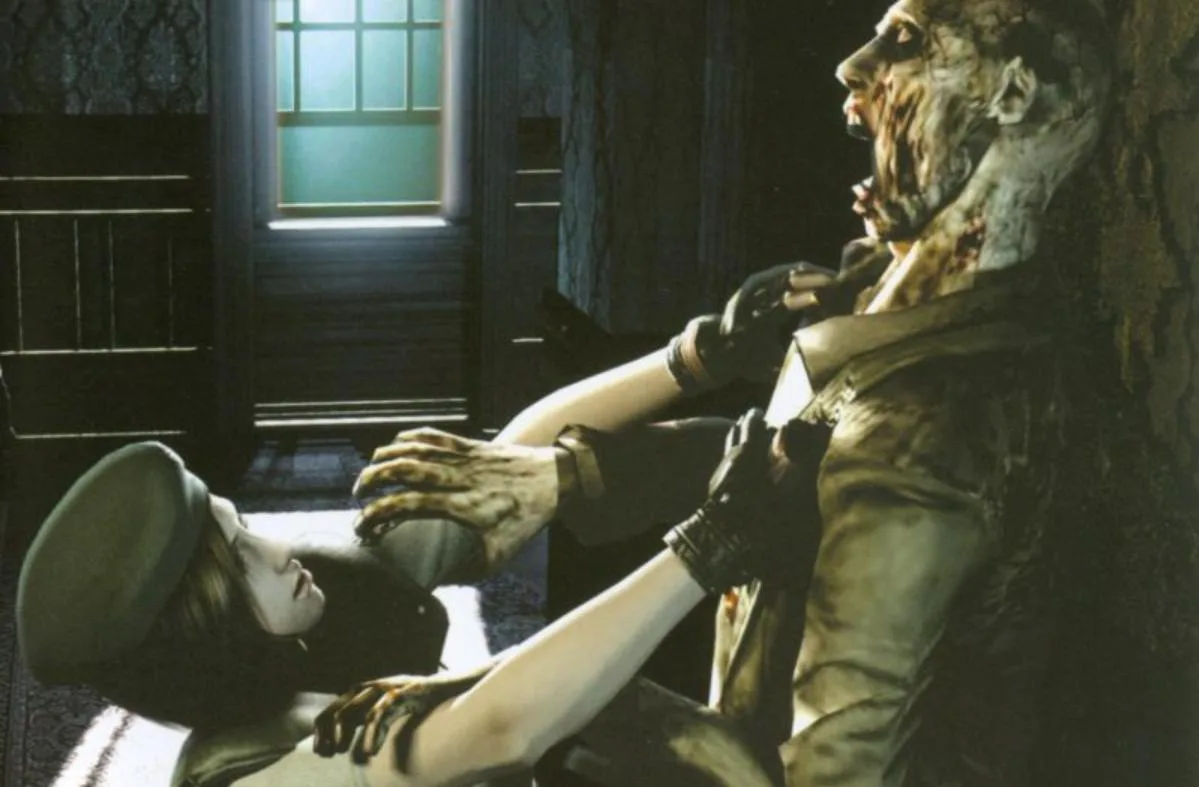
Resident Evil control schemes: Type A, Type B, and Type C. Learn button mappings for actions, items, weapons, and more.
Resident Evil Type A Controls:
- A: Action/Climb
- B: Run (When moving D-Pad/Analog Stick)
- Y: Access Item Screen
- X: Access Item Screen
- R: Ready Weapon
- L: Change targets
- C-Stick: Move it just once to do a 180* turn
- Start Button: Access Options
- Z Button: Access map
Resident Evil Type B Controls:
- A: Walk forward
- B: Walk backward/Cancel
- Y: Action/Climb
- R: Ready Weapon
- L: Change Targets
- C-Stick: Move it just once to do a 180* turn
- Start Button: Access Item Screen
- Z Button: Access Options Screen
Resident Evil Type C Controls:
- A: Action/Climb
- B: Cancel
- Y: Access Map
- X: Access Item Screen
- R: Run
- L: Ready weapon
- C-Stick: Move it just once to do a 180** turn
- Z Button: Change targets
Tips
- Experiment with each control type to find the one that best suits your playstyle.
- The C-Stick offers a quick way to perform a 180-degree turn in all control types.
- Note the different buttons for accessing the map and item screen across the control types.
100% Human-Written. AI Fact-Checked. Community Verified. Learn how AntMag verifies content