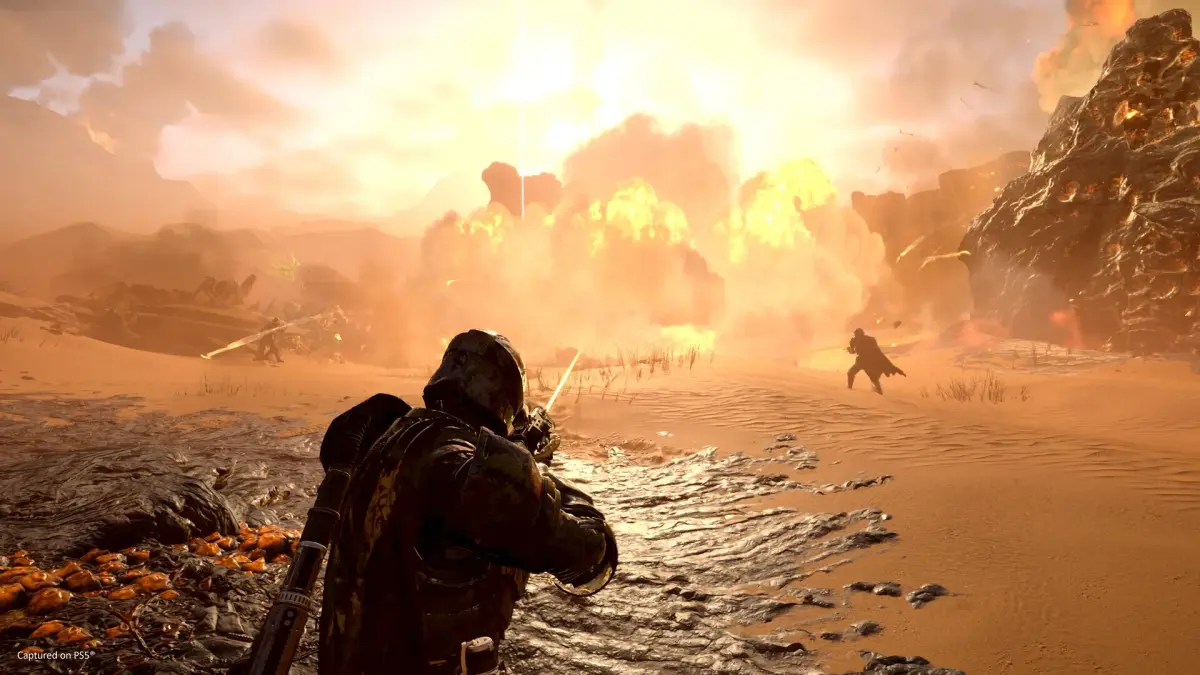

Learn essential mission strategies and best practices for Helldivers 2. Master pinging, map marking, and effective communication to ensure successful extractions and galactic liberation.
Helldivers 2 missions require teamwork and effective communication, especially with friendly fire enabled. This guide covers essential strategies to improve your squad's performance and ensure successful extractions.
Pinging Enemies and Objectives on the Minimap
Pinging locations on the minimap is crucial for alerting teammates to enemies or objectives, especially when voice chat isn't an option. This helps maintain focus on shared goals and prevents squad members from scattering.
Controls for Pinging and Marking Locations on the PC
On PC, to ping a location, face the objective or enemy and press the Q key. This creates a brief ping visible for about 6 seconds. To mark a specific area on the minimap, press Tab to open it, hold the right mouse button, navigate to the desired area, and click the left mouse button to place a marker that remains until a new one is placed.
Controls for Pinging and Marking Locations on PS5
On PS5, ping a location by pressing R1 + D-Pad Up. To mark a location, open the minimap using the touchpad, navigate with the joystick, and press the Cross button to place a marker.
More Helldivers 2 Tips
For additional guidance on Helldivers 2, refer to these resources:
How to Matchmake in Helldivers 2
How to Align Radar Towers in Helldivers 2
100% Human-Written. AI Fact-Checked. Community Verified. Learn how AntMag verifies content