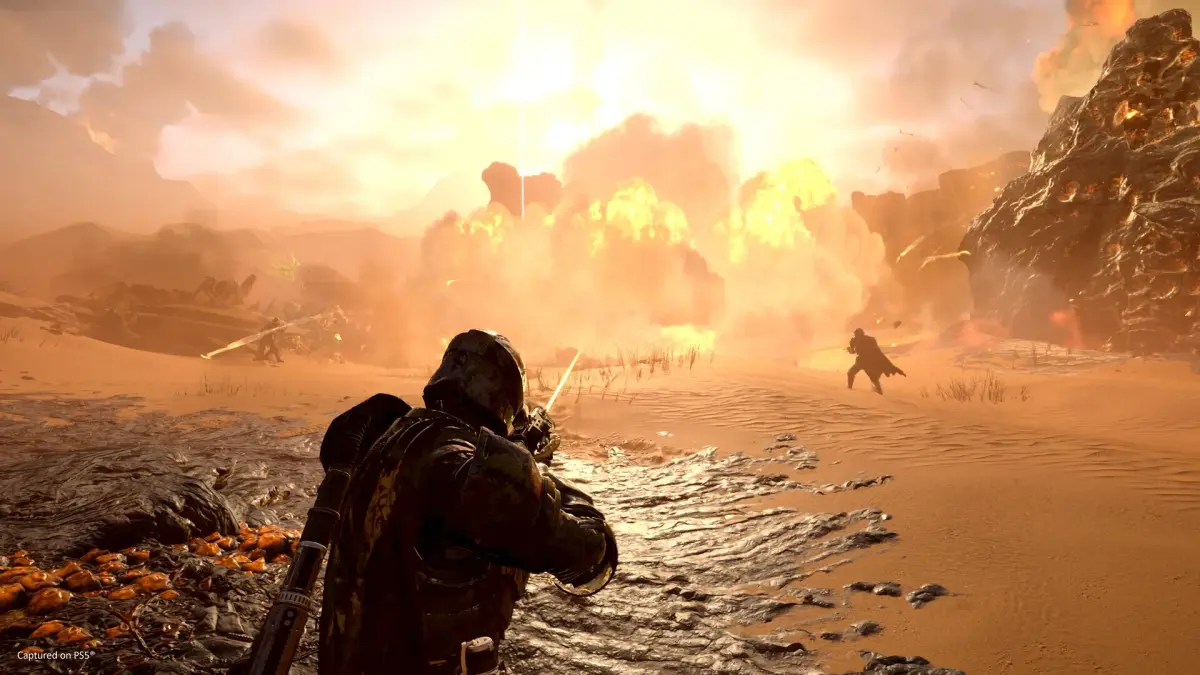
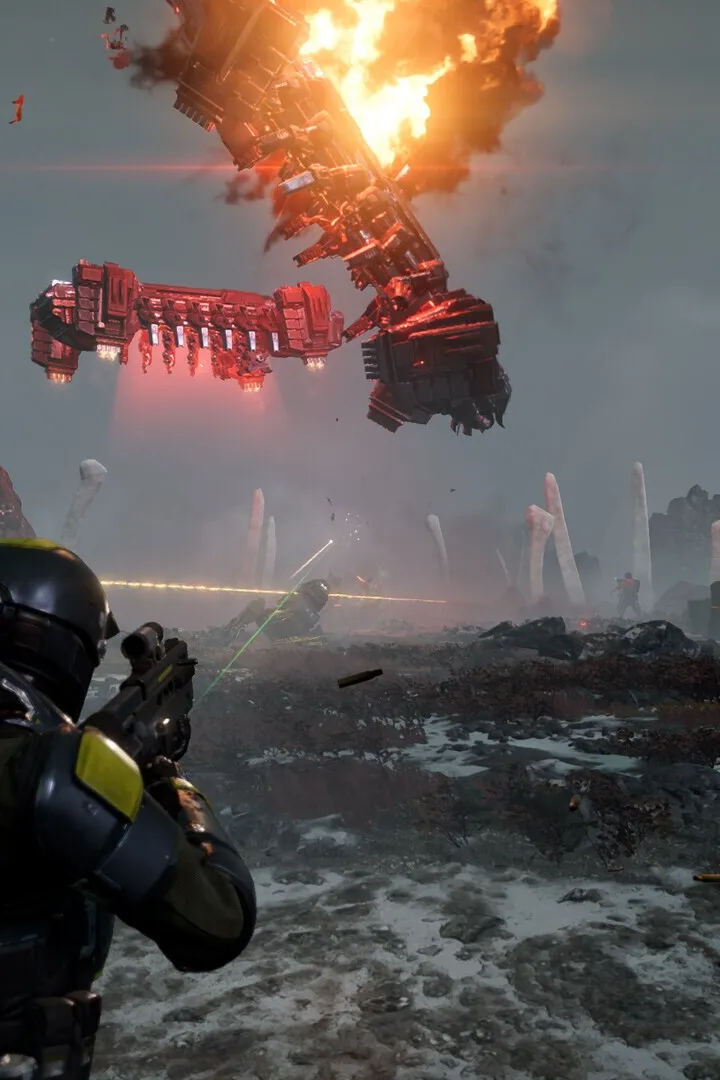
Learn essential Helldivers 2 weapon handling techniques and identify enemy weak spots to maximize your combat effectiveness. Dominate the battlefield with this comprehensive guide.
This guide section focuses on the controls for pinging and marking locations on the minimap in Helldivers 2, crucial for team coordination, especially in online play.
| Action | PC Controls | PS5 Controls |
|---|---|---|
| Ping Location | Press Q while facing the target. | Press R1 + D-Pad Up. |
| Mark Location on Minimap | Open Minimap (Tab), hold Right Mouse Button, move mouse to select area, click Left Mouse Button to place marker. | Open Minimap (Touchpad), navigate with Left Stick, press Cross Button to mark. |
Pinging highlights a location for approximately 6 seconds, while marking places a persistent marker on the minimap. These actions are vital for communicating objectives and enemy positions to teammates when voice chat is not an option.
100% Human-Written. AI Fact-Checked. Community Verified. Learn how AntMag verifies content