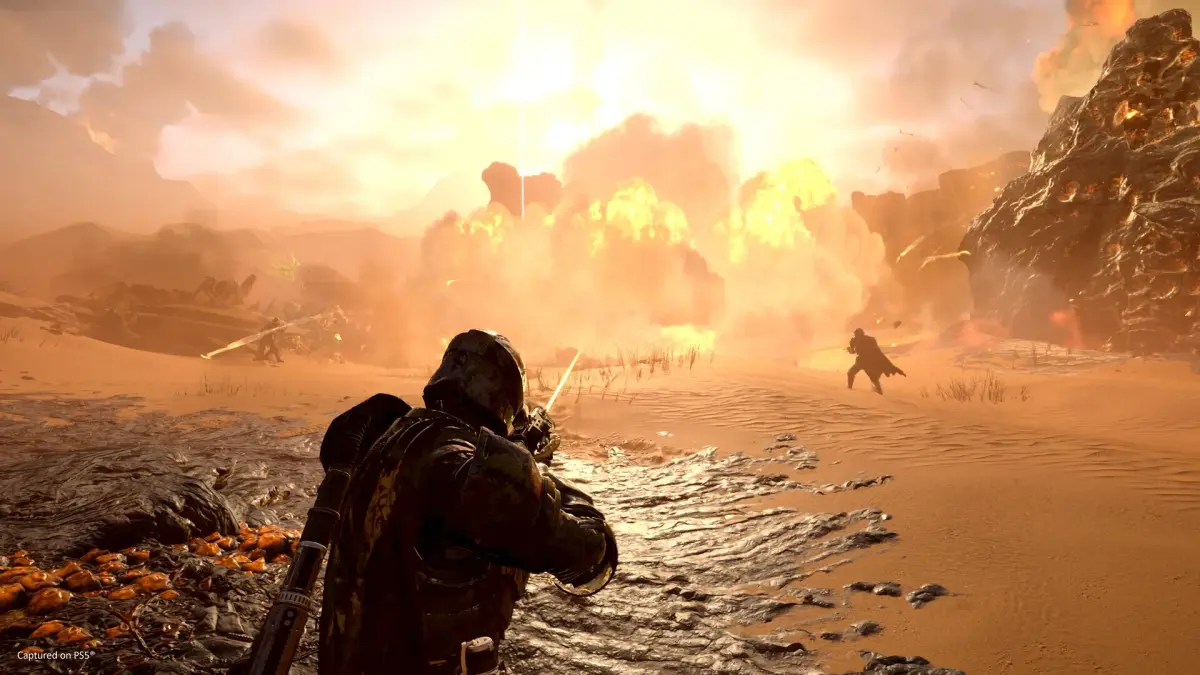
Learn how to effectively communicate and coordinate with your squad in Helldivers 2. Master pinging, map markers, and teamwork to achieve victory and spread managed democracy!
Alright Helldiver, let's talk about something super important that separates the rookies from the seasoned vets: communication and teamwork. Helldivers 2 is a chaotic blast, and while you can sometimes wing it solo on easier difficulties, things get wild fast when you're dropping in with a squad, especially with friendly fire turned ON. You gotta work together, or you'll be spreading democracy one accidental grenade at a time.
The game itself doesn't hold your hand much, and if you're playing with randoms, you might notice some folks have that fancy 'Super Citizen' title. While that's a whole other topic about buying special editions, what *really* matters on the battlefield is how well you and your squad coordinate. Forget voice chat for a sec, because there are in-game tools that are absolute game-changers. The biggest one? Using your minimap and those handy pings!
Pinging Enemies and Objectives on the Minimap
Think of pinging as your squad's lifeline. When you're dropping into a mission, especially with strangers, it's easy for everyone to go off in their own direction, chasing different objectives or getting swarmed by bugs. Pinging is your way to say, "Hey team, focus here!" or "Watch out, big bug incoming!" It's the next best thing to voice chat and, honestly, sometimes even better because it's direct and clear.
Controls for Pinging and Marking Locations on the PC
If you're on PC with mouse and keyboard, here's the lowdown:
- To Ping: Just look where you want to draw attention – be it an objective, a nasty Charger, or a sneaky Bile Titan – and press the Q key. You'll see a quick ping pop up that lasts about 6 seconds. That's usually enough time for your squadmates to see it and react.
- To Mark a Location: Want to leave a more permanent reminder on the map? Press Tab to bring up the full map. Then, hold down the right mouse button and move your mouse to navigate the map. Found the perfect spot to call in an airstrike or where you want the team to regroup? Just click the left mouse button to place a marker. This marker stays put until you decide to place a new one.
Controls for Pinging and Marking Locations on PS5
For you PlayStation troopers:
- To Ping: It's a simple combo: press R1 + D-Pad Up. This will send out a quick ping to alert your squad.
- To Mark a Location: First, open up the minimap using the Touchpad. Then, use the left joystick to navigate to the specific area you want to highlight. Once you've got it centered, press the Cross button to place a marker. This marker will stick around, giving your team a clear visual cue.
Using these pings and markers is crucial. It helps keep everyone on the same page, prevents friendly fire incidents (mostly!), and ensures you're tackling objectives efficiently. So next time you drop in, remember to use your pings – it's one of the easiest ways to be a better Helldiver and a better teammate!
100% Human-Written. AI Fact-Checked. Community Verified. Learn how AntMag verifies content