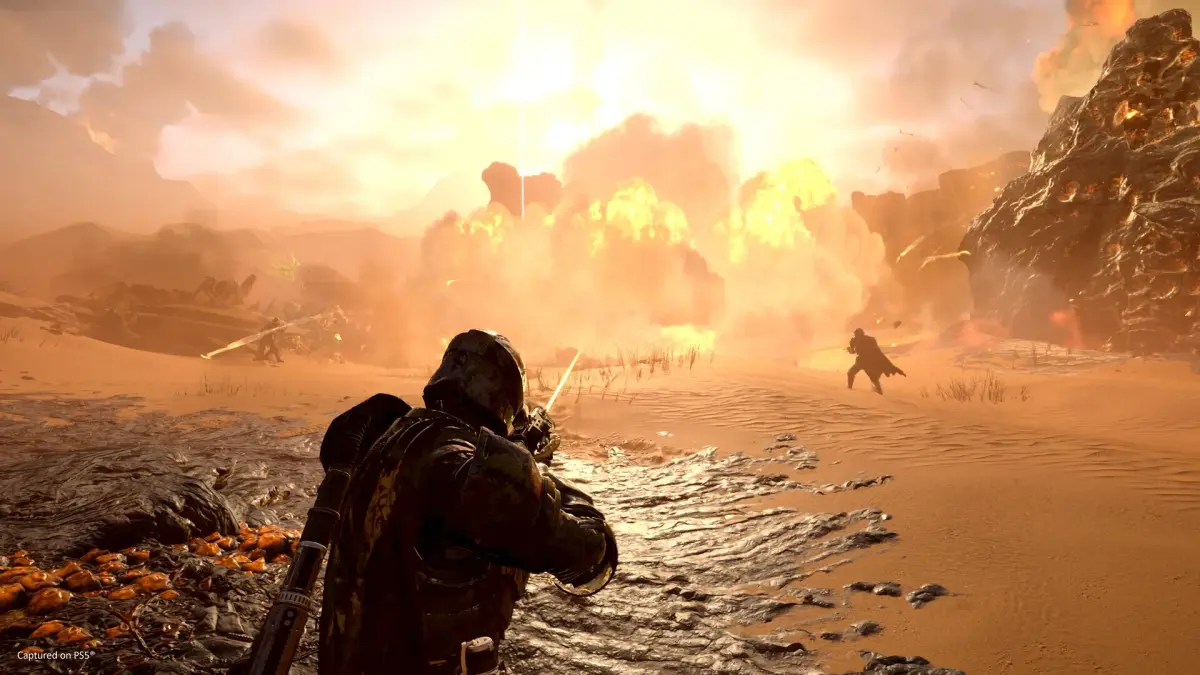
Troubleshoot and resolve common issues in Helldivers 2, including matchmaking problems, Super Citizen status not appearing, and control issues. Find solutions to ensure a smooth gameplay experience.
This guide covers common issues encountered by Helldivers 2 players and provides solutions to help you get back to spreading managed democracy. We'll address problems like matchmaking errors, missing Super Citizen status, and control input issues.
Common Issues & Solutions
Issue: Super Citizen Status Not Appearing
If you have purchased the Super Citizen Edition or the Upgrade pack and your status, or associated bonuses like the Steeled Veterans Warbond, have not appeared after several hours of gameplay, you are not alone. This is a known issue affecting some players.
Solution:
- Continue playing the game. Some players have reported the status appearing after several hours and restarting the game.
- Ensure you have purchased the correct edition or upgrade pack from the PlayStation Store or Steam.
- If the issue persists, it is likely a server-side problem that Arrowhead Game Studios will address in future patches.
Issue: Matchmaking Problems
Players may experience difficulties connecting to games or finding lobbies.
Solution:
- Ensure your game is updated to the latest version.
- Restart your game and your internet router.
- Check the Helldivers 2 server status online or on social media for any ongoing outages.
- Try joining friends directly if matchmaking fails.
Issue: Controls Not Responding / Input Lag
Some players may encounter issues with their controls not registering or experiencing input lag, especially when playing with strangers online.
Solution:
- PC Controls for Pinging/Marking:
- Ping Location: Look at the objective/enemy and press Q.
- Mark Location on Minimap: Press Tab to open the minimap, hold the right mouse button, move the mouse to the desired area, and click the left mouse button to place a marker.
- PS5 Controls for Pinging/Marking:
- Ping Location: Press R1 + D-Pad Up.
- Mark Location on Minimap: Open the minimap via the touchpad, navigate with the joystick, and press the Cross button to mark.
- Ensure your controller is properly connected.
- Update your controller drivers if playing on PC.
- If experiencing lag, check your internet connection and consider a wired connection if possible.
Issue: Friendly Fire causing chaos
Friendly fire is enabled in Helldivers 2, which can lead to accidental team kills, especially in chaotic firefights.
Solution:
- Communicate with your team using pings or voice chat to coordinate actions and avoid friendly fire incidents.
- Be mindful of your surroundings and the positioning of your teammates when using heavy weapons or explosives.
- Utilize the minimap to track teammate locations and potential hazards.
100% Human-Written. AI Fact-Checked. Community Verified. Learn how AntMag verifies content