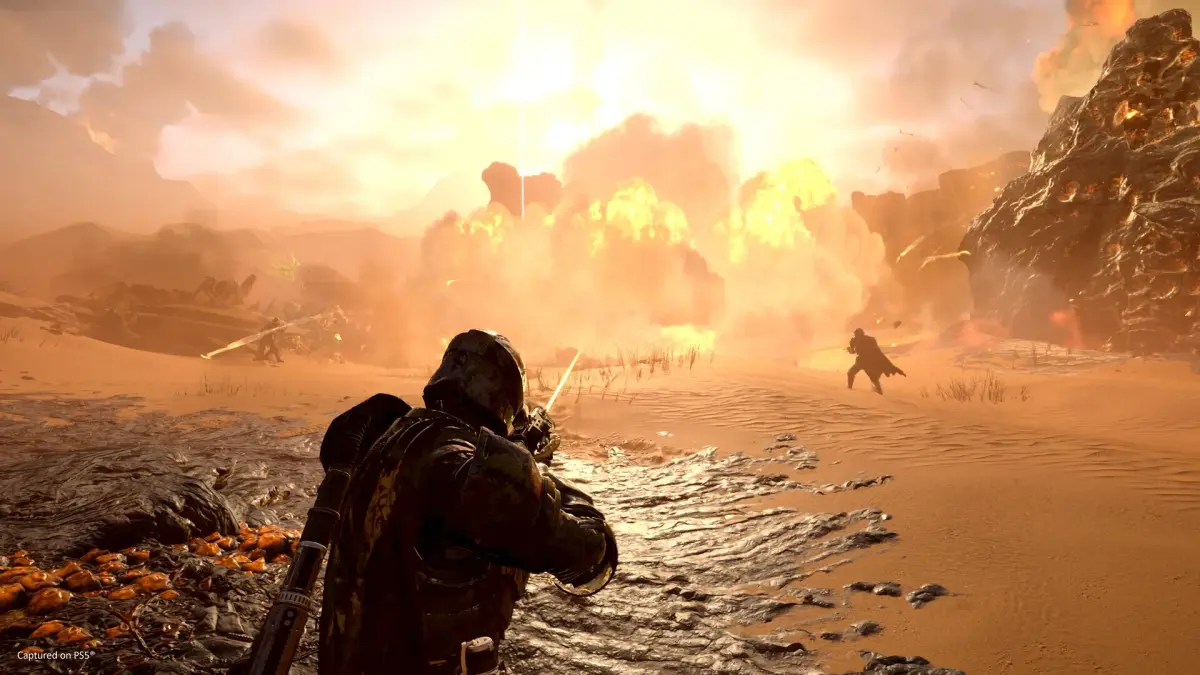
Feeling overwhelmed in Helldivers 2? Learn essential tips and strategies to survive against impossible odds and bring managed democracy to the galaxy. Your squad needs you!
Alright Helldiver, so you've dropped into the thick of it and the bugs (or bots!) are coming at you from every direction. It feels like you're just a speed bump on their invasion route, right? Don't sweat it. Every single one of us started out feeling like we were just fodder for the enemy. But there are ways to turn the tide, even when it feels like the universe is against you. Think of this as your quick-start guide to not getting instantly turned into space-goo.
The most crucial thing to remember is that you're not alone, even if you're playing with randoms. Communication is key, and since not everyone's got a mic or wants to use it, the game gives you tools to let your squad know what's up. That's where pinging comes in. It might seem simple, but knowing how and when to mark threats or objectives can literally save your life, and the mission.
So, let's break down how to make sure you and your squad are on the same page, even when the comms are down and the dakka is flying.
Pinging Enemies and Objectives on the Minimap
Look, the galaxy is a big, scary place, and sometimes your squadmates are off doing their own thing. If you see a massive Charger heading straight for them, or a crucial objective that needs clearing, you gotta let them know. Pinging is your best bet if you're not using voice chat. It's your way of saying, "Hey team, focus up over here!" or "Danger, Will Robinson!" It helps keep everyone pointed in the right direction and prevents you from all running off chasing different bugs.
Controls for Pinging and Marking Locations on the PC
If you're rocking a mouse and keyboard, it's pretty straightforward. Just aim your crosshair at whatever you want to highlight – be it a nasty Bile Titan, a pesky Fabricator, or that objective marker that's about to despawn – and hit the Q key. You'll see a little ping pop up, and it'll stick around for about 6 seconds. That's usually enough time for your buddies to see it and react.
Now, if you want to leave a more permanent mark on the map, like saying "This is where we need to defend" or "This is the extraction point," you'll want to open up your minimap by pressing Tab. Then, hold down the right mouse button to freely look around the map. Once you've found the perfect spot to drop a marker, just click the left mouse button. This marker stays put until you decide to place a new one, so you can use it to guide your team effectively.
Controls for Pinging and Marking Locations on PS5
On the PlayStation 5, it's just as easy to keep your squad in the loop. To send out a quick ping, you'll want to press R1 + D-Pad Up. This is great for a quick warning or to draw attention to something specific right in front of you.
If you want to leave a more strategic marker on the map, first bring up the minimap by pressing the touchpad. Then, use the left joystick to navigate to the area you want to mark. Once you've got it centered, press the Cross button to place your marker. Like on PC, this marker will stay there until you place another one, making it super useful for coordinating movements or calling out defensive positions.
Remember, Helldiver, using these tools effectively can be the difference between a glorious victory for Super Earth and a swift, messy defeat. Keep those pings flying and your squad will thank you!
100% Human-Written. AI Fact-Checked. Community Verified. Learn how AntMag verifies content