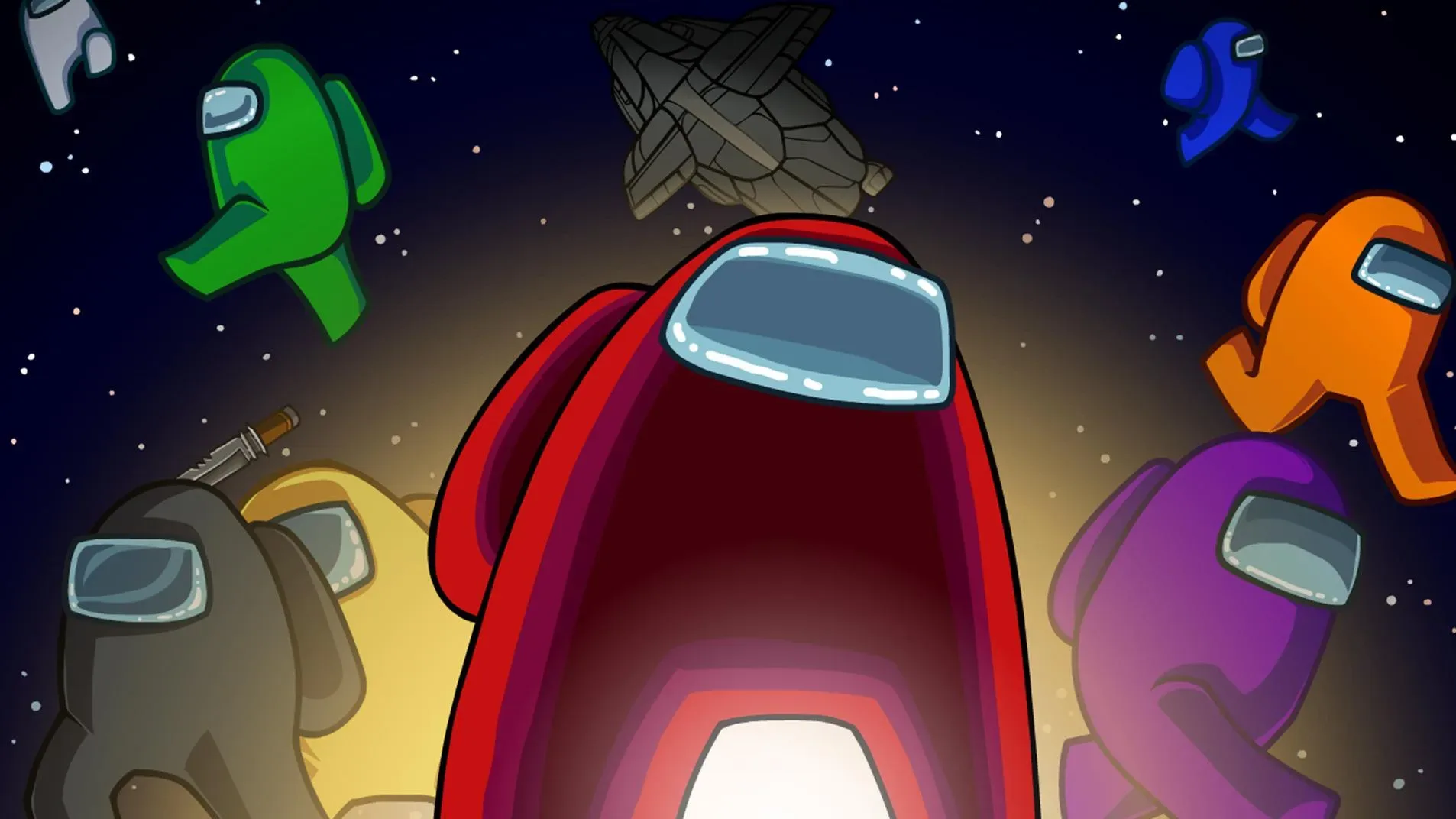
Welcome to the AntMag.NET hub for Among Us, the wildly popular social deduction game from Innersloth. In this 2D multiplayer hit, you and up to 14 friends work together on a spaceship, completing vital tasks to keep things running. The catch? One or more of you are secretly Impostors, whose only goal is to sabotage the ship and eliminate the Crewmates before they can finish their duties or identify the killers. It's a thrilling blend of cooperation and deception, perfect for anyone who enjoys a good mystery and a bit of chaos.
This guide is your ultimate resource for mastering both sides of the gameplay. We'll break down the best strategies for Crewmates to complete their tasks efficiently and survive the Impostors' onslaught, covering everything from crucial map layouts to identifying suspicious behavior. For the Impostors, we'll delve into devious tactics for sabotage, stealthy eliminations, and manipulating your fellow players. Whether you're playing on PC, console, or mobile, get ready to hone your skills and secure victory, no matter your role.
The Ultimate Party Guide
Host epic Among Us parties. This guide covers setup, roles, strategies, and more for unforgettable game nights with friends.
The Ultimate Party Guide
Host epic Among Us parties. This guide covers setup, roles, strategies, and more for unforgettable game nights with friends.

Common Technical Issues
Fix Among Us technical issues. Solve crashing, connection errors, lag, and audio problems with these easy troubleshooting steps.
Even the most thrilling games of Among Us can be interrupted by technical glitches. From connection problems to game crashes, these issues can be frustrating. This section provides solutions to common technical problems, helping you get back into the game quickly and smoothly.
Encountering technical difficulties in Among Us can put a damper on your gaming experience. Fortunately, most common issues have straightforward fixes. This guide aims to help you troubleshoot and resolve these problems so you can return to your interstellar adventures without further delay.
1. Game Crashing or Freezing:
- Restart the Game: The simplest solution is often the most effective. Close Among Us completely and relaunch it.
- Update Your Game: Ensure you have the latest version of Among Us installed. Developers frequently release patches to fix bugs.
- Check System Requirements: Make sure your device meets the minimum system requirements for Among Us. Older or less powerful devices may struggle to run the game smoothly.
- Close Background Applications: Too many programs running simultaneously can consume system resources. Close any unnecessary applications.
- Verify Game Files (PC): On platforms like Steam, you can verify the integrity of game files. This checks for corrupted files and redownloads them if necessary. Right-click Among Us in your Steam library, go to Properties > Local Files > Verify integrity of game files.
- Clear Cache (Mobile): On mobile devices, go to your device's Settings > Apps > Among Us > Storage > Clear Cache.
2. Connection Issues / "Connection Failed":
- Check Your Internet Connection: Ensure your Wi-Fi or Ethernet connection is stable. Try restarting your router.
- Server Status: Check if the Among Us servers are down. You can often find this information on the official Among Us social media or community forums.
- Change Server Region: In the main menu, you can select different server regions (North America, Europe, Asia). Try switching to a different region to see if that resolves the issue.
- Firewall/Antivirus: Your firewall or antivirus software might be blocking Among Us. Temporarily disable them to test if this is the cause, and if so, add an exception for Among Us.
- Restart Your Device: A simple device restart can often resolve temporary network glitches.
3. Lag and Performance Issues:
- Lower Graphics Settings: If available, reduce the graphics quality in the game's settings.
- Close Other Applications: As mentioned earlier, free up system resources.
- Update Graphics Drivers (PC): Ensure your graphics card drivers are up to date.
- Use a Wired Connection (PC): A wired Ethernet connection is generally more stable and faster than Wi-Fi.
4. Audio Problems:
- Check Volume Levels: Ensure the game's volume and your device's overall volume are turned up.
- Check Audio Output Device: Make sure your headphones or speakers are correctly selected as the audio output.
- Restart the Game and Device: Sometimes a simple restart can fix audio glitches.
5. Account or Login Issues:
- Ensure You're Using the Correct Account: If you're using a platform-specific login (like Nintendo Switch Online), ensure you're logged in correctly.
- Check for Updates: Sometimes, account-related issues are resolved with game updates.
If you continue to experience persistent issues, it's always a good idea to consult the official Among Us support channels or community forums for more specific troubleshooting advice.
Downloading and Installing the Game
Download and install Among Us on PC, iOS, or Android. Get ready for thrilling games with simple steps for all platforms.
Embarking on your Among Us adventure is a straightforward process, whether you're on PC or mobile. This section will guide you through downloading and installing the game, ensuring you're ready to join the next mission or start your own. We'll cover the platforms where Among Us is available and the simple steps to get it up and running.
Getting Among Us onto your device is the first crucial step to experiencing the thrill of space-faring deception. The game is widely accessible, making it easy for anyone to join the fun. Follow these steps to download and install the game on your preferred platform and prepare for your first round of tasks and accusations.
For PC Players: Among Us is available on Steam and the Epic Games Store. Simply visit your preferred store, search for "Among Us," and follow the prompts to purchase and download the game. Once the download is complete, the game will typically install automatically. You can then launch it from your game library.
For Mobile Players (iOS and Android): Among Us is free to download on the Google Play Store (for Android devices) and the Apple App Store (for iOS devices). Open your respective app store, search for "Among Us," and tap the download or install button. The game will be added to your device's home screen or app drawer once installation is finished.
Cross-Platform Play: One of the best features of Among Us is its cross-platform compatibility. This means you can play with friends regardless of whether they are on PC or mobile. To enable this, ensure you are using the same server region (e.g., North America, Europe, Asia) when creating or joining lobbies.
Initial Setup: After installation, launch the game. You'll be greeted with a main menu. Here, you can choose to play online (joining public or private lobbies), play locally (if you're in the same physical location with friends), or practice. For online play, you'll be prompted to enter a username. Choose something memorable!
Finding Good Lobbies and Players
Find great Among Us lobbies and players. Learn how to join fun, communicative groups and avoid toxic environments for the best game nights.
The quality of your Among Us experience heavily depends on the lobby you join and the players you play with. Finding a good lobby means finding players who are engaged, communicative, and respectful. This section will guide you on how to find lobbies that offer a fun and fair gameplay experience.
A great Among Us game is often defined by the people you play with. Whether you're looking for a serious deduction game or a more casual, fun-filled session, knowing how to find the right lobbies and players is key. Let's explore the best ways to discover enjoyable gaming environments.
Understanding Lobby Types:
- Public Lobbies: These are open to anyone. They can be hit or miss. You might find great players, or you might encounter toxic behavior, cheaters, or players who don't understand the game.
- Private Lobbies: These require a lobby code to join, making them ideal for playing with friends. This is the best way to guarantee a good group.
Strategies for Finding Good Public Lobbies:
- Filter by Settings: When browsing public lobbies, pay attention to the game settings (number of Impostors, task count, etc.). Choose lobbies that match your preferred playstyle.
- Observe Lobby Names: Some lobby names give clues about You base. Names like "No Cheaters," "Serious Play," or "Chill Vibes" can indicate the intended atmosphere. Conversely, names with excessive caps or offensive language might suggest a less desirable lobby.
- Join and Observe: If a lobby seems promising, join it. Spend a few minutes observing the chat and player behavior before the game starts. If players are immediately arguing, using slurs, or not paying attention, it's often best to leave and find another lobby.
- Look for Experienced Players: While not always visible, lobbies with a higher number of players might indicate a more established group.
- Use the "Refresh" Button: If you don't see a suitable lobby, use the refresh button to update the list of available games.
Finding Friends and Private Lobbies:
- In-Game Friend System: If you've played with people you enjoyed, you can add them as friends within Among Us (if they are using the same platform or have linked their accounts).
- Discord Servers and Communities: Many Among Us communities and Discord servers are dedicated to finding players. These often have channels for LFG (Looking For Group) where you can find people to play with or organize private games.
- Social Media: Platforms like Reddit (e.g., r/AmongUs) often have posts from players looking for groups or organizing games.
- Directly Invite Friends: The easiest way to ensure a good lobby is to create a private lobby and invite your friends directly.
What Makes a "Good" Lobby?
- Respectful Communication: Players use polite language and avoid personal attacks.
- Active Participation: Players engage in discussions, share information, and try to deduce Impostors.
- Understanding of Rules: Players generally know how to play the game and don't intentionally sabotage the experience (e.g., griefing, leaving immediately after being killed).
- Fair Play: No cheating, hacking, or exploiting game mechanics unfairly.
- Appropriate Settings: The lobby settings al with the group's desired playstyle (e.g., serious deduction vs. casual fun).
By being selective and employing these strategies, you can significantly increase your chances of finding lobbies where you can enjoy Among Us to its fullest.
Similar guides you might like




100% Human-Written. AI Fact-Checked. Community Verified. Learn how AntMag verifies content