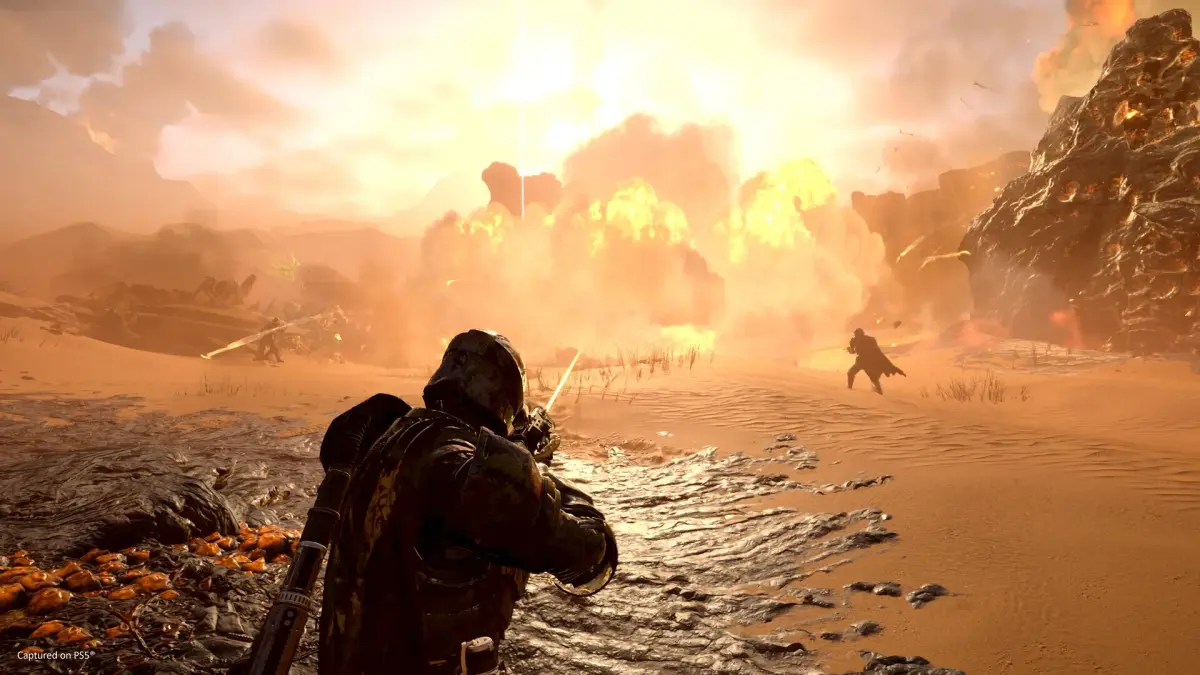
Learn how to install Helldivers 2 and check the system requirements to ensure smooth gameplay. Get your Helldivers 2 setup guide here.
This guide covers the installation process and system requirements for Helldivers 2. Ensure your system meets the minimum specifications to enjoy the game.
System Requirements
Minimum System Requirements
- OS: Windows 10
- Processor: Intel Core i7-9700K or AMD Ryzen 7 3700X
- Memory: 16 GB RAM
- Graphics: NVIDIA GeForce RTX 2060 or AMD Radeon RX 6600 XT
- DirectX: Version 12
- Storage: 100 GB available space
Recommended System Requirements
- OS: Windows 10
- Processor: Intel Core i7-12700K or AMD Ryzen 9 7900X
- Memory: 16 GB RAM
- Graphics: NVIDIA GeForce RTX 4070 or AMD Radeon RX 7800 XT
- DirectX: Version 12
- Storage: 100 GB available space
Installation Guide
Follow these steps to install Helldivers 2:
- Purchase the Game: Acquire Helldivers 2 from Steam or the PlayStation Store.
- Download: Once purchased, initiate the download through your respective platform's client (Steam or PlayStation).
- Installation: The game will typically install automatically after the download is complete. Ensure you have sufficient disk space.
- Launch: Once installed, you can launch Helldivers 2 from your library.
Troubleshooting Common Issues
If you encounter issues:
- Verify Game Files: In Steam, right-click Helldivers 2 in your library, go to Properties > Local Files > Verify integrity of game files.
- Update Drivers: Ensure your graphics card drivers are up to date.
- Check Server Status: Visit the official Helldivers 2 social media or community pages for server status updates.
- Super Citizen Status: If you purchased the Super Citizen Edition or upgrade and haven't received your bonuses, ensure you've restarted the game and potentially the platform. Issues may be temporary and resolve over time or with a patch.
100% Human-Written. AI Fact-Checked. Community Verified. Learn how AntMag verifies content