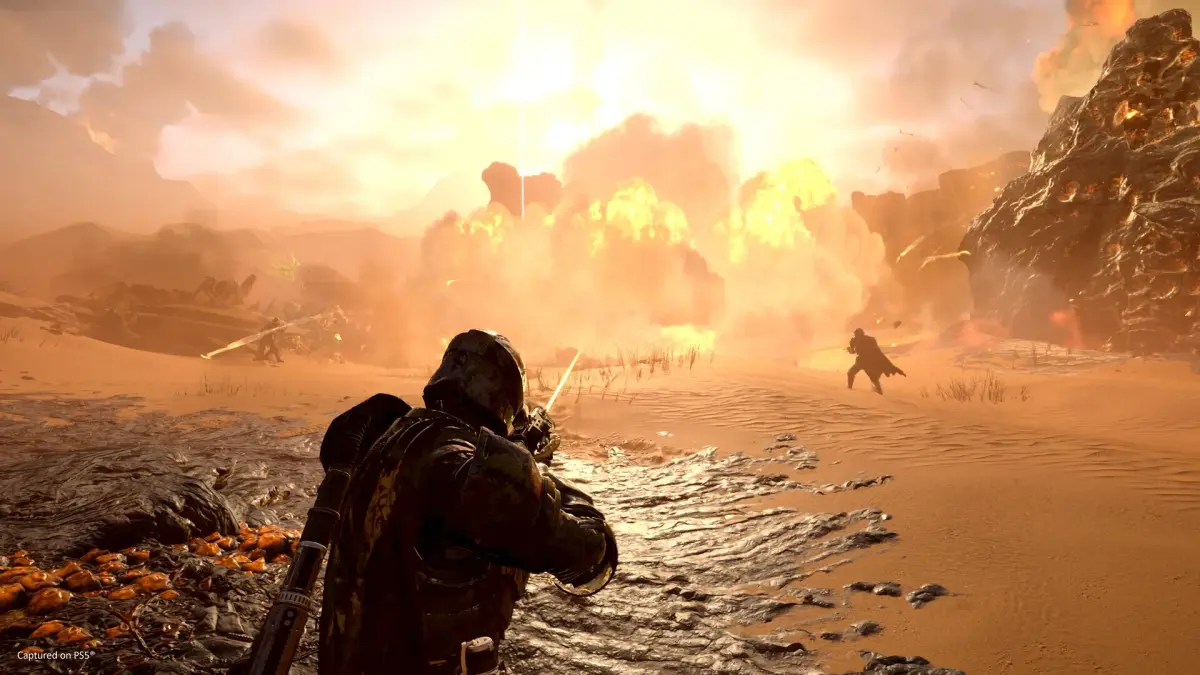
Learn how to manage friendly fire in Helldivers 2! Master pinging enemies and objectives on the minimap for PC and PS5 to improve team coordination and avoid accidental team kills.
Alright, Helldiver, let's talk about something super important that can really mess up a mission if you're not careful: friendly fire. It's on by default in Helldivers 2, and things can get chaotic fast, especially when you're dropping in with random squadmates. But don't sweat it! There are ways to keep your team alive and kicking, even if you're not using voice chat. The biggest tool you've got is the minimap and the ping system. It's your best friend for making sure everyone's on the same page.
This guide will show you how to use those pings effectively on both PC and PS5.
Pinging Enemies and Objectives on the Minimap
Why ping? Simple: to let your squad know what you're seeing. When you're playing with strangers, it's easy for everyone to go off in their own direction, and objectives can get missed. Pinging is the next best thing to voice chat for keeping everyone focused. It's not super obvious how to do it, but once you know, you'll be coordinating like a pro.
Controls for Pinging and Marking Locations on the PC
If you're on PC with mouse and keyboard, pinging is a breeze. Just look at whatever you want to highlight – be it a nasty bug nest or an objective – and hit the Q key. You'll see a quick ping pop up that lasts about 6 seconds. That's usually enough time for your buddies to see it and react.
Want to leave a more permanent marker on the minimap? First, hit Tab to bring up the full map. Then, hold down the right mouse button and move your mouse to scout around. Found the spot you want to mark? Just click the left mouse button. This marker will stay put until you decide to place a new one.
Controls for Pinging and Marking Locations on PS5
For you PlayStation folks, pinging is just as straightforward. Press R1 + D-Pad Up. Boom, you've pinged! To mark a spot on the minimap, open it up using the Touchpad. Use the joystick to navigate to where you want to place the marker, and then press the Cross button. This marker will stick around until you place another one.
Mastering these pings will seriously cut down on accidental team wipes and make your missions run a lot smoother. Happy pinging, Helldiver!
100% Human-Written. AI Fact-Checked. Community Verified. Learn how AntMag verifies content