
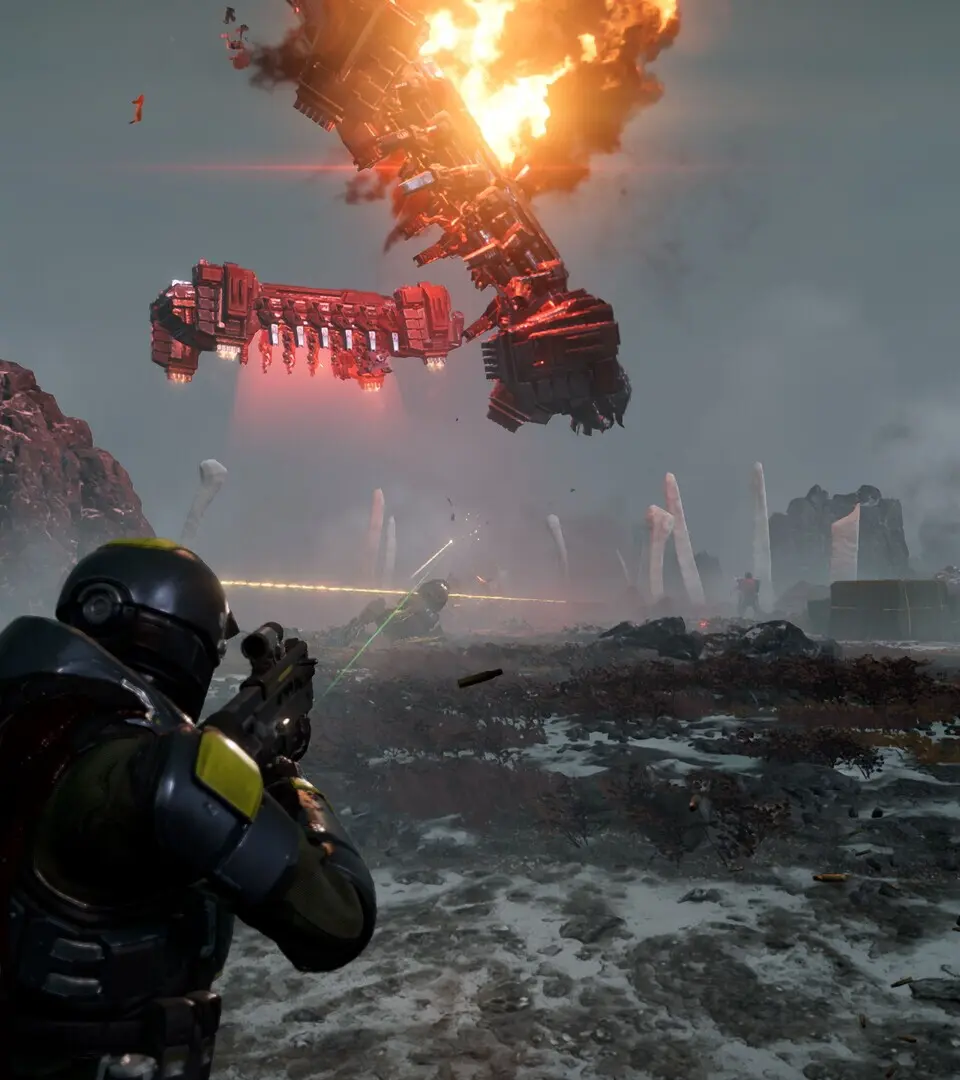
Learn how to effectively manage squads and navigate matchmaking in Helldivers 2. Get tips on joining games, inviting friends, and ensuring a smooth co-op experience for galactic domination.
Alright, Helldiver! So you're jumping into the glorious chaos of Helldivers 2 and want to make sure you're not going into battle alone or, worse, with a squad that doesn't know what's going on. This guide is all about getting you hooked up with fellow soldiers and managing your team like a seasoned veteran. We'll cover how to find games, invite your buddies, and make sure your squad is ready to spread managed democracy across the galaxy.
Super Citizen Status Explained
First off, you might see some players with 'Super Citizen' status next to their name. Don't worry, it's not some secret rank that gives them an in-game advantage. It's purely cosmetic and is unlocked by purchasing either the Super Citizen Edition of Helldivers 2 or the Super Citizen Edition - Upgrade pack. If you've bought one of these and aren't seeing the status or any associated bonuses (like the Steeled Veterans Warbond), don't panic just yet. Sometimes it takes a few hours to kick in, or a game restart might do the trick. If the issue persists, Arrowhead Game Studios will likely patch it up soon.
Pinging and Marking for Better Squad Coordination
Communication is key in Helldivers 2, especially since friendly fire is always on! Even if you're not using voice chat, you can still keep your squad on the same page using the ping system. This is super useful for alerting your teammates to enemy threats or important objectives.
On PC (Keyboard & Mouse):
- To Ping: Look at what you want to highlight (an enemy, an objective, a location) and press the
Qkey. This will send out a brief ping that lasts about 6 seconds, giving your squadmates plenty of time to see it. - To Mark a Location: Press
Tabto open your minimap. Hold down the right mouse button (MouseRightButton) and move your mouse to navigate the map. Once you've found the spot you want to mark, simply click the left mouse button (MouseLeftButton). This marker will stay put until you place a new one.
On PS5:
- To Ping: Press
R1+D-Pad Up. - To Mark a Location: Open your minimap using the
Touchpad. Use the joystick to navigate to the desired spot on the map, then press theCrossbutton (X) to place a marker.
Using these pings effectively can prevent friendly fire incidents and ensure your team is focusing on the right targets, making your missions much smoother.
Joining and Managing Your Squad
Helldivers 2 makes it pretty easy to get into games with others. Whether you're looking to join a random mission or team up with your friends, here's how it generally works:
- Joining Public Missions: When you select a mission, you'll usually have the option to join public lobbies. This is a great way to meet new players and contribute to the galactic war effort.
- Inviting Friends: If you want to play with specific people, you can usually invite friends directly through the game's social menu or your platform's party system. Make sure you're all on the same platform (PC or PS5) and that cross-play is enabled if needed.
- Squad Management: Once in a squad, you can often see who is in your group and their readiness status. Some games allow you to kick players or manage roles, but in Helldivers 2, the focus is more on collective effort and communication.
Remember, even with random players, a little coordination goes a long way. Use those pings, stick together, and you'll be spreading managed democracy in no time!
100% Human-Written. AI Fact-Checked. Community Verified. Learn how AntMag verifies content