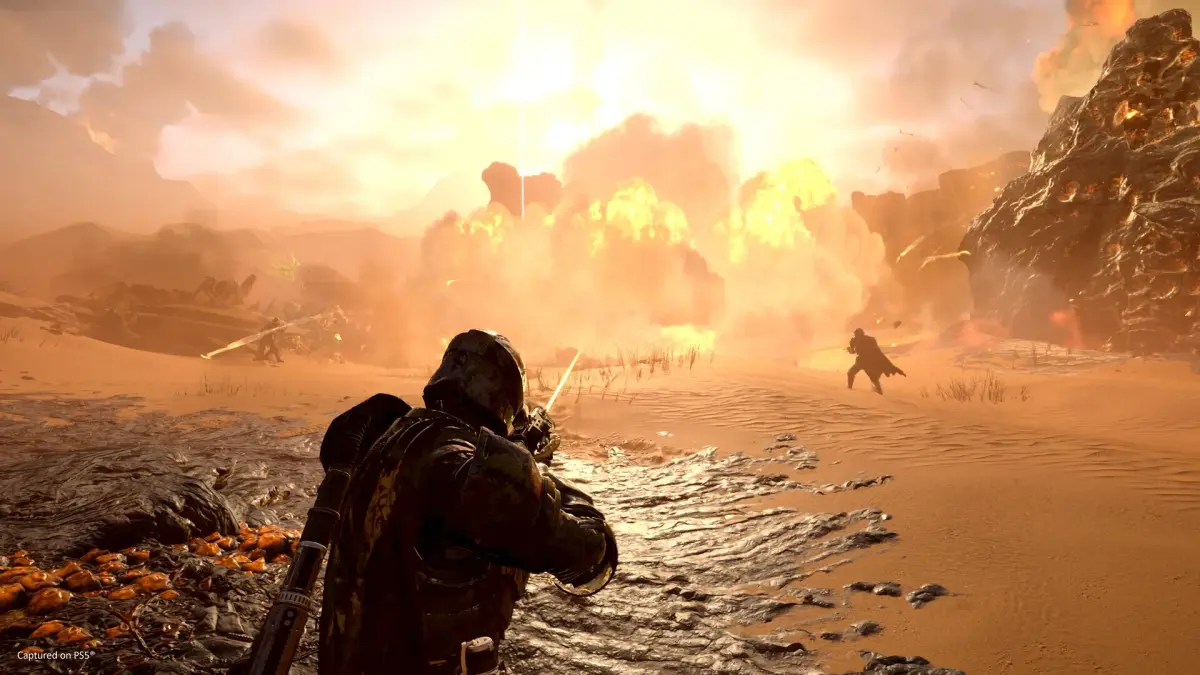
Learn how to join and host games in Helldivers 2. This guide covers matchmaking, Super Citizen status, and essential controls for pinging and marking locations on PC and PS5.
Helldivers 2 offers a cooperative experience where players can join existing games or host their own. While the game doesn't explicitly detail how to join or host, understanding the matchmaking and pinging systems is crucial for effective teamwork, especially with strangers. This guide covers how to get Super Citizen status, and how to use the ping and marking systems on both PC and PS5 to improve communication and coordination during missions.
How to Get Super Citizen Status in Helldivers 2
Super Citizen Status is a cosmetic title that appears next to your name in-game and offers no gameplay advantages. It can be obtained by purchasing either the Super Citizen Edition of Helldivers 2 or the Super Citizen Edition - Upgrade pack from the PlayStation Store or Steam. If you have purchased these and haven't received the status or associated bonuses (like the Steeled Veterans Warbond), it may take some time to appear, or require a game restart. Some players report receiving it after several hours of gameplay. If the issue persists, Arrowhead Game Studios is expected to release a fix.
Pinging Enemies and Objectives on the Minimap
Effective communication is key in Helldivers 2, especially with friendly fire enabled. The ping and marking system allows players to alert teammates to enemy locations, objectives, or points of interest without needing voice chat. Pinging highlights a location for approximately 6 seconds, while marking on the minimap provides a more persistent indicator.
Controls for Pinging and Marking Locations on PC
- Ping: Look at the desired location and press the Q key.
- Mark on Minimap: Press Tab to open the minimap, hold the right mouse button (MouseRightButton) and move the mouse to navigate, then click the left mouse button (MouseLeftButton) to place a marker. This marker remains until a new one is placed.
Controls for Pinging and Marking Locations on PS5
- Ping: Press R1 + D-Pad Up.
- Mark on Minimap: Open the minimap using the Touchpad, navigate with the joystick, and press the Cross Button to place a marker.
100% Human-Written. AI Fact-Checked. Community Verified. Learn how AntMag verifies content